


Every guide to deploying ASP.NET Core on Plesk says the same four things: install the hosting
component, run dotnet publish, upload the folder, set the application pool. That is
all correct, and I have never had a deploy where those four steps were the hard part.
The hard part is everything that happens after, where the server answers with a three-digit sub-code and no explanation. This is that list, in the order you actually meet it. This site's API runs on Plesk shared Windows hosting, so all of it is first-hand.
Publish the right thing first
dotnet publish src/YourApi/YourApi.csproj -c Release -o ./publishUpload the contents of publish, not the folder itself. Framework-dependent
is fine and much smaller, as long as the server has the matching runtime — which is the first
thing that goes wrong.
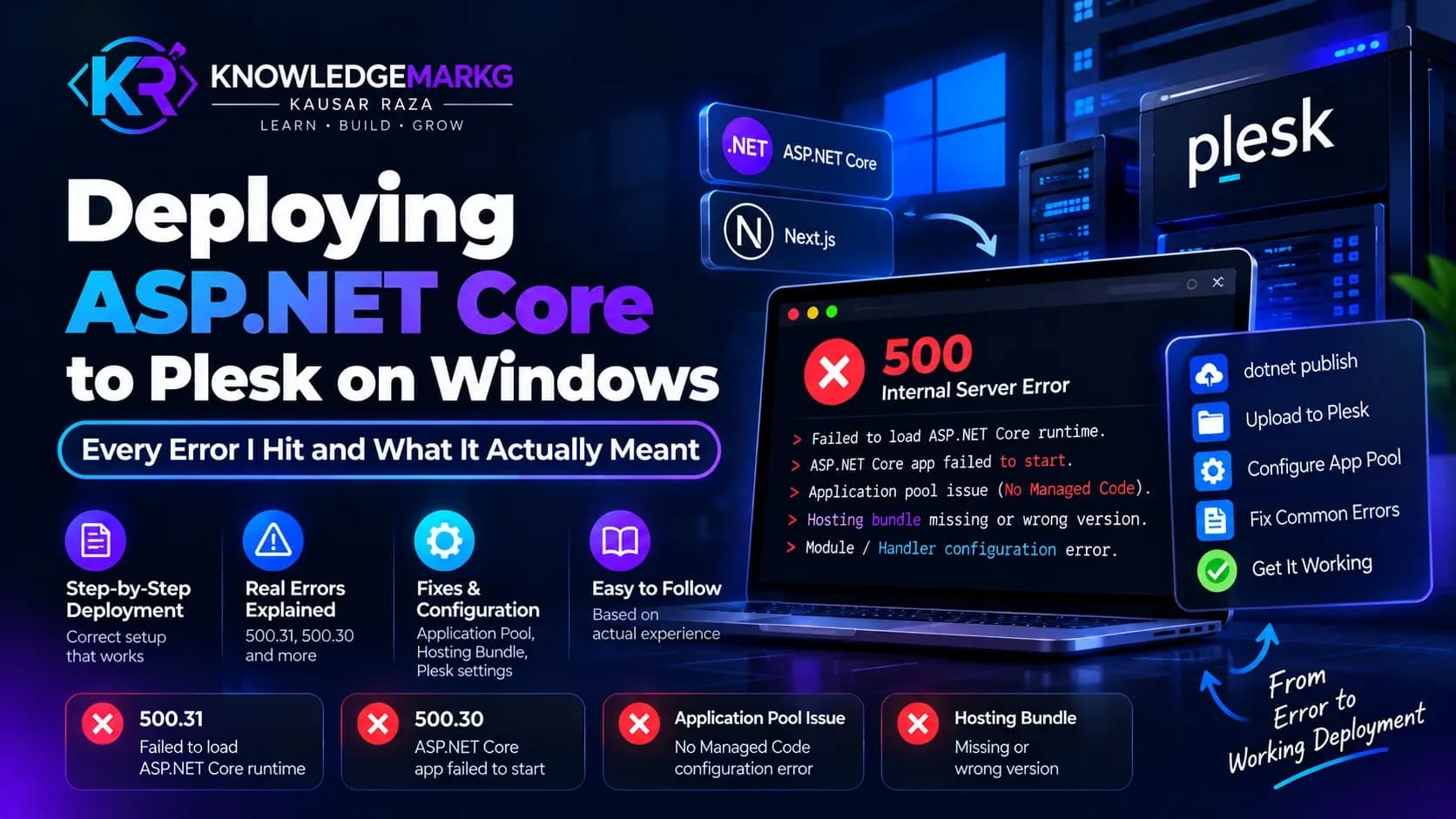
500.31 — the runtime is not there
Full text: Failed to load ASP.NET Core runtime.
The server does not have the ASP.NET Core Hosting Bundle for your target framework, or has an older one. Note it is the Hosting Bundle specifically, not the SDK and not the plain runtime: the bundle is what installs the ASP.NET Core Module into IIS.
On shared hosting you cannot install it yourself. Two options: ask support which versions are installed and target one of those, or publish self-contained so the runtime travels with the app. Self-contained turns a 6 MB upload into about 70 MB, which is a fair trade for not filing a support ticket every time .NET ships a major version.
500.30 — the app started and then died
Full text: ASP.NET Core app failed to start. The module launched your process and the process exited. Three causes cover almost all of it.
The application pool is wrong. It must be set to No Managed Code. ASP.NET Core does not run on the .NET CLR that the pool loads, and a pool set to "v4.0" will fail in a way that looks like your code crashed.
Configuration is missing at runtime. Anything the app reads during startup — a connection string, an API key — that is present on your machine and absent on the server will throw before the first request is served.
Something in Program.cs throws. Which you cannot see, until you
turn the log on:
<aspNetCore processPath="dotnet" arguments=".\YourApi.dll"
            stdoutLogEnabled="true" stdoutLogFile=".\logs\stdout"
            hostingModel="inprocess" />
Create the logs folder yourself — the module will not create it, and if it cannot
write there you get the same blank 500.30 with no log. Read the stack trace, fix it, then set
stdoutLogEnabled back to false. It is not a logger; it grows forever.
500.19 — IIS could not read your web.config
This is the one that fools people, because it has nothing to do with your application. IIS failed to parse the configuration file, so the app never started at all.
On shared hosting the usual cause is a locked section. Hosts lock parts of
system.webServer at server level, and writing a locked section into your site's
web.config makes IIS reject the entire file — not just that section.
The giveaway: static files fail too. If a plain text file in the same folder also returns 500, the problem is configuration, not code.
Keep the file to the minimum ASP.NET Core actually needs:
<?xml version="1.0" encoding="utf-8"?>
<configuration>
  <location path="." inheritInChildApplications="false">
    <system.webServer>
      <handlers>
        <add name="aspNetCore" path="*" verb="*"
             modules="AspNetCoreModuleV2" resourceType="Unspecified" />
      </handlers>
      <aspNetCore processPath="dotnet" arguments=".\YourApi.dll"
                  stdoutLogEnabled="false" hostingModel="inprocess" />
    </system.webServer>
  </location>
</configuration>
One piece of folklore worth correcting: not every section people assume is locked actually is.
On this host <httpErrors> turned out to be allowed, and I had avoided it for
months on the strength of a warning I had written myself. Test a section before you rule it out —
but test by loading a page you know works, because a locked section breaks everything at once.
app_offline.htm "not working", and the deploy order that fixes it
Drop a file called app_offline.htm in the application root and the ASP.NET Core
Module shuts the app down and serves that file to every request. Remove it and the app restarts.
It is the cleanest maintenance switch IIS has.
When people say it does not work, it is almost always one of these:
- Wrong name or place. It must be exactly
app_offline.htm— not.html, notApp_Offline.htmin a subfolder — and it must sit next toweb.configin the application root, not the site root. - Windows hid the extension from you. You created
app_offline.htm.txtand Explorer is showing youapp_offline.htm. - In-flight requests. Only new requests get the offline page; existing ones finish normally.
The reason it matters on Windows is the thing it protects you from. Windows locks files that a running process has open. Extract a new build over a running app and the extract skips the locked DLLs — and Plesk's extract still reports success. You get a half-updated application, a version mismatch, and no error anywhere.
So the order is not optional:
- Upload
app_offline.htmto the application root. - Delete the old files.
- Extract the new build.
- Delete
app_offline.htm.
appsettings.Production.json does not replace appsettings.json
It layers on top of it. Keys present in both are overridden by the environment file; keys that exist only in the base file still apply.
That cuts both ways and both have bitten me. A key you thought you had overridden is still being read from the base file because you spelled the section differently. And a key you assumed was dead because it is not in the production file is very much alive.
If a setting is not behaving, log the resolved value at startup once rather than reasoning about which file won:
app.Logger.LogInformation("Using provider {Provider}",
    builder.Configuration["Email:Provider"] ?? "(null)");
And keep appsettings.Production.json out of source control — it holds the real
connection string. Copy it forward from the previous deploy rather than regenerating it, or you
will overwrite live credentials with
Server=localhost;Database=dev;User Id=sa;Password=changeme; and spend an hour on a
500.30 that is really a login failure.
__EFMigrationsHistory drift
EF Core records applied migrations in a table called __EFMigrationsHistory, keyed
on the migration's ID — the timestamp in its filename. That ID is the only thing EF compares.
Here is how it goes wrong. A migration is applied to production. Later, someone regenerates that migration — a rename, a rebase, a merge that recreated the file — and it comes back with a new timestamp. EF now sees an ID it has no record of, concludes the migration has never run, and tries to apply it again. On a table that already exists, that fails.
The fix is to tell the history table what it already knows, idempotently, so re-running it is harmless:
IF NOT EXISTS (SELECT 1 FROM __EFMigrationsHistory
               WHERE MigrationId = N'20260927134609_AddSomeColumn')
BEGIN
    INSERT INTO __EFMigrationsHistory (MigrationId, ProductVersion)
    VALUES (N'20260927134609_AddSomeColumn', N'9.0.0');
END
Do not delete rows from this table to "force a rerun" unless you have checked that the migration is genuinely reversible against live data. It is a ledger, not a cache.
Give yourself a way to tell which build is live
Because a Windows deploy can half-succeed, "did my change actually ship?" is a question you will ask often. Guessing from behaviour is slow. A tiny unauthenticated endpoint answers it in a second:
app.MapGet("/api/v1/version", () => new
{
    version = typeof(Program).Assembly.GetName().Version?.ToString(),
    built = System.IO.File.GetLastWriteTimeUtc(
        typeof(Program).Assembly.Location).ToString("u"),
});
One warning from my own code, which I am in the middle of fixing. When I first added this I also returned the assembly's full path, because it was useful while debugging a deploy that had half-extracted. That ships the absolute directory layout of the server to anyone who asks, and it stayed in production far longer than the debugging session did.
Return a version and a timestamp. Do not return paths, environment variables, connection state, or the machine name. If you need those while chasing a problem, add them for the hour and take them out again — a diagnostic endpoint is the easiest thing in a codebase to forget about, because it never breaks and nothing tests it.
One last thing: the database is probably not local
On shared hosting your SQL Server usually lives on a different box, sometimes a different datacentre. Every query crosses a network, and the first one after an idle period pays a cold start. Local development against that database feels broken when it is merely remote.
This is worth knowing before you spend an afternoon profiling EF Core over a 40 ms round trip. Measure against the server, not your laptop, and judge a query by its round-trip count before its execution plan.
Is Plesk the right place for this?
If the API is the only thing you are hosting, a small Linux VPS running Kestrel behind nginx is simpler and better documented. Plesk on Windows earns its place when something else already requires that box — a SQL Server licence, a legacy ASP.NET app, or a client who buys Windows hosting and will not move.
That is the situation here, and it is stable once the five problems above are behind you. If you are running the front end on the same stack, I wrote up the matching set of traps for Next.js on IIS and Plesk — different runtime, same hosting model, and a couple of the failures are identical. And if you are still choosing, this is the Windows VPS versus Linux VPS comparison I would read first.

Join the conversation
No comments yet — be the first to share what you think.