

Accessibility
Accessibility audit
And Remediation
What fails WCAG 2.2 AA on your site, why it matters, and what it costs to fix - written by someone who then fixes it.
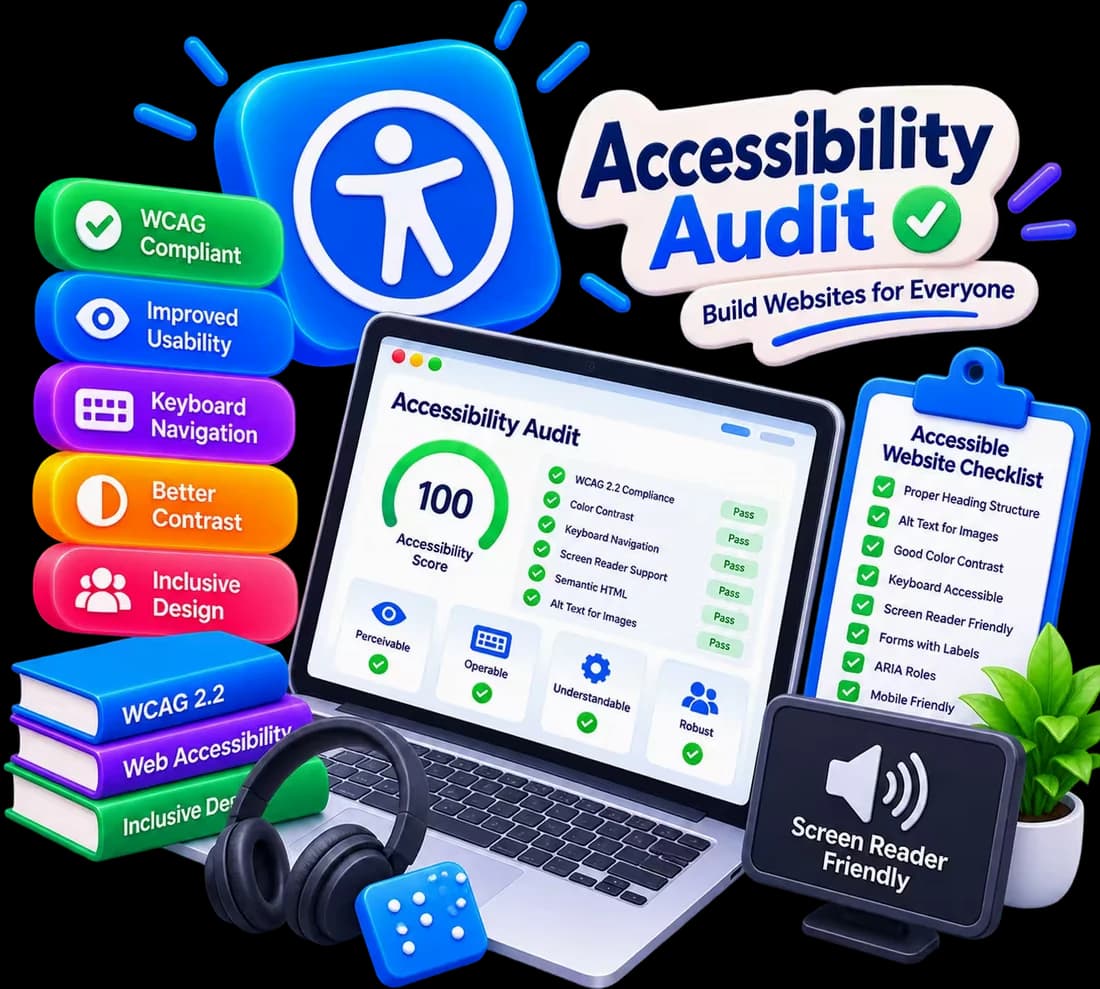
- WCAG 2.2 AA
- Prioritised Report
- Fixes Included
- EAA Ready
- Standard
- WCAG 2.2 Level AA / EN 301 549
- Relevant to
- EU and UK businesses
- Deliverable
- Prioritised report, then fixes
- Pricing
- Audit from £250
Accessible by Design
- Keyboard
- Contrast
- Labels
- Headings
Why accessibility matters now
The European Accessibility Act has been in force since June 2025, and it carries fines. Beyond the law, an accessible site simply works for more people - and search engines read it better too.
- WCAG 2.2 Level AA checked page by page
- Keyboard, screen-reader and contrast testing
- Prioritised report with the cost of each fix
- Fixes done for you, not just listed
- Relevant for EU and UK businesses
What I do with it
I audit what fails, explain why it matters and fix it.
- Full WCAG 2.2 AA audit
- Keyboard and focus navigation fixes
- Colour contrast corrections
- Form labels and error messages
- Headings and page structure
- Accessibility statement support
Tech Stack
- Lighthouse
- React
- Next.js
- TypeScript
- Tailwind CSS
- .NET
Using modern and industry-standard tools to deliver future-ready solutions.
Have a project in mind?
Let's check where your site stands and what it takes to fix it.
Get a Free Quote- No obligation
- Free consultation
- Quick response
Why this is suddenly urgent
The European Accessibility Act has been in force since 28 June 2025, and it carries fines. Services that already existed before that date have until 28 June 2030, which sounds comfortable and is not, because the work is not a switch you flip.
Micro-enterprises - under 10 staff and under €2 million turnover - are exempt on services. Most businesses reading this are not, and the rule follows the market rather than your registered address: selling into the EU from outside it still counts.
The eight things that fail most often
- Colour contrast - light grey text on white is the most common failure on the web. AA needs 4.5:1 for normal text.
- Images with no alt text, and decorative images without an explicitly empty alt so a screen reader skips them.
- Forms with placeholders instead of real labels, and errors that only turn a border red.
- Nothing works without a mouse - custom dropdowns, sliders and modals are where this usually breaks.
- No visible focus indicator, because someone removed the default outline years ago for looking untidy.
- Video without captions - the one that costs real money, so it needs budgeting early.
- Headings chosen for their size rather than their level, which breaks the document outline.
- The cookie banner itself, which frequently cannot be dismissed by keyboard. Your GDPR banner failing your EAA obligation is a common combination.
What an audit from me actually contains
A prioritised list of what fails, what rule it fails, and what it costs to fix - ordered by severity and by how many pages each issue affects.
Not a 400-row tool export. Automated tools catch roughly a third of WCAG issues: they will tell you a button has no accessible name, but they cannot tell you the name makes no sense. The manual half is the part worth paying for - keyboard testing of your real journeys, and a screen reader run through checkout or booking.
The part nobody puts in the compliance articles
Every fix on that list also improves the site for people who are not disabled. Proper labels and heading structure are what search engines read. Contrast is what makes your site legible on a phone in daylight. Captions get watched by everyone on a train.
Roughly one in four adults in the EU has some form of disability. On an e-commerce site, a checkout that cannot be completed by keyboard is not a compliance problem - it is a checkout that has been quietly losing sales for years.
Example projects
Real projects. Real results.

Frequently Asked Questions
Quick answers to common questions about accessibility audit.
Does the European Accessibility Act apply to my business?+
If you have fewer than 10 employees and under €2 million turnover, services are exempt. Otherwise, if you sell online or provide banking, transport, telecom, e-books or ticketing, it applies - including if you sell into the EU from outside it. Send me your URL and I will tell you honestly whether you are exempt before quoting anything.
What standard are you auditing against?+
EN 301 549, which in practice means WCAG 2.2 at Level AA. That is the bar the Act points at. The report names the specific success criterion each issue fails, so it stands up if anyone asks for evidence.
Can I just run a tool myself first?+
Yes, and you should - it costs nothing. Run Lighthouse in Chrome DevTools on your three most important pages, then navigate those same pages using only the Tab key. That finds a real share of the problems and gives you a baseline before hiring anyone.
Do you fix the issues or only report them?+
Both are available. The report is useful on its own and your own developer can work from it. If you want me to do the remediation, it is quoted from the report, itemised by issue.
Ready to get started?
Let's create something amazing together.
- Free Consultation
- Custom Solution
- On-Time Delivery