About the Compress PDF
Makes a PDF smaller, and tells you honestly what each route costs. Keeping text as text re-saves the file more compactly and is always safe, but on an already tidy file it saves little. Redrawing the pages as images shrinks a scan dramatically, at the price of text that can no longer be selected, searched or read by a screen reader. Both run in your browser, and the before and after sizes are shown so you can decide whether the trade was worth it.
Two ways to make a PDF smaller
Keep text sharp rewrites the PDF structure without touching the content, so text stays selectable and crisp. It helps most with files saved by older software and gives a modest saving. Redraw pages as images renders each page at the quality and scale you choose, which shrinks image-heavy PDFs - scans, brochures, slide decks - far more, at the cost of the text no longer being selectable.
Which setting should I use?
- Text documents, invoices, contracts: keep text sharp.
- Scanned documents and photo-heavy files: redraw as images, quality around 60-70%.
- Hitting an upload limit (often 2, 5 or 10 MB): lower the quality step by step and check the preview each time.
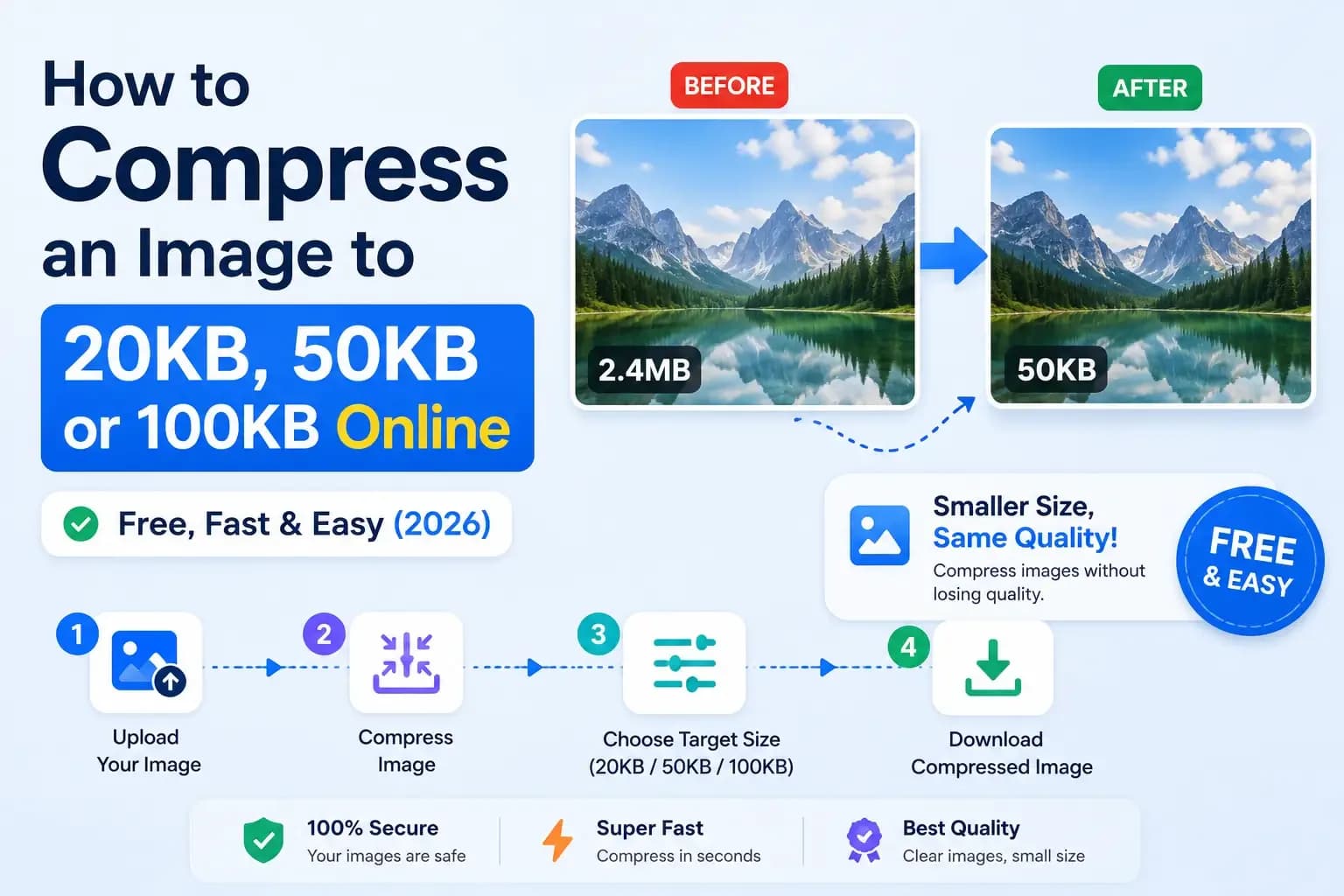
Compression happens in your browser, so a confidential file is never sent anywhere. If one large image is the problem, shrinking it first with the image compressor and rebuilding the PDF with JPG to PDF often beats compressing the finished PDF.