



Every week, millions of people pay for — or fight through ads and sign-up walls to use — software that does something genuinely simple: turning a PDF into a Word file, shrinking a photo for a website, or merging a few documents into one. Here's the truth most "premium" apps don't want you to know: you don't need to pay for most of it. In 2026, a modern browser can do the job in seconds.
That's exactly why we built a growing set of free online tools at Knowledge Mark G. They run entirely in your browser — for most of them your files never touch a server, so there's no sign-up, no watermark, and no privacy worry. Below are 10 free tools that can quietly replace paid apps and sketchy browser extensions, grouped by the job you actually need done.
Why these free online tools are different
There are thousands of "free" tool sites out there. Most bury you in ads, force an email sign-up, slap a watermark on your file, or — worst of all — upload your private documents to their servers. Ours are built the opposite way:
- No sign-up, no email. Open the tool and start using it.
- Private by design. Most tools process your files locally with JavaScript, so your documents never leave your device. You can verify it yourself: open your browser's Network tab and watch — for the in-browser tools, nothing gets uploaded.
- No watermark, no daily limit.
- Works everywhere — phone, tablet or computer.
PDF tools (the ones people pay the most for)
PDF conversion is where paid apps make their money. Adobe Acrobat and dozens of "PDF converter" apps charge monthly for features you'll use twice a year. Here's the free version.
1. PDF to Word
Need to edit a PDF? Our PDF to Word converter turns a PDF into an editable Word (.docx) document. There's a fast, 100% in-browser mode that pulls out the editable text, plus a high-quality mode that keeps the exact layout — the kind of conversion Acrobat charges for. Perfect for editing a resume, contract or report you only have as a PDF.
2. Word to PDF
Going the other way is just as easy. The Word to PDF converter turns your .docx files into a clean, universal PDF that looks the same on every device — ideal for sending a resume or invoice that nobody can accidentally reformat.
3. Merge PDF
Have five separate PDFs that should be one file? Merge PDF combines multiple PDFs into a single document. You can drag them into the right order and even rotate pages before you merge — all in your browser, with nothing uploaded.
4. JPG to PDF
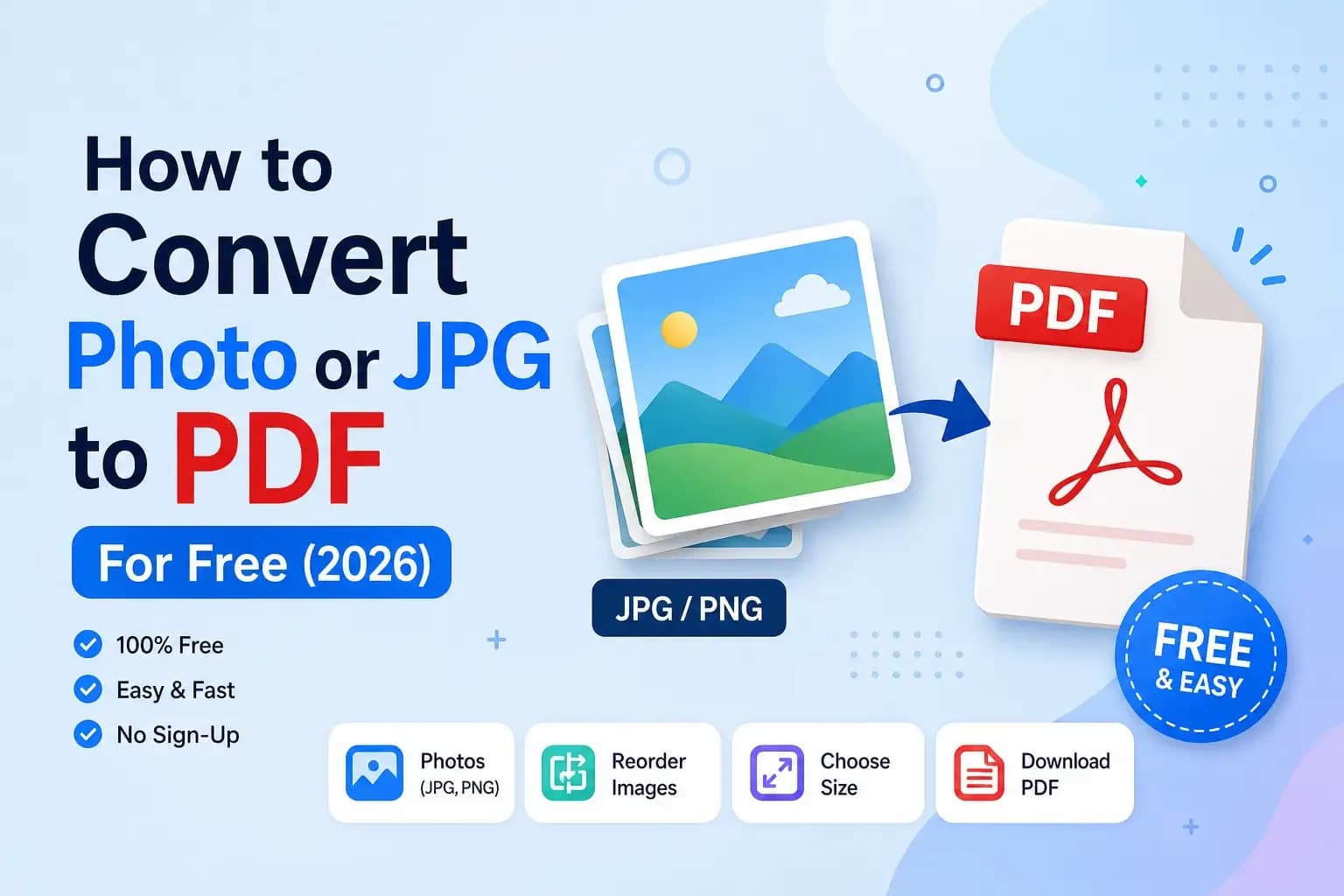
Turn photos, screenshots or scanned pages into a proper PDF with the JPG to PDF converter. Add as many images as you like, reorder them, choose A4 or US Letter, and download one tidy PDF. Great for submitting scanned documents or assignments.
The image tool that saves your website
5. Image Compressor & Converter
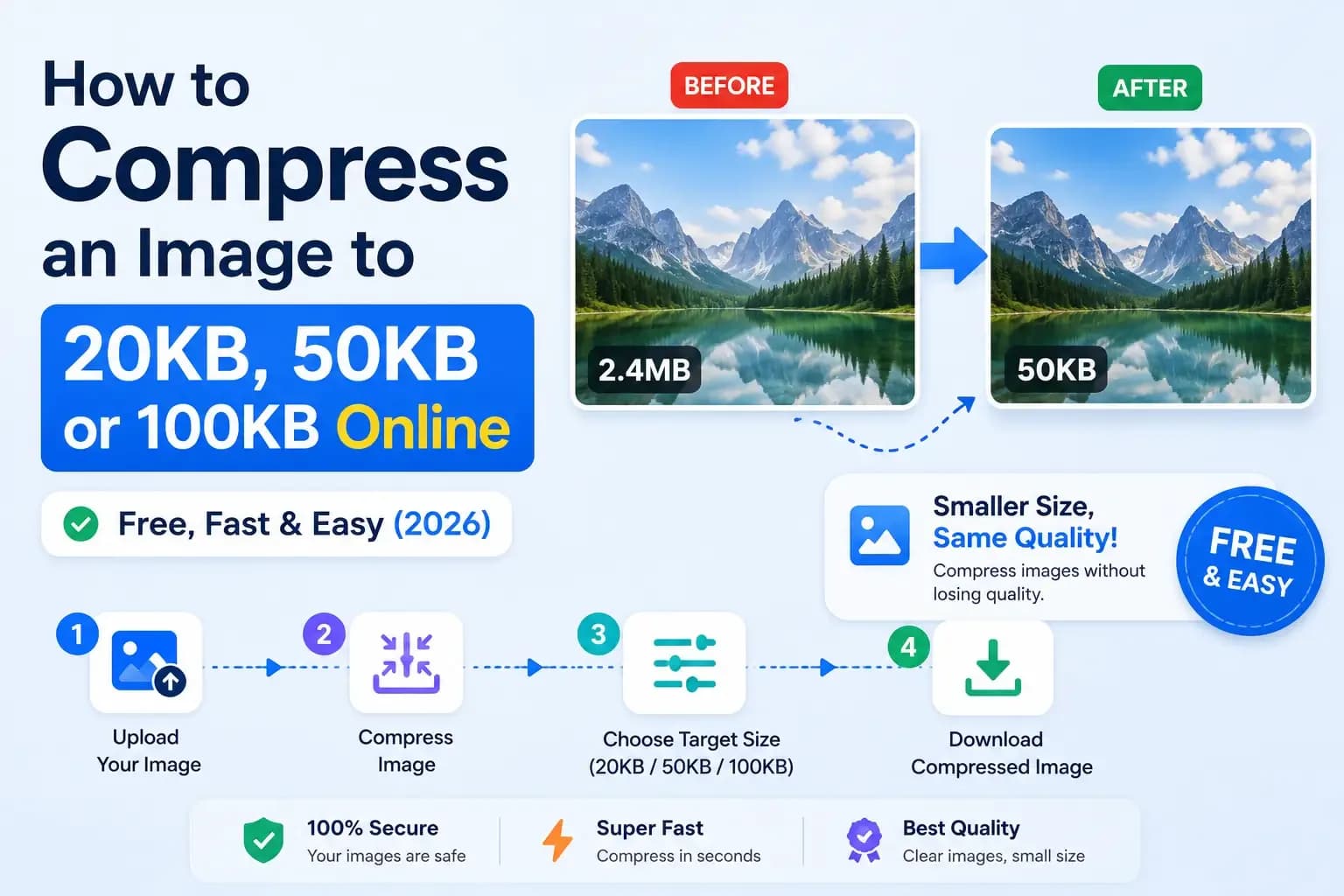
Big images are the number-one reason websites load slowly. The Image Compressor shrinks JPG, PNG and WebP files by up to 90% without a visible drop in quality, and can convert between formats too. It uses your browser's built-in Canvas API, so — again — your images never leave your device. Bloggers and store owners: this one alone can noticeably speed up your site.
Writing & SEO tools
6. Word Counter
Students, writers and freelancers live by word counts. The Word Counter instantly counts words, characters, sentences and reading time as you type — no more pasting into a bloated word processor just to check length.
7. Meta Tag Generator
If you run a website, your meta tags decide how you look in Google and on social media. The Meta Tag Generator builds your SEO title, description, Open Graph and Twitter Card tags with a live preview. (Want to go deeper on titles? Google explains the basics in the Google Search Central docs.)
8. Google SERP Preview
Ever wondered why your page title looks cut off in Google? Google truncates by pixel width, not character count. The Google SERP Preview tool shows exactly how your title and description will appear in search results — measured in both characters and pixels — so you can write snippets that don't get chopped off and earn more clicks.
Developer tools
9. JSON Formatter & Validator
Every developer deals with messy JSON. The JSON Formatter instantly beautifies, minifies and validates JSON, pointing to the exact line and column of any error. It relies on the browser's native JSON parser, so it's fast and completely private.
10. Strong Password Generator
Weak, reused passwords are still the biggest cause of hacked accounts. The Password Generator creates strong, random passwords using your browser's secure crypto.getRandomValues — the same cryptographic randomness real security tools use — and nothing is ever sent anywhere. (For why long, unique passwords matter, see OWASP's authentication guidance.)
Why "in your browser" actually matters
Most online converters quietly upload your files to their servers to do the work. That's fine for a meme, but not for a contract, a bank statement or your company's private data. Modern browsers are powerful enough to do image compression, PDF creation and JSON parsing locally — the same approach used by open-source projects like Mozilla's PDF.js. When a tool runs client-side, "private" isn't a marketing promise — it's how the tool physically works.
Bookmark them all in one place
You don't have to remember ten different URLs. Every tool lives on one page — just save knowledgemarkg.com/tools and you'll have a free, private toolbox one click away, on any device. New tools are added regularly, so check back.
Need a website — or a custom tool — built for you?
These tools are built by a working web developer. If you run a business, a clinic or a brand and need a fast, modern, mobile-friendly website (or a custom tool like the ones above), take a look at the web development services — affordable projects for clients across India, starting at ₹8,000. Prefer to learn instead? Browse our web development tutorials.
Frequently asked questions
Are these free online tools really free?
Yes — completely free, with no sign-up, no watermark and no hidden limits. You can use them as often as you like.
Do I need to install anything or create an account?
No. Every tool runs directly in your web browser. There's nothing to download and no account to create.
Are my files uploaded to a server?
For the in-browser tools (image compression, JPG to PDF, merge PDF, JSON formatting, password generation and more), your files are processed locally and never leave your device. A couple of high-quality conversion modes use a secure service — and the page always tells you clearly which mode does what.
Can I really convert PDF to Word for free?
Yes. The PDF to Word tool extracts editable text for free in your browser, with an optional high-quality mode that preserves the original layout.
Do these tools work on a phone?
Yes, every tool is fully mobile-friendly and works on any modern browser — Android, iPhone, tablet or desktop.
_20260719_141922_3h6oo5.webp&w=3840&q=75)
Join the conversation
No comments yet — be the first to share what you think.