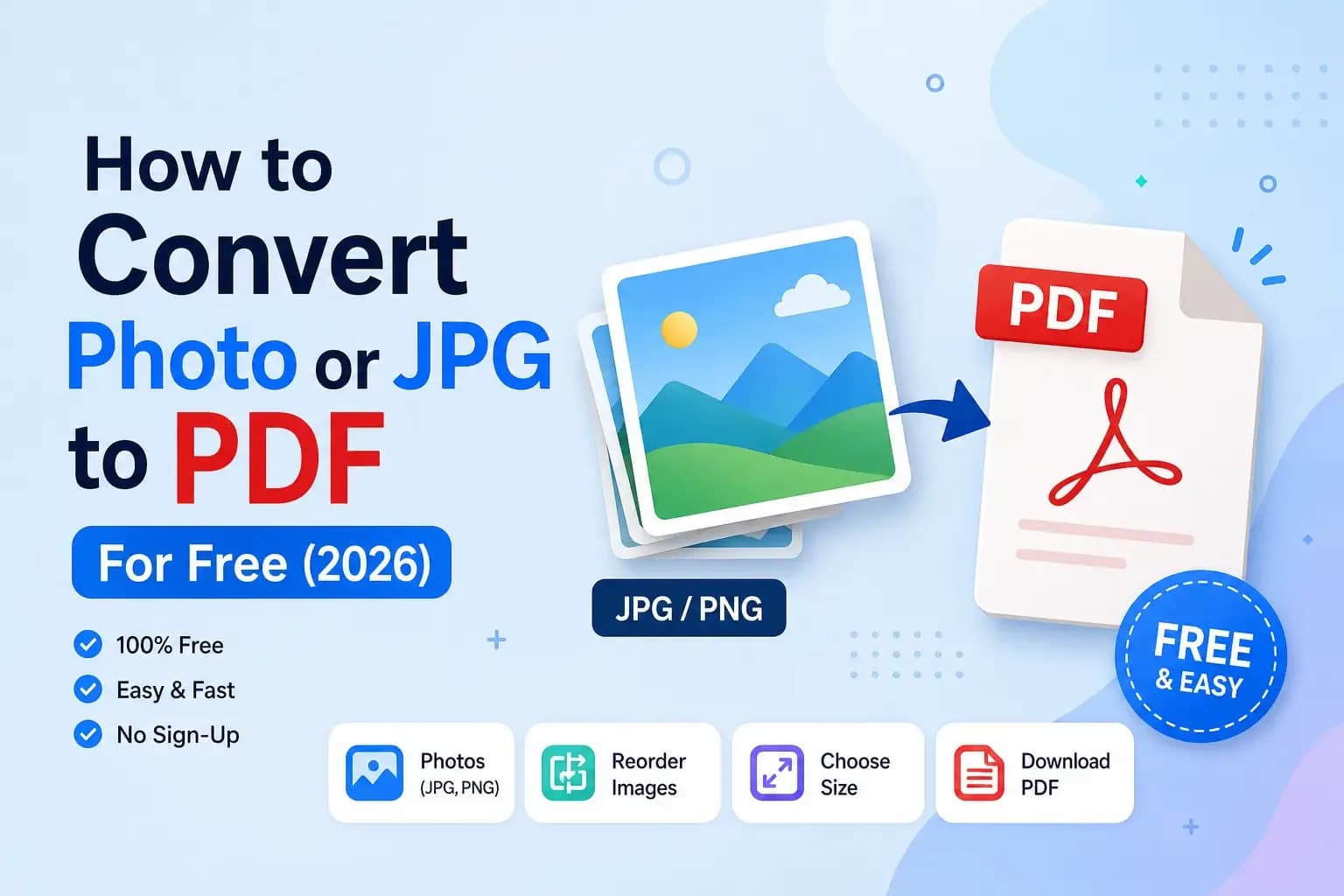
JPG to PDF Converter
Combine JPG, PNG & WebP images into one PDF — reorder pages, pick A4 or Letter, adjust quality. Free, private, no watermark.
Drop images here, or browse
JPG, PNG, WebP — multiple files supported. Everything stays on your device.
0 image(s) — drag or use arrows to reorder
Convert JPG to PDF online — free and private
This free JPG to PDF converter lets you turn one or many images into a single, clean PDF document right in your browser. Whether you have JPG, PNG or WebP files — photos, screenshots, scanned pages or receipts — you can combine images into one PDF in seconds, with no sign-up and no watermark.
Why use this image to PDF tool?
- 100% private: Your images never leave your device. All processing happens locally in your browser.
- Combine & reorder: Add multiple images and drag them into the perfect order before exporting.
- Real page sizes: Keep the original image size or fit each image neatly onto A4 or US Letter pages.
- No watermark, no limits: Completely free with unlimited conversions.
How to convert images to PDF
- Drag your images into the box above (or click to browse).
- Reorder them and choose a page size, orientation and quality.
- Click Create PDF — your file downloads instantly.
Need to shrink your images first? Try our Image Compressor. Working with data instead? Use the JSON Formatter, or explore all our free online tools.
Frequently Asked Questions
How do I convert JPG images to a PDF?
Just add your JPG, PNG or WebP images, arrange them in the order you want, choose a page size, and click Create PDF. Your PDF downloads instantly.
Is this JPG to PDF converter free?
Yes, it is completely free with no sign-up, no watermark and no page limits.
Are my images uploaded to a server?
No. All conversion happens right in your browser using JavaScript. Your images never leave your device, so it is completely private.
Can I combine multiple images into one PDF?
Yes. Add as many images as you like, drag or use the arrows to reorder them, and they all become pages in a single PDF file.
What image formats are supported?
JPG, PNG, WebP and most common image formats your browser can open are supported. They are embedded into the PDF as high-quality images.
Does it work on mobile?
Yes, the converter is fully mobile-friendly and works on any phone, tablet or computer.