Free Image Compressor
Compress & convert JPG, PNG and WebP images — up to 90% smaller.
100% private — your images never leave your browserLower = smaller file
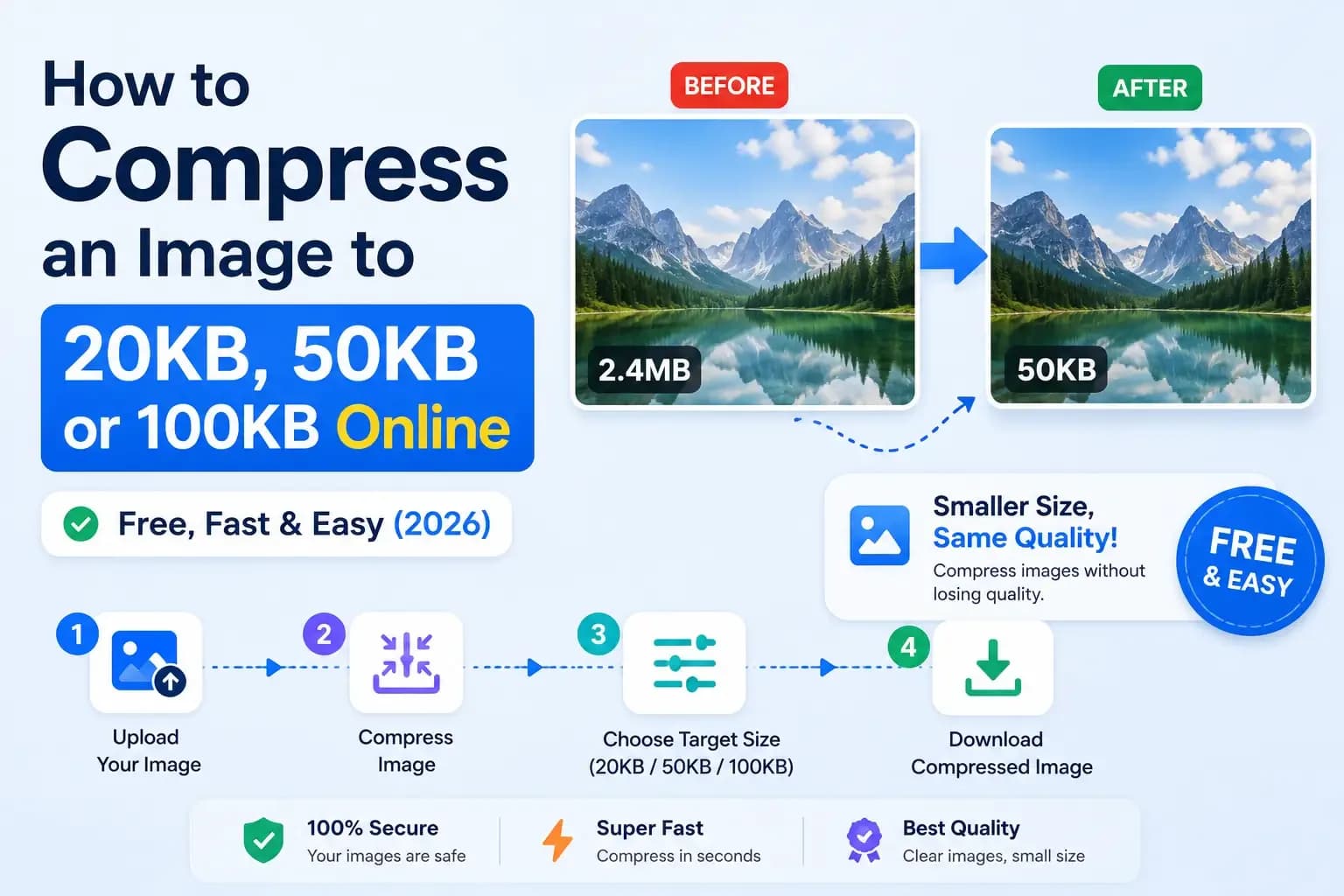
Compress images without losing quality
Large images slow down websites, use up storage and take longer to send. This free image compressor helps you shrink JPG, PNG and WebP images by up to 90 percent while keeping them looking sharp. It is perfect for websites, blogs, emails and social media.
Why this tool is different
Unlike most online compressors, this tool does everything inside your browser. Your images are never uploaded to any server, so they stay completely private and the compression is instant.
How to compress an image
- Choose your output format (WebP gives the smallest size).
- Set the quality and, optionally, a maximum width.
- Drag and drop your images, or click to upload.
- Download each compressed image, or use Download all.
WebP vs JPEG vs PNG
WebP usually gives the smallest file size and is supported by all modern browsers. JPEG is great for photos. PNG is lossless and best when you need transparency, though the file size is larger.
Frequently Asked Questions
Are my images uploaded to a server?
No. This is what makes it different from most tools — all compression happens right in your browser. Your images never leave your device, so they stay completely private.
How much can I reduce image size?
It depends on the image, but converting to WebP or lowering JPEG quality often reduces file size by 50 to 90 percent while keeping good visual quality.
Which image formats are supported?
You can compress JPG, PNG and WebP images, and convert them to WebP, JPEG or PNG. WebP usually gives the smallest file size.
Can I compress many images at once?
Yes. You can drop multiple images at once, adjust the quality, and download them all. Batch compression is fully supported.
Is this image compressor free?
Yes, it is completely free with no sign-up, no watermarks and no limits.