Which format to choose
WebP is the safe default for the web: around 25-35% smaller than JPG at the same visible quality, with transparency, and supported by every current browser. AVIF goes further - often half the size of a JPG - and also keeps transparency; every current browser shows it, but it takes a second or two to encode. JPG is what every program, printer and email client accepts. PNG is lossless: right for logos, screenshots and anything with sharp text, wrong for photos, which come out large.
Real AVIF encoding
Browsers can show AVIF, but none can save it from a canvas - so many online converters quietly hand you a WebP or PNG with an .avif name. This one encodes AVIF with libavif, the same encoder Google's Squoosh uses, compiled to WebAssembly and running in your browser.
iPhone HEIC photos
iPhones save photos as HEIC, which Windows, most websites and most browsers cannot open. Drop them in and convert to JPG for anything that needs to accept them, or to WebP or AVIF for the web. The HEIC decoder (libheif) also runs locally.
Nothing is uploaded
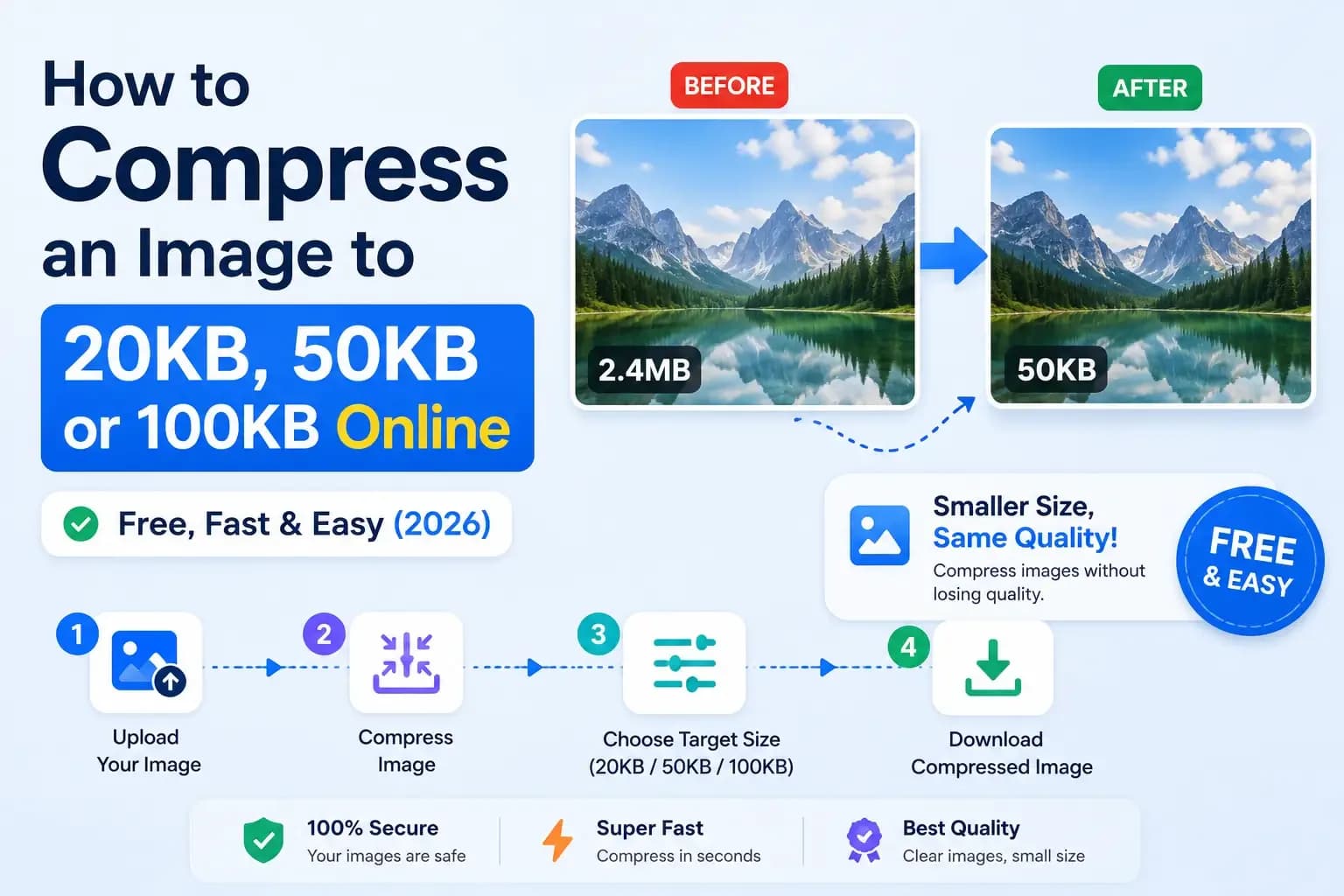
Every conversion happens on your device, so private photos stay private and large batches are not slowed by an upload. Need a specific file size, such as under 100 KB for a form? The image compressor hits an exact target.