


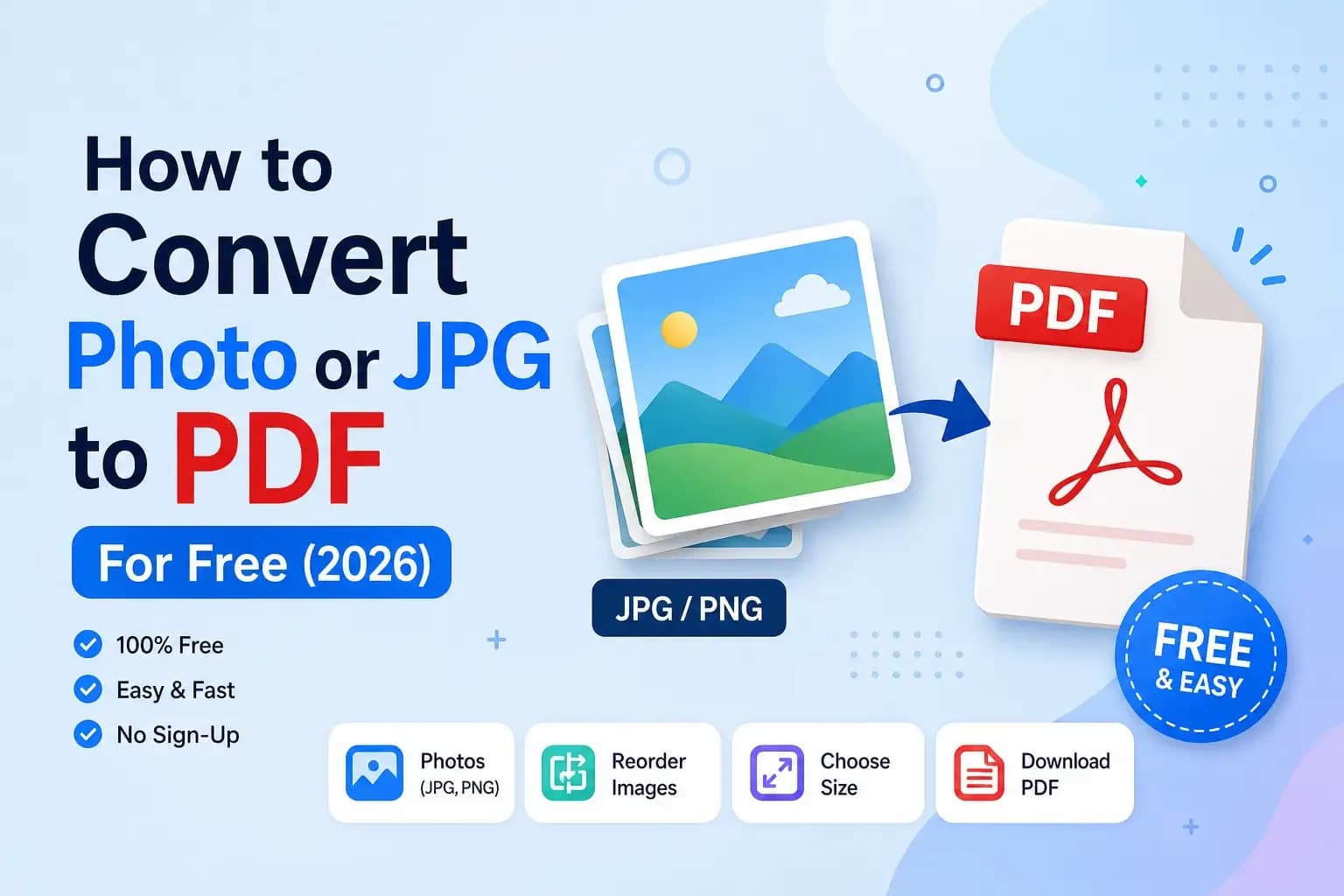
You've got a photo of your marksheet, your ID, or a signed form on your phone — and the website you're uploading to demands a PDF, not an image. Or maybe you need to combine three photos of a document into one neat PDF. Sounds annoying, but it takes about a minute and doesn't cost a rupee. Here's exactly how to convert a photo or JPG to PDF for free, on your phone or computer.
Quick answer: how to convert a photo to PDF
- Open a free JPG to PDF tool (like our JPG to PDF converter).
- Upload your photo (JPG, PNG or WebP).
- Reorder the images if you have more than one, and pick A4 or Letter size.
- Click convert and download your PDF. Done — no watermark, no sign-up.
That's it. Now let's cover the details — combining multiple photos, doing it on mobile, and keeping the file size small enough to actually upload.
Step-by-step: convert your photo to PDF
- Open the free JPG to PDF converter. It runs right in your browser, so your documents are never uploaded to a server — they stay private on your device.
- Add your images. Drag in one photo, or several if you're combining pages.
- Arrange them in order. If it's a multi-page document, drag the pages into the right sequence.
- Choose your page size — A4 is standard for most forms and official documents in India.
- Convert and download. You get a clean PDF, ready to upload or print.
How to combine multiple photos into one PDF
This is the part people struggle with most — you have three or four photos and the form wants a single PDF. The trick is simple: add all the images at once, put them in order, and convert them together. They become one multi-page PDF.
Already have separate PDF files you need to join? Use our Merge PDF tool to combine them into one in seconds.
Doing it on your phone
No computer needed. The JPG to PDF tool works fully in mobile browsers — Chrome, Safari, anything. Open it on your phone, pick the photos from your gallery, arrange them, and download the PDF straight to your device. Perfect for submitting documents on the go.
Keep the PDF file size small enough to upload
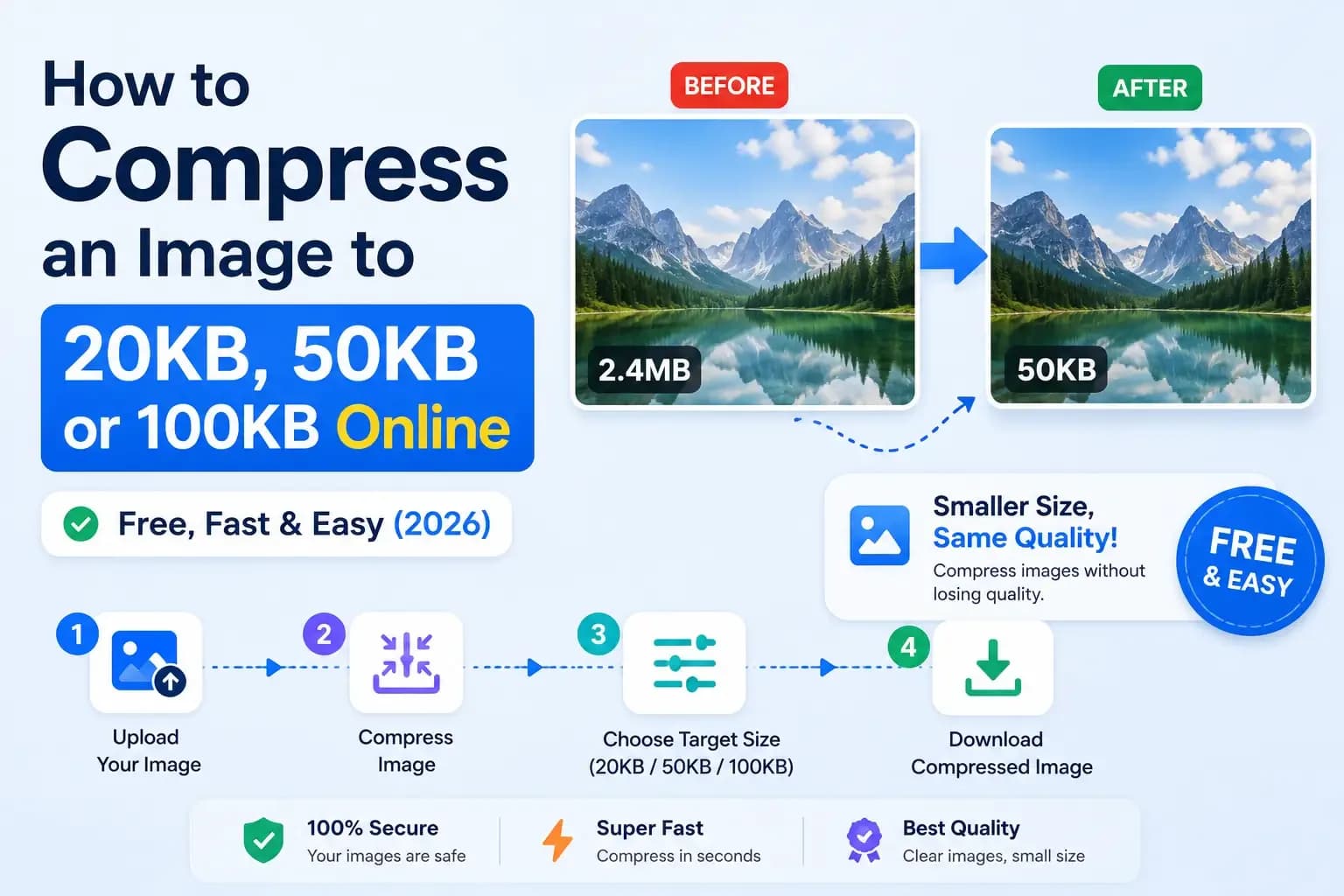
Many forms also cap the file size (say, under 200KB or 1MB). If your PDF is too big, the fix is to shrink the images before converting them. Compress each photo first, then turn them into a PDF — you'll get a small, upload-friendly file that still looks clear.
We've got a full guide on that: How to Compress an Image to 20KB, 50KB or 100KB, and you can shrink your photos with the free Image Compressor before converting.
Common problems (and quick fixes)
- "Only PDF files allowed" → convert your photo to PDF with the steps above.
- "File size too large" → compress the images first, then convert.
- Pages in the wrong order → reorder the images before you click convert.
- Blurry PDF → start from a clear, well-lit original photo, not a compressed WhatsApp copy.
Why convert images to PDF at all?
PDFs are the universal document format — they look the same on every device, can't be accidentally edited, and are what almost every official form, college portal and job application asks for. Turning your photos into a single PDF makes you look organised and gets your submission accepted the first time.
That's all there is to it
Converting a photo to PDF — or combining several into one — is genuinely a one-minute job once you know the tool. Bookmark the JPG to PDF converter; between exam forms, KYC uploads and assignment submissions, you'll reach for it again and again.
And while you're here, our other free document tools — Merge PDF, Word to PDF, PDF to Word and the Image Compressor — cover just about everything else a form might demand. All free, all private, no sign-up.


Join the conversation
No comments yet — be the first to share what you think.