


_20260719_141922_3h6oo5.webp&w=3840&q=75)
Let me guess. You run a small business — maybe a shop, a clinic, a coaching class, a boutique, or a home kitchen — and everyone keeps telling you the same thing: "Bhai, online aa jao." But nobody actually sits down and tells you how. So you scroll Instagram, feel a little behind, and go back to your day.
I get it. "Going online" sounds like a big, expensive, technical project meant for people who understand code. It isn't. In 2026, taking a small business online is more like setting up your shop for the first time — a few clear steps, done in the right order, and suddenly customers can find you at 11 PM when your shutters are down.
This is a plain-English, step-by-step guide. No jargon. No "hustle harder" nonsense. Just the exact path from "I'm invisible online" to "people find me, trust me, and message me." And the best part — most of it you can do for free using tools that are already sitting on this website.
First, let's kill the biggest myth
Being online is not the same as having an Instagram page. An Instagram page is rented land — the algorithm decides who sees you, and one bad week can bury your reach. Your goal is to own your presence so customers can find you no matter what any app decides.
A real online presence in 2026 stands on three legs:
- A home base — a professional website that's yours, works on mobile, and is open 24/7.
- A way to be found — showing up on Google when someone searches for what you sell.
- A way to talk — WhatsApp, calls, and a contact form so an interested person can reach you in one tap.
Get those three right and everything else — Instagram, YouTube, ads — just becomes a bonus that points people back to your home base. Let's build it.
Step 1: Pick one goal (not ten)
Before touching anything technical, answer one question: what should a visitor do when they land on your page? Book an appointment? Message you on WhatsApp? Call you? Place an order? See your menu or price list?
Pick one main action. A business that wants visitors to "do everything" usually gets them to do nothing. If you're a doctor, the goal is book an appointment. If you're a boutique, it's see the collection and message to order. Write your one goal on a sticky note. Everything from here points at that goal.
Step 2: Lock down your name
Your name is your identity online, so claim it before someone else does. Two quick wins:
- A Google Business Profile. This is the free listing that shows your business on Google Maps and Search — with your timings, photos, phone number, and reviews. For a local business, this alone can bring in calls. It takes 15 minutes to set up and it's completely free.
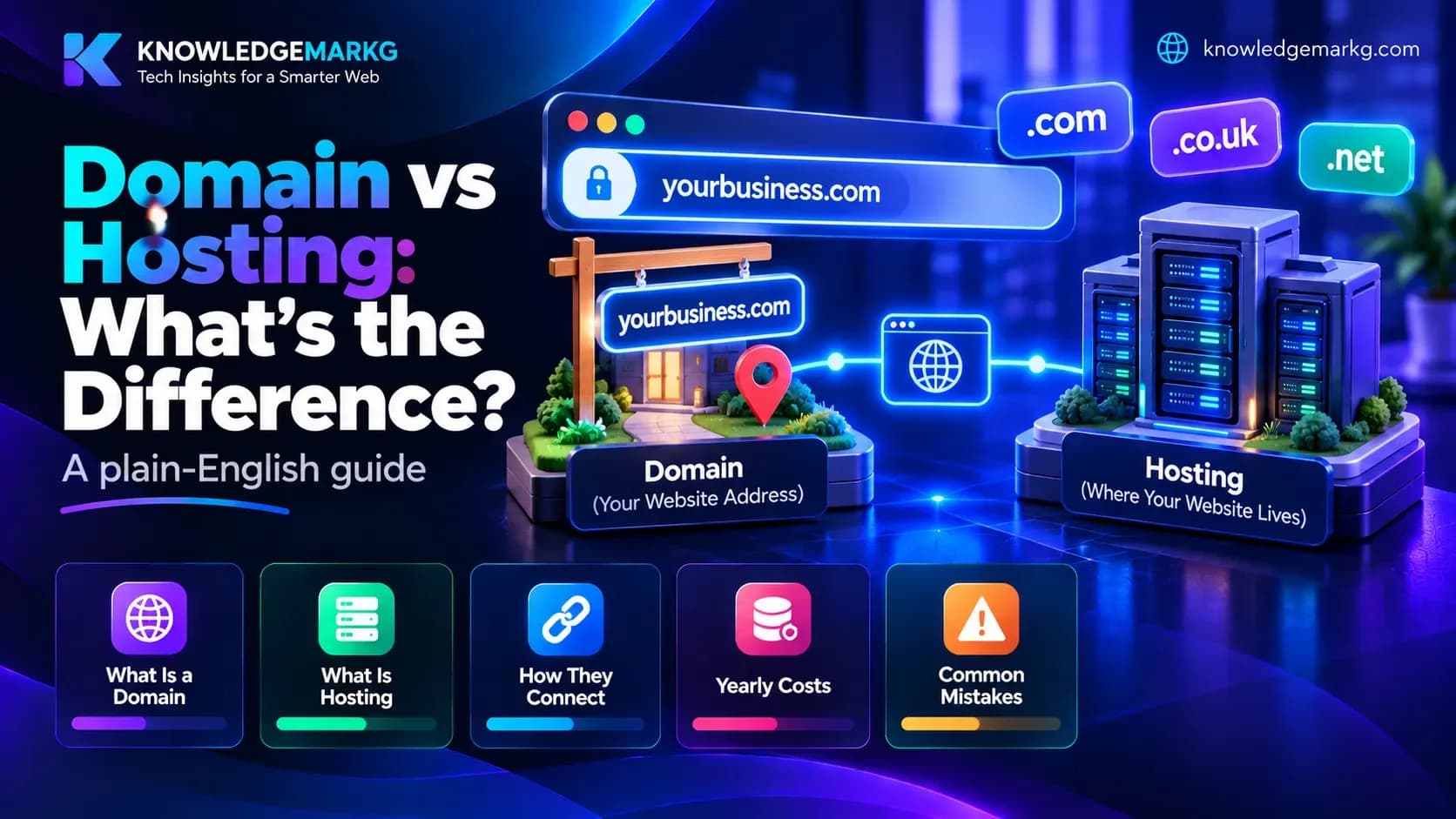
- A domain name — something like yourbusiness.com. It's cheap (roughly the price of a couple of pizzas per year) and it instantly makes you look like a real, established business instead of a random phone number.
Quick tip: keep your business name, phone number, and address exactly the same everywhere — website, Google, Instagram. Google trusts businesses that look consistent, and consistency helps you rank higher locally.
Step 3: Get a website that actually works
This is the big one — your home base. And here's where most people get stuck, because they think they have only two choices: spend weeks learning to build one, or pay an agency thousands for something they'll barely touch.
There's a simpler way to think about it. You really have two honest options:
Option A: Build it yourself
If you have time and patience, you can use a website builder to drag-and-drop your own site. It's doable. But be honest with yourself about the hidden cost: the hours you spend fighting with templates, fixing the mobile view, and figuring out SEO are hours you're not spending running your actual business. For a lot of owners, "free" DIY quietly becomes the most expensive option.
Option B: Get it built for you
The faster route is to have someone build a clean, fast, mobile-friendly website for you — with your goal from Step 1 baked in (appointment booking, WhatsApp ordering, whatever it is). You describe your business, you get a finished site in a few days, and you get back to work.
That's exactly what we do at Knowledge Mark G. We build professional websites for small businesses, clinics, doctors, and shops — with WhatsApp integration, online booking, and Google reviews built right in. If you want to skip the headache, you can see the website plans on our Hire page or look at real work in the portfolio first.
Not sure what you need? See what goes into a small business website — and you get a fixed quote before any work starts.
Step 4: Turn on WhatsApp (your quiet salesperson)
In India, a customer will WhatsApp you long before they fill out a form. So make it stupidly easy. Put a WhatsApp button on your website, on your Google profile, and in your Instagram bio. One tap, and they're chatting with you.
The magic is that WhatsApp turns a curious visitor into a real conversation while they're still interested — instead of them thinking "I'll ask later" and forgetting forever. Every website we build comes with a click-to-chat WhatsApp button for exactly this reason.
Step 5: Create your content with free tools (you already have them)
Now you need to fill your presence with content — product photos, descriptions, a menu PDF, social captions. You do not need to pay for expensive software for any of this. This website has a full set of free online tools that run right in your browser, with no sign-up and no watermark. Here's which tool to grab for which job:
| What you're doing | Free tool to use |
|---|---|
| Writing a product description or caption of the right length | Word Counter |
| Shrinking heavy photos so your site loads fast | Image Compressor |
| Turning your menu or price list into a shareable PDF | JPG to PDF & Merge PDF |
| Editing or converting a document | PDF to Word & Word to PDF |
| Writing the title & description Google shows for your page | Meta Tag Generator |
| Checking how your page will look in Google results | Google SERP Preview |
| Making strong passwords for your new accounts | Password Generator |
You can browse everything on the free tools page. Bookmark it — you'll come back to these more than you'd expect. And if you love this kind of thing, we listed even more here: 10 Free Online Tools That Replace Paid Software in 2026.
Step 6: Get found on Google
A beautiful website that nobody can find is a poster in a locked room. Basic SEO (search engine optimization) fixes that. You don't need to be an expert — just cover the fundamentals:
- Use the words your customers use. If people search "kids dentist in Noida," those exact words should appear naturally in your page's title and text — not fancy medical terms.
- Write a clear title and description for each page (that's what the Meta Tag Generator is for), then preview it with the SERP Preview tool before you publish.
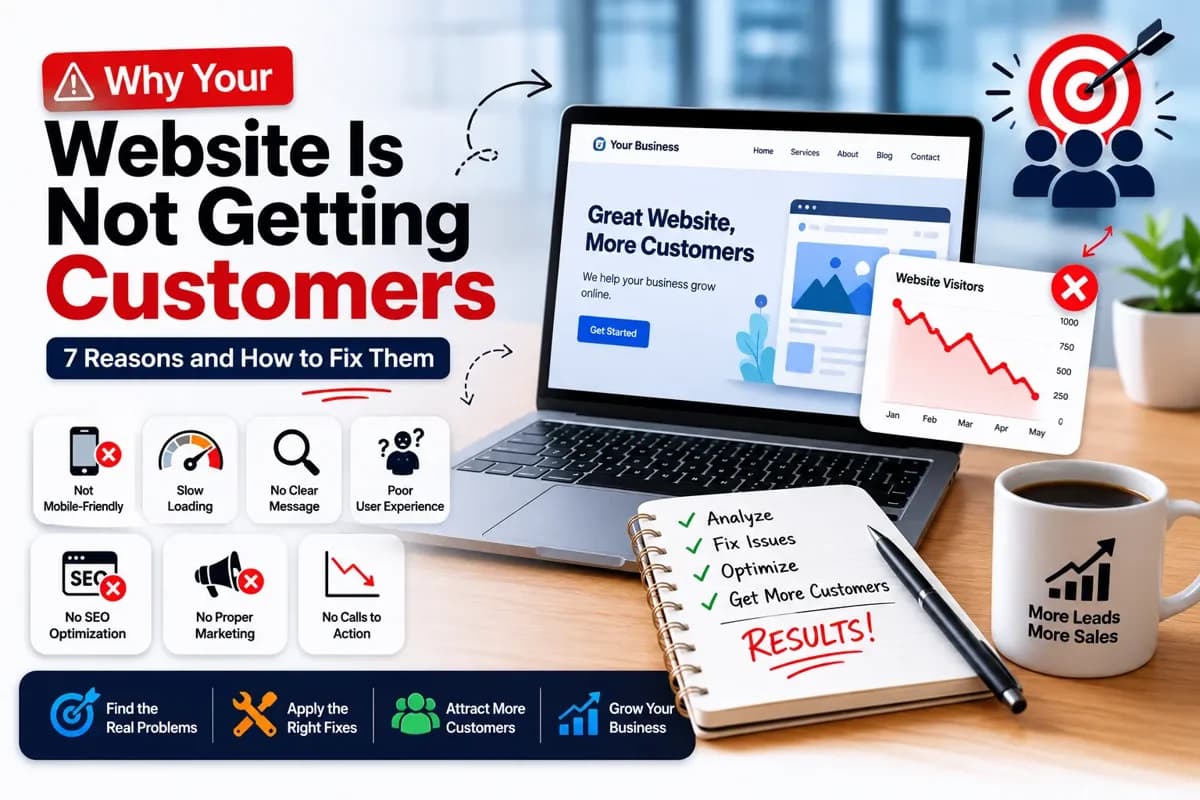
- Keep it fast and mobile-friendly. Most of your visitors are on a phone with average internet. A slow, clumsy site loses them in seconds — which is one of the big reasons websites fail to bring in customers.
Step 7: Build trust so strangers become customers
Nobody buys from a business they don't trust. Online, trust is built with a few simple things: real photos (not stock images), genuine Google reviews shown on your site, a proper About page with a face and a story, and clear contact details. When a first-time visitor sees five happy reviews and a real photo of your shop, the decision becomes easy.
If you run a clinic or a practice, trust matters even more — we broke down exactly why here: Why Every Clinic and Doctor Needs a Website in 2026.
Step 8: Keep it alive
A website isn't a "build it once and forget it" project — it's more like a plant. A little water keeps it healthy. Update your prices when they change, add a new photo now and then, reply to reviews, and post the occasional update. Ten minutes a month is enough. If even that feels like too much, a small maintenance plan can handle it for you so your site never goes stale.
So how long does all this take?
Faster than you think. Here's a realistic picture for a busy owner:
- Day 1–2: Set up your Google Business Profile and grab your domain.
- Day 2–5: Get your website built (a few days if someone builds it for you).
- Day 5–7: Add your content and photos using the free tools, switch on WhatsApp, and ask your first few happy customers for reviews.
Inside a week, you can go from invisible to "found on Google with a professional site and a WhatsApp button." That's not a fantasy timeline — it's the normal one.
The 5 mistakes that keep small businesses invisible
- Waiting for "the perfect time." There isn't one. A simple site live today beats a perfect site that never launches.
- Relying only on Instagram. Rented land, remember? Build your own home base too.
- A site that doesn't work on mobile. If it looks broken on a phone, you're losing most of your customers.
- Hiding the contact button. If someone has to hunt for how to reach you, they won't.
- No reviews or real photos. Without trust signals, even a great site feels risky to a stranger.
Ready to take your business online?
You now have the whole map: pick a goal, claim your name, get a proper website, switch on WhatsApp, create content with free tools, get found on Google, and build trust. Do it step by step and you'll be ahead of most of your competition — because most of them are still "planning to go online someday."
If you'd rather skip straight to a done-for-you, mobile-friendly website with WhatsApp and Google reviews built in, that's what we're here for. Check out the website plans on our Hire page, or just send us a message and tell us about your business — we'll point you in the right direction, no pressure.
Your customers are already searching online. It's time they found you.
Join the conversation
No comments yet — be the first to share what you think.