


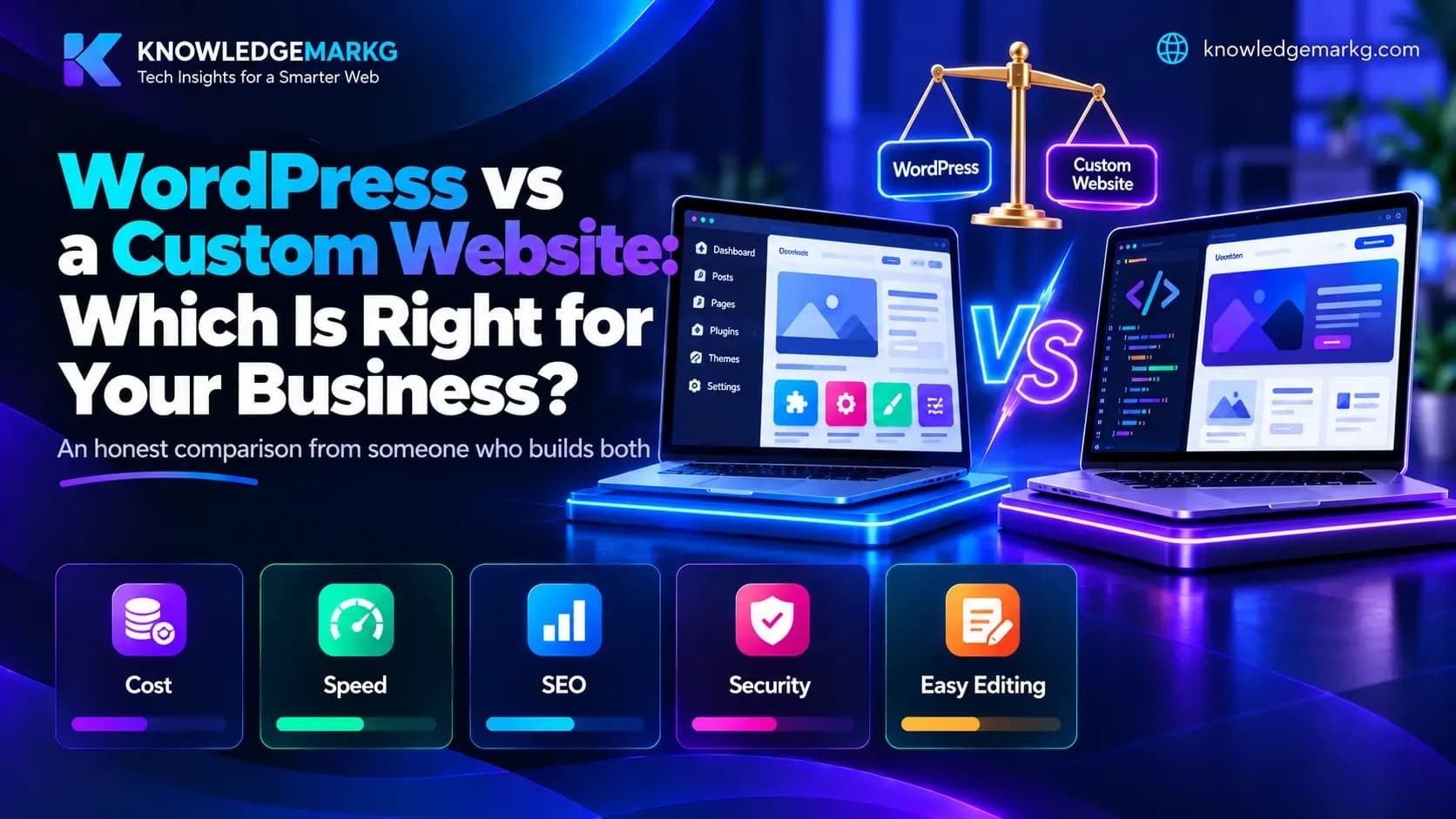
Once you have decided to get a website, the next question is nearly always the same: should it be built on WordPress, or custom-coded?
Most answers online lean one way. WordPress specialists say WordPress can do everything; developers say custom is the only serious option. Both are right some of the time. I build both, so this is the comparison without the sales pitch.
The difference in one paragraph
WordPress is a ready-made content management system. You add a theme for the design and plugins for features, and you edit content yourself from a dashboard. Little or no code is written for most sites. A custom website is built from scratch for your needs - exactly the pages and features you need, nothing extra. Think of WordPress as a good off-the-peg suit taken in to fit, and custom as a suit made to measure.
Cost
WordPress is usually cheaper to build, because so much already exists: the developer configures and customises rather than builds. A custom site involves more hours, so the upfront price is higher.
The catch is ongoing cost. Good premium themes and plugins are typically licensed per year - page builders, SEO plugins, forms, backups, security, booking - and those renewals add up to a real annual bill. A custom site has no plugin licences, though it does need a developer for changes the admin panel cannot handle. Look at the cost over three years, not just the launch invoice; what website maintenance costs goes through what to budget for.
Speed
This is where custom builds usually win. A typical WordPress site runs 15 to 25 plugins, and each can load its own scripts and styles on every page, whether that page uses them or not. The result is often a slow site, especially on mobile.
A custom site loads only the code it needs. That matters beyond comfort: speed affects how many visitors stay, and Google measures it through Core Web Vitals. A well-built WordPress site with few plugins and good hosting can be fast too - it just takes discipline. If yours is slow, the Core Web Vitals guide shows where the time goes.
SEO
Neither is better for SEO by default. WordPress makes the basics easy through plugins such as Yoast or Rank Math - titles, descriptions, sitemaps. A custom site has the same features built in by the developer, and tends to score better on speed and clean markup.
What actually ranks is the content and how fast and usable the pages are. A slow, plugin-heavy WordPress site loses to a lean custom one; a well-written WordPress blog beats a beautiful custom site with nothing on it.
Security
WordPress powers a huge share of the web, which makes it the most targeted platform there is. Most WordPress hacks come through outdated plugins or themes, not WordPress itself. That does not make it unsafe - it means it must be updated regularly, and a site left unpatched for months becomes a real risk.
A custom site has no plugin ecosystem to attack, which removes most of that risk, though it still needs secure code and an updated server.
Editing content yourself
This is WordPress's biggest strength. Writing posts, changing photos and adding pages from the dashboard is easy and familiar to a lot of people.
A custom site is only editable if the developer builds an admin panel - so ask before you commission one. It is one of the questions to ask a web developer before hiring, and a good developer will include it as standard.
Who can maintain it later
Almost any web developer can pick up a WordPress site. A custom site depends on how well it was built and documented; a clean, standard stack (for example Next.js or ASP.NET Core) is easy to hand over, while an unusual home-made framework can tie you to one person. Ask what the site is built with and whether you will get the code.
Choose WordPress if
- You blog regularly or want to.
- You will change content often yourself.
- Budget is tight and you need to launch quickly.
- It matters that any developer can take it over.
- The site is standard: a business brochure site, a portfolio, a small blog.
Choose custom if
- Speed is a priority.
- You need something plugins do not do well - a booking flow, a quote calculator, a client portal, integration with your own software.
- You do not want to manage monthly plugin updates.
- The site will grow into an application, not just pages.
- You want a design that does not look like a template.
The middle option
There is now a third route: a custom-built front end (fast, made to measure) with a content dashboard behind it for editing. You get the speed of custom and the easy editing of WordPress. This site works that way - the blog, tools and portfolio all run from one dashboard, while the site itself is custom code, which is why it is quick.
The mistake to avoid
People often pick the platform first and the requirements second. Do it the other way round: write down what the site must do, how often you will update it and what you can spend each year, and the right platform usually becomes obvious. If you would like a second opinion on your list, I am happy to look at it - and if your current site is not bringing in enquiries, start with why your website is not getting customers.
Join the conversation
No comments yet — be the first to share what you think.