

About the Google SERP Preview
Shows how your title and meta description will appear in Google results, measured in pixels rather than characters. Type and watch the preview update, then adjust until nothing is cut off.
100% free SEO tool
See how your title and description will look in Google, with length checks.
0 characters
0 characters
Google preview
Your page title appears here
Your meta description appears here, in the same style Google uses.
Google cuts titles near 580px and descriptions near 990px on desktop. Wide letters use more space, so two titles with the same character count can truncate differently.
Free, no sign-up
No account, no trial, no daily cap, no watermark on what you download.
Plain-English results
Each finding says what it means and what to change.
Based on Google's guidance
Checks follow what Google's own documentation recommends.
Works on any device
Phone, tablet or computer - Windows, Mac, Android, iPhone and Linux, in any modern browser.
Private by design. Everything happens in your browser. Your files never leave your device.
Shows how your title and meta description will appear in Google results, measured in pixels rather than characters. Type and watch the preview update, then adjust until nothing is cut off.
About 580-600 pixels on desktop - roughly 55-60 characters, but wide letters like W and M use more room than i or l. This preview measures in pixels, so you see exactly where Google would add the "...".
Because Google truncates by width, not by count. A title of thirty wide characters can be cut while one of forty narrow ones fits, so a character limit is only ever a rough guide.
Roughly 580 pixels for the title and 920 for the description on desktop, and less on mobile. The preview marks the point where each would be cut off.
No. Google rewrites titles and descriptions when it thinks something else matches the query better. A good one is still worth writing - it is what gets used most of the time.
 How to Get Your Website Cited by ChatGPT and AI Overviews in 2026What the evidence says about being quoted in AI answers: how pages get retrieved and cited, what genuinely moves the needle, what makes no difference at all - including a file I added to this site anyway - and how to measure it.8 min read
 Why Your Website Is Not Getting Customers (7 Reasons and How to Fix Them)Built a website but not getting any customers or leads? Here are 7 common reasons your website is not working, and exactly how to fix each one to start getting real results.8 min read
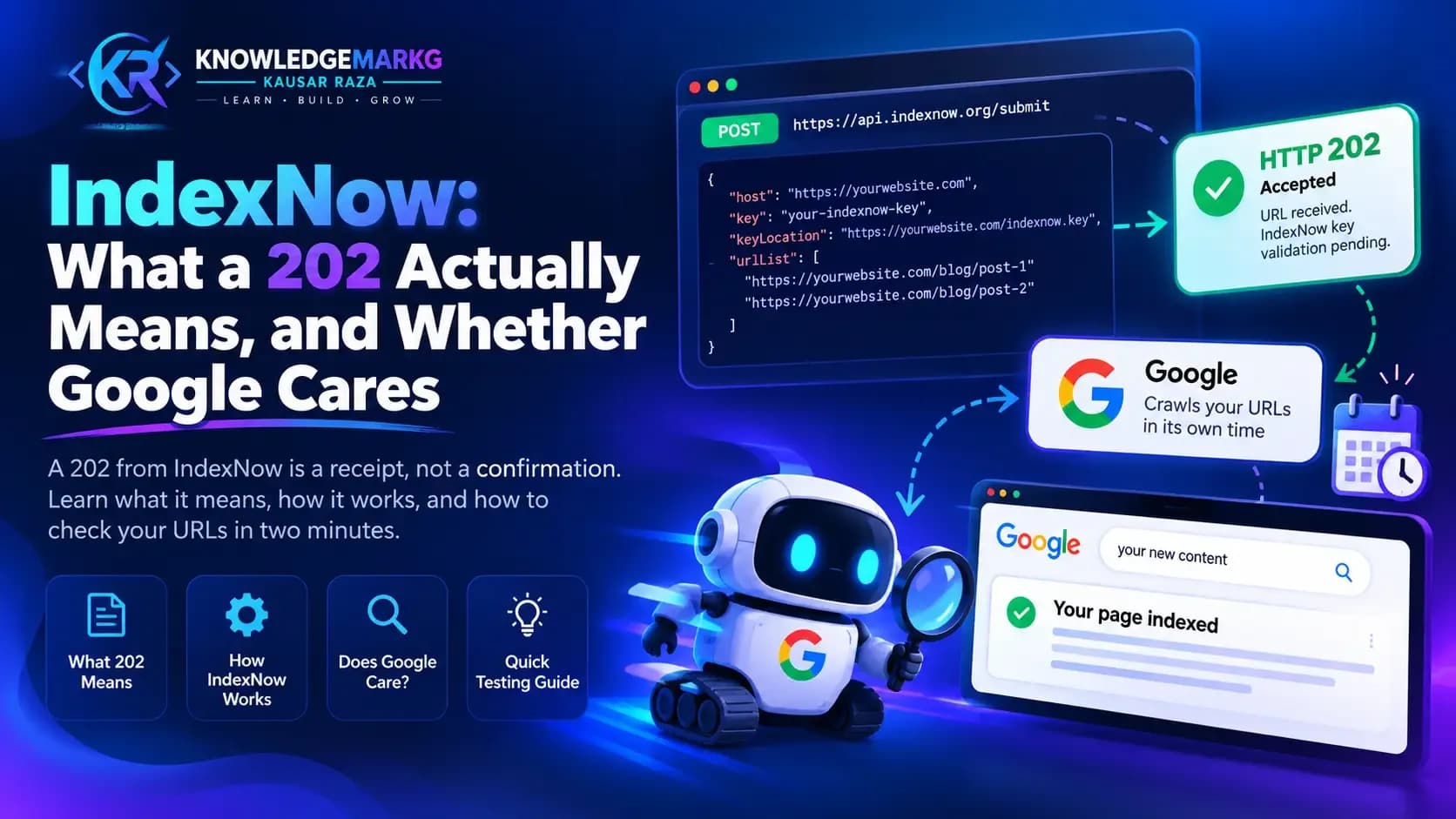 IndexNow: What a 202 Actually Means, and Whether Google CaresA 202 from IndexNow is a receipt, not a confirmation - an invalid key returns the same thing. Real status codes from wiring it into a live site, what Google does with IndexNow, and how to check yours in two minutes.7 min read