


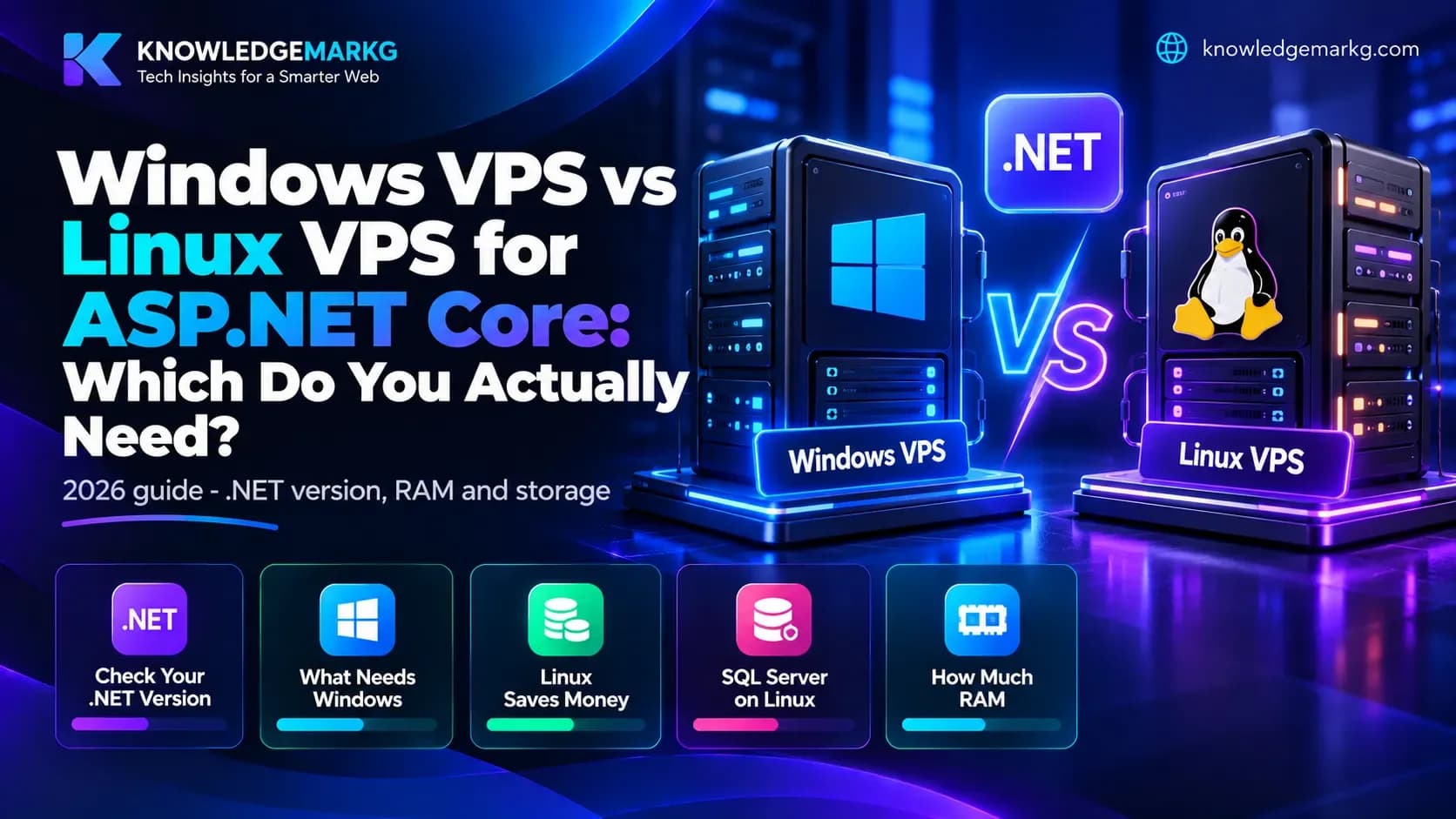
If you have an ASP.NET application, someone has probably told you that you need Windows hosting. For a lot of developers that advice adds a Windows licence fee to every monthly bill, forever, for nothing.
Here is the short answer, and then the detail.
The short answer
- ASP.NET Core (.NET 5, 6, 7, 8, 9) runs perfectly on Linux. Take the Linux VPS and keep the money.
- ASP.NET Framework 4.8 or older (.aspx pages, Web Forms, classic ASP) needs Windows. There is no way around this one.
- SQL Server is not the deciding factor. It has run on Linux since SQL Server 2017.
- Same specs, Linux costs roughly half what Windows costs, because Windows Server needs a licence and Linux does not.
So the question is never really "Windows or Linux". It is "which .NET am I actually on?" Everything else follows from that.
Step one: find out which .NET you are running
Most people asking this question are not sure, and the two are easy to confuse because the names overlap badly. Check your project file - the .csproj - and look at the target framework line:
net8.0,net9.0,netcoreapp3.1- this is modern .NET. Linux works.net48,net472,v4.5- this is .NET Framework. Windows only.
No project file to hand? Look at the deployed folder instead:
- A
web.configwithAspNetCoreModuleV2in it, plus a.deps.jsonfile - modern .NET, Linux works. - A
binfolder full of.aspxand.aspx.csfiles - .NET Framework, Windows only.
If you are paying someone else to host it, ask them one question: "Is this .NET Framework or .NET Core?" A developer who cannot answer that in one line is not the person who should be choosing your server.
What genuinely still requires Windows
Being fair to Windows, some things really do need it:
- ASP.NET Framework 4.x and Web Forms - anything with
.aspxpages - Classic ASP - old
.aspfiles - MS Access databases as the data store
- COM components, VB6 interop, Crystal Reports and similar legacy dependencies
- Windows-only desktop automation, such as driving Office through Interop
If any of these are in your stack, stop reading and buy Windows. Migrating away from them is a project in itself, not a hosting decision.
Everything else runs better on Linux
Linux is the default for the rest of the web, so the tooling, the documentation and the answers on Stack Overflow all assume it:
- PHP - WordPress, Laravel, Magento, Drupal
- Node.js - Next.js, Nuxt, Express
- Python - Django, Flask, FastAPI
- Java, Go, Ruby on Rails
- ASP.NET Core - yes, really
A note on WordPress: it technically installs on Windows, but do not do it. It is built for PHP on Linux, and on Windows you will fight file permissions, slow plugin updates and a support community that has never seen your setup.
What about SQL Server?
This is where the myth is strongest, so it is worth being precise.
SQL Server runs on Linux
Since SQL Server 2017 it has been officially supported on Linux, and running it in a Docker container is completely ordinary now. Using MS SQL does not force you onto Windows.
Express is free, but know the limits
SQL Server Express costs nothing and is genuinely fine for small and medium sites. Its limits are hard ones:
- 10 GB maximum per database
- About 1.4 GB of memory for the buffer pool
- Limited to one socket or four cores, whichever is smaller
Watch the database size. When you hit 10 GB the database stops accepting writes, and it will happen on the worst possible day. Start planning at 8 GB, not at 9.9.
Standard edition is where the money goes
SQL Server Standard is licensed per core and is expensive. Most hosts charge separately for it, often more than the server itself. If you are choosing a database for a new project and have no reason to be on SQL Server specifically, PostgreSQL or MySQL will do the job for free.
Which database to pick
- Legacy .NET Framework app already on MS SQL - Windows VPS, SQL Server. Express if the data is small.
- ASP.NET Core app that needs MS SQL - Linux VPS, SQL Server for Linux. Same database, no Windows licence.
- WordPress or any PHP app - Linux, MySQL or MariaDB.
- New project, free choice - Linux, PostgreSQL. Cheapest and least trouble.
How much RAM do you actually need?
This is where people waste money in both directions, and the answer is different for each OS because Windows Server eats about 2 GB before your application starts. Linux idles at 200 to 400 MB.
Linux VPS
- 1 GB - a static site, or a small portfolio
- 2 GB - a WordPress or Laravel business site, up to roughly 10,000 visits a month. This is the right size for most small businesses.
- 4 GB - an ASP.NET Core or Node app with its own database, or a WooCommerce store
- 8 GB - several client sites on one box, or real traffic
Windows VPS
- 2 GB - do not buy this. The OS takes almost all of it. It is money spent on nothing.
- 4 GB - the realistic minimum. One ASP.NET site with SQL Server Express.
- 8 GB - the sensible size for an ASP.NET site with SQL Server and actual visitors
- 16 GB - SQL Server Standard, a large database, or several applications
Do not forget SQL Server wants its own
SQL Server will take every byte you let it have. Budget 2 GB on top of whatever the application needs, and set max server memory in SQL Server so it leaves something for the operating system. Skipping that setting is one of the most common reasons a Windows VPS starts crawling a month after it was set up, and it is a two-minute fix.
How much storage?
Do not size this on the website alone. Add up:
- Windows Server itself - 20 to 25 GB, and it grows with every update
- Linux itself - 3 to 8 GB
- Your application - usually 1 to 5 GB
- The database - small today, not small in a year
- Backups - two or three times the database size if you keep them locally
- Logs - IIS and Nginx logs fill disks quietly. Set up rotation on day one.
Practical numbers: Linux, 25 to 40 GB for a small site and 80 GB for anything bigger. Windows, 60 GB minimum, 150 GB or more if the database is serious.
Take NVMe or SSD, never spinning disk. The difference is five to ten times on database work, and a slow server is a slow website.
What it costs (2026)
Prices vary by provider and region, so compare plans at the same spec. The pattern is the same everywhere:
- Linux, 2 GB / 2 vCPU / 50 GB NVMe - the cheapest tier, enough for a small ASP.NET Core site
- Linux, 4 GB / 2 vCPU / 80 GB - roughly twice the 2 GB plan
- Linux, 8 GB / 4 vCPU / 160 GB - roughly twice again
- Windows, 4 GB - typically 1.5 to 2 times the Linux 4 GB plan
- Windows, 8 GB - typically 1.5 to 2 times the Linux 8 GB plan
If domains and hosting are new to you, start with the basics here before picking a VPS at all.
The gap is the Windows Server licence, and it is permanent. On an 8 GB box it is a real cost every single year. If your app is ASP.NET Core, that is money spent every year for a GUI you log into twice.
Deploying ASP.NET Core on a Linux VPS
If you have never done it, the shape of it is this:
- Install the .NET runtime for your version
- Publish the app and copy it to the server
- Run it as a systemd service so it restarts on boot and on crash
- Put Nginx in front as a reverse proxy on port 80 and 443
- Get a free SSL certificate with certbot, which renews itself
- Open only ports 22, 80 and 443 in the firewall
That is an afternoon the first time and twenty minutes after that. If the command line is not your world, CloudPanel or CyberPanel give you a cPanel-style interface for free.
Deploying on a Windows VPS
- Connect with RDP
- Add the IIS role from Server Manager
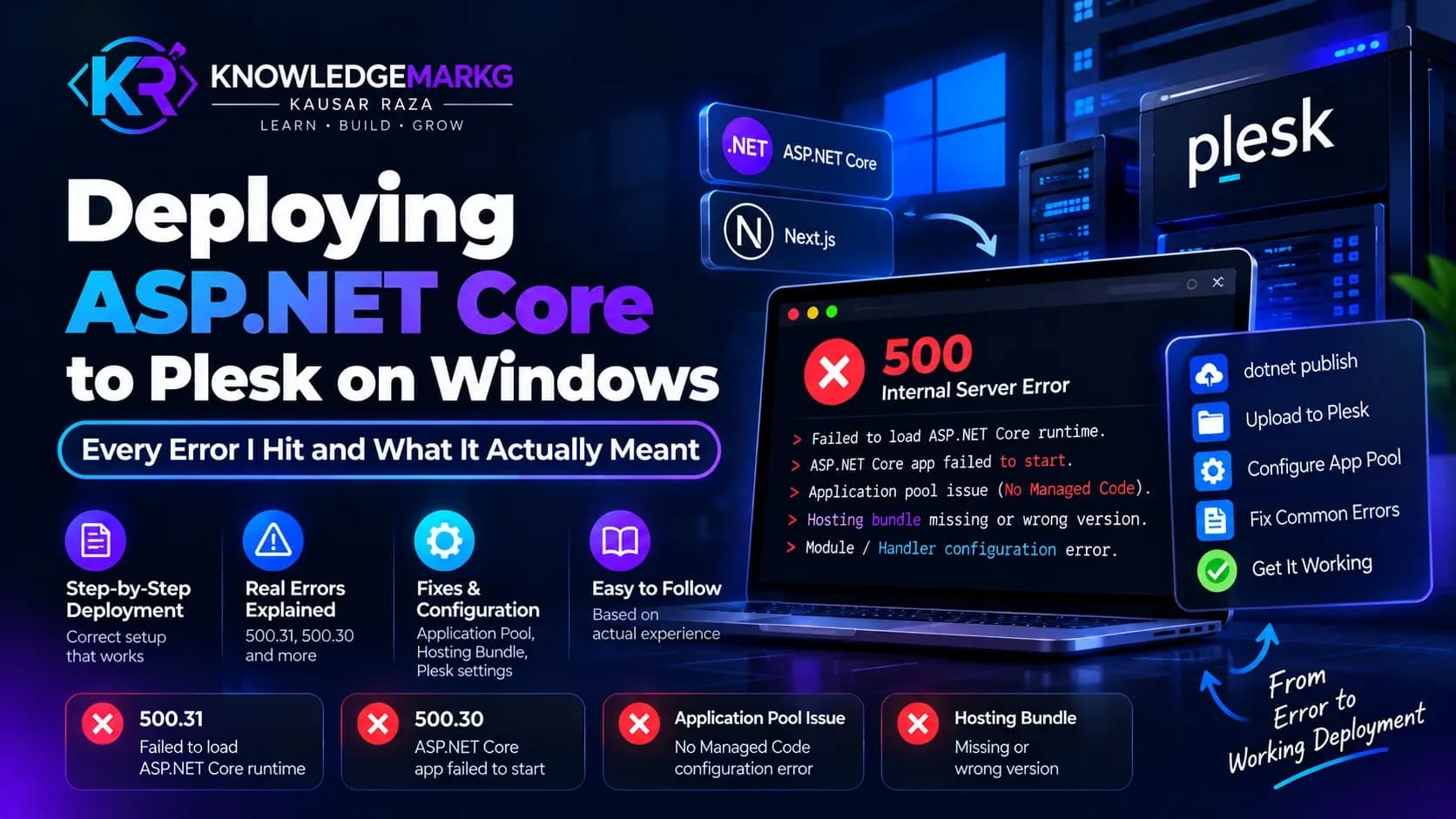
- Install the .NET Hosting Bundle - miss this and you get HTTP 500.31 with no explanation
- Create the site in IIS and set the application pool to No Managed Code
- Install SQL Server, and set max server memory straight away
- Use win-acme for a free auto-renewing SSL certificate
- Change the RDP port and restrict it by IP
A real example: this site
The site you are reading runs on ASP.NET Core with SQL Server, and its frontend is Next.js on Node. By the old rule of thumb - ".NET and MS SQL, so it must be Windows" - this would be sitting on an expensive Windows box.
It does not have to be. ASP.NET Core is cross-platform, SQL Server runs on Linux, and Node obviously does. Both halves of this site can live on the same cheap Linux VPS.
That is the whole point: check the stack before you buy the server, not after.
Quick decision list
Buy Windows if any of these are true:
- The app targets .NET Framework 4.x or uses .aspx pages
- There is Classic ASP, MS Access, COM or Crystal Reports in the stack
- Nobody on the team will ever touch a terminal
Buy Linux if:
- The app is ASP.NET Core, or PHP, Node, Python, Java or Go
- It is a new project with nothing legacy holding it back
- You would rather spend the licence money on more RAM
Five mistakes worth avoiding
- Buying Windows because "it is .NET" - the single most expensive assumption in this list
- A 2 GB Windows VPS - the OS takes it all and the app has nowhere to run
- Leaving SQL Server memory unlimited - it will starve the OS and the server will crawl
- Keeping backups only on the server - when the server goes, so do they
- Buying unmanaged without knowing it - updates, security and a 3 a.m. crash are then all yours
Not sure which one you need?
If you are still building the skills behind all this, the full stack developer roadmap covers the ground either way.
Plenty of sites on a VPS do not need one at all - good shared hosting is enough, and the monthly saving is real. And when a VPS is the right call, the size matters as much as the OS.
I build and deploy ASP.NET Core and Node applications, on both Linux and Windows. See what I do and what it costs, or send me your stack on WhatsApp - I will tell you straight whether you need Windows, Linux, or no VPS at all.
Join the conversation
No comments yet — be the first to share what you think.