


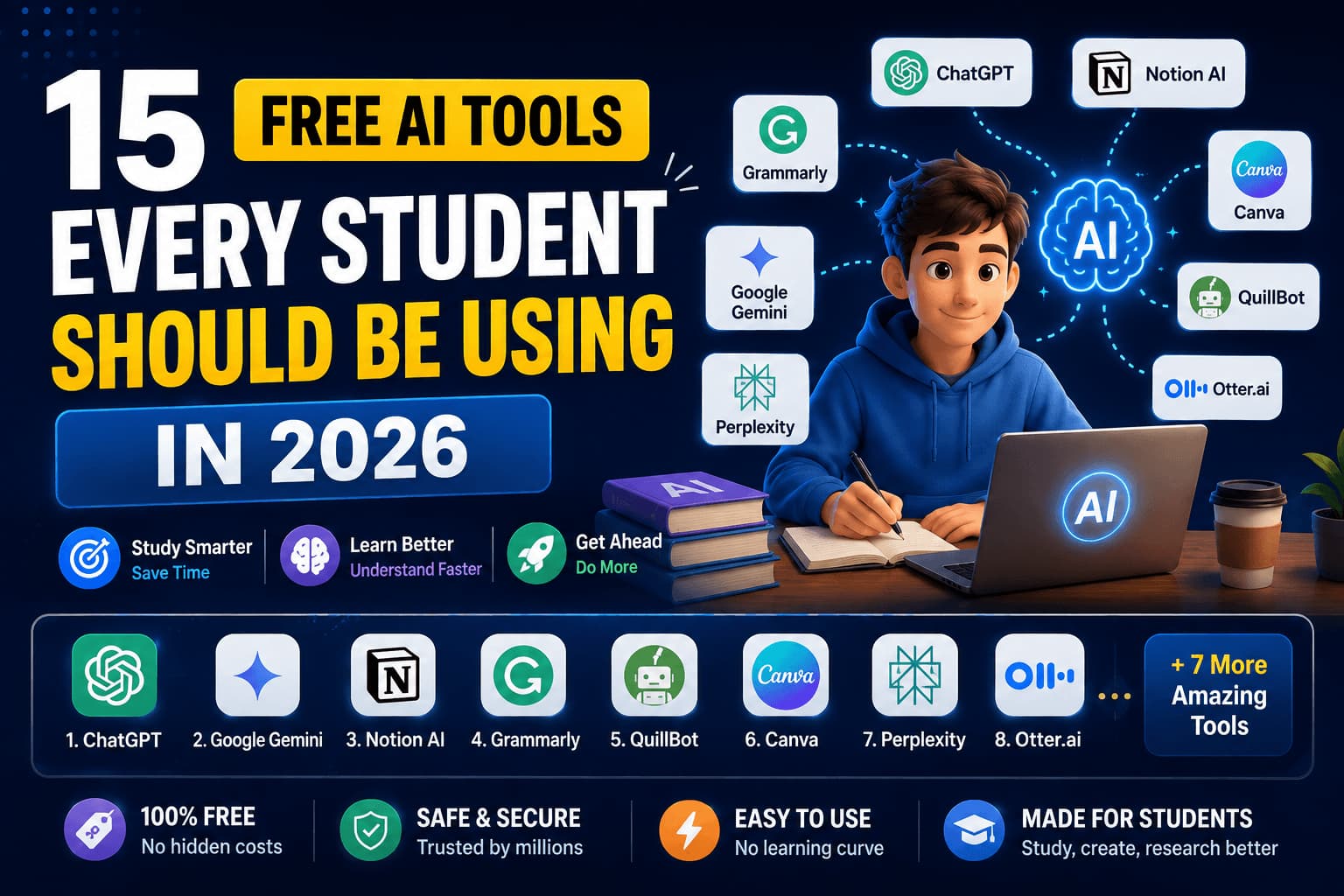
Let's be honest — being a student in 2026 is a lot. Endless assignments, lectures you half-remember, exams that sneak up on you, and a phone that's always trying to steal your attention. The good news? You have something students five years ago didn't: a pocket full of free AI tools that can genuinely make you faster, sharper, and a lot less stressed.
But here's the catch most people miss: AI won't make you smarter if you use it to skip the thinking. Use it to copy-paste answers, and you'll flunk the moment you're on your own. Use it as a tutor, a research assistant, and a second brain — and you'll fly. This list is built around that second way.
Here are 15 free AI tools every student should be using in 2026, grouped by what you actually need them for.
✍️ For writing essays & assignments
1. ChatGPT — your all-round study buddy. Ask it to explain a hard concept in simple words, brainstorm essay points, or check your understanding by quizzing you. Don't ask it to write your essay — ask it to improve the one you wrote. Huge difference.
2. Claude — brilliant for long, thoughtful work. Paste in a big PDF, a chapter, or your full essay and it'll summarise, explain, or give feedback while keeping track of everything. Great when you're dealing with lots of text at once.
3. Grammarly — catches the spelling and grammar mistakes that quietly cost you marks. It runs as you type, so your final draft always looks clean and professional.
4. QuillBot — helps you rephrase clumsy sentences and summarise long passages in your own words. Perfect for turning messy notes into readable ones — just make sure you understand what you're rewriting.
Two of the fastest little helpers here are actually free tools on this very site: our Word Counter tells you instantly if your essay is under or over the word limit, and the Case Converter fixes headings and titles in one click. No sign-up, no waiting.
🔍 For research & reading faster
5. Perplexity — think of it as a search engine that actually answers your question and shows you the sources. Perfect for research, because you can click through and cite properly instead of trusting a black box.
6. Google Gemini — deeply tied into Google, so it's handy for quick research, explaining images or diagrams, and pulling together information fast. Great for that "explain this like I'm 12" moment.
7. NotebookLM — a quiet superpower. Upload your own notes, slides, or textbook PDFs, and it becomes an expert on your material. Ask it questions, get summaries, even make a study guide — all grounded in what your teacher actually gave you.
📝 For notes, lectures & revision
8. Otter.ai — records and transcribes your lectures automatically. Instead of frantically scribbling and missing half of what's said, you can actually listen, then read the clean transcript later.
9. Notion (with AI) — one home for all your notes, tasks and projects, with AI that can summarise pages, generate outlines, and keep you organised. Once your whole semester lives in one tidy place, studying gets a lot calmer.
10. Quizlet — turns your notes into flashcards and practice quizzes, with AI that can generate them for you. Active recall (testing yourself) is one of the most proven ways to remember things — this makes it effortless.
🧮 For maths & science
11. Wolfram Alpha — not a chatbot, a computational brain. Type in an equation, a chemistry formula, or a stats problem and it solves it with steps. For science and engineering students, it's a lifesaver.
12. Photomath — point your camera at a maths problem and it shows you how to solve it, step by step. The trick is to study the steps, not just copy the answer — that's how you actually get better before the exam.
🎨 For presentations & design
13. Canva — makes you look like a designer even if you're not. Its AI can build presentations, posters and project covers in minutes. We wrote a whole guide on getting the most out of it — see 5 Amazing Canva Features. Need to shrink those images afterwards? Use our free Image Compressor.
💻 For coding & tech students
14. GitHub Copilot / AI code assistants — if you're learning to code, an AI assistant can explain errors, suggest fixes, and help you understand why something works. Use it to learn faster, not to skip learning. Pair it with our beginner-friendly guides like the Python for Beginners guide.
⏰ For productivity & focus
15. AI planners & focus apps — tools that help you plan your week, break big tasks into small ones, and block distractions. The best study tool in the world is useless if you can't sit down and start. Even a simple AI-assisted to-do list beats a messy mind.
How to actually use AI to study smarter (not lazier)
This is the part that separates students who level up from students who get caught out:
- Do the thinking first, then use AI to check. Write the essay, solve the problem, make the notes — then ask AI to review. You learn in the doing.
- Ask "why", not just "what". Don't ask for the answer; ask AI to explain the reasoning until you could teach it to a friend.
- Never trust it blindly. AI makes confident mistakes. Cross-check facts, formulas and citations — especially the ones with sources like Perplexity.
- Keep your own voice. For anything graded, use AI to polish your work, not to replace it. Teachers (and AI detectors) can tell.
The mistakes to avoid
- Copy-pasting AI answers. Fastest way to fail the exam, where it's just you and the paper.
- Using ten tools at once. Pick two or three that fit your subjects and actually learn them well.
- Skipping the fundamentals. AI is a booster, not a foundation. You still need to understand the basics yourself.
Your move
You don't need all 15 tomorrow. Pick one from the list that fixes your biggest pain right now — maybe research, maybe notes, maybe writing — and use it this week. Then add another. Little by little, you'll build a personal setup that makes studying faster and far less stressful.
And if you're a student thinking beyond exams — about actually earning with your skills — read our guide on 7 High-Income Skills to Learn in 2026. The same AI tools that help you study can help you build a career. Bookmark our free tools page too — they're the fastest, no-login helpers you'll come back to again and again.
Work smarter, not harder. In 2026, you finally have the tools to do exactly that.


Join the conversation
No comments yet — be the first to share what you think.