


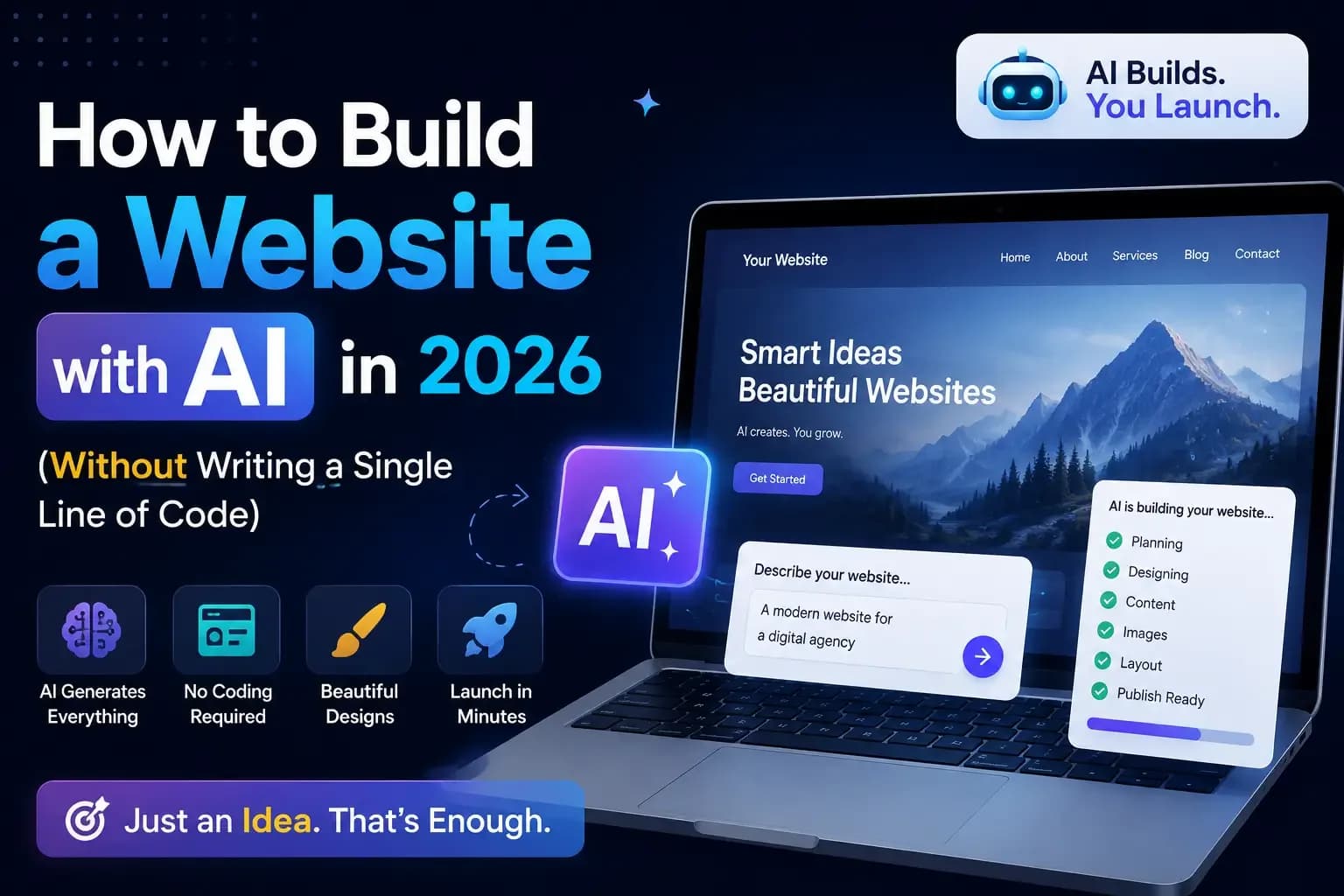
A few years ago, building a website meant either learning to code for months or paying someone a small fortune. In 2026, you can describe what you want in plain English and watch AI build most of it for you in minutes. No code. No design degree. Just an idea and a bit of patience.
Sounds too good to be true? It mostly isn't — but there's a right way and a wrong way to do this. Let me walk you through exactly how to build a website with AI in 2026, what it's brilliant at, and the one thing it still can't do for you.
First, what does "building a website with AI" actually mean?
There are two very different paths, and picking the right one saves you a lot of frustration:
- AI website builders (no code at all). You type what you want — "a clean website for my bakery with a menu and a contact button" — and the tool generates pages, layout, text and images. You just tweak and publish. Best for most people.
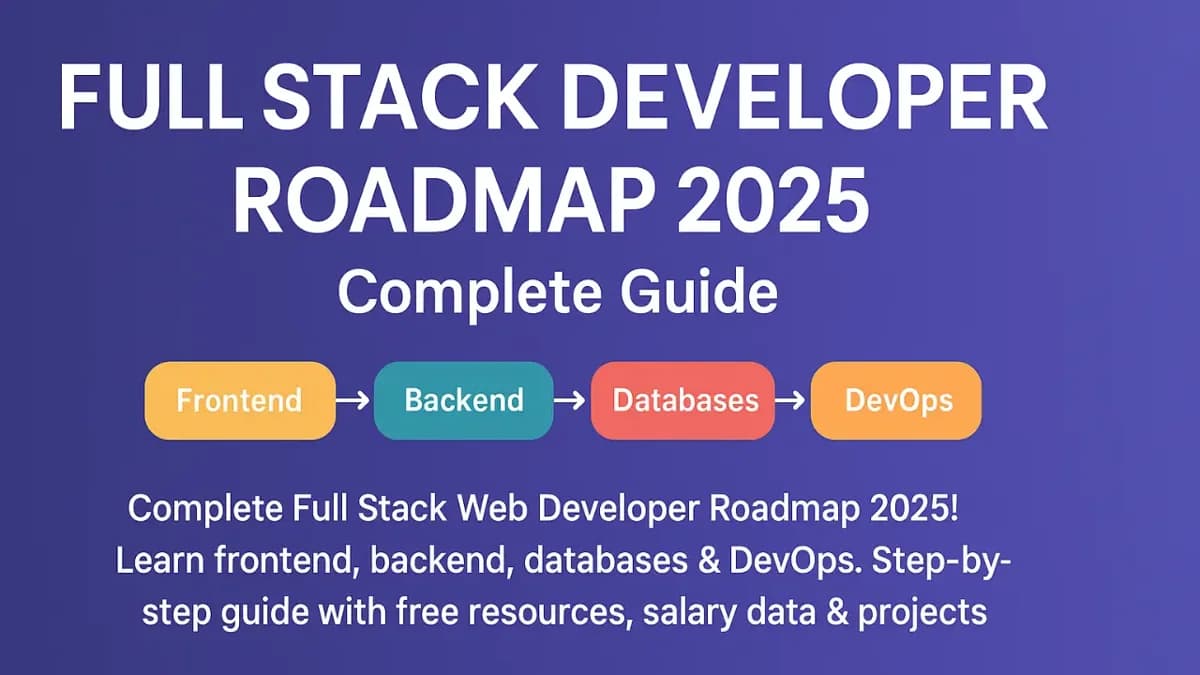
- AI coding assistants (some code, but AI helps). If you actually want to learn to build, tools like AI code assistants explain and write code with you. Slower, but you come out with a real skill. If that's you, start with our Full Stack Web Developer Roadmap.
For this guide, we'll focus on the first path — getting a real, working website live without touching code.
Step 1: Get clear on what the site is actually for
AI is only as good as what you ask it. Before you open any tool, answer one question: what should a visitor do here? Book an appointment? Message you on WhatsApp? See your work? Buy something?
Write it in one sentence. "A website for my tuition classes where parents can see subjects and message me on WhatsApp." That single line becomes the prompt that shapes your whole site. Vague in, vague out.
Step 2: Pick an AI website builder
There are several solid AI website builders in 2026 — most let you start free and only pay when you connect a custom domain. They all work in a similar way: you answer a few questions or type a prompt, and the AI drafts your site. Try one or two, and go with whichever feels easiest for you to edit. Don't overthink this part — you can always change it later.
Step 3: Describe what you want (the prompt is everything)
This is where people either win or waste an afternoon. Be specific. Instead of "make me a website," give the AI real details:
"A modern, mobile-friendly website for a dental clinic in Delhi. Pages: Home, Services, About the Doctor, Patient Reviews, and Contact with a WhatsApp button and appointment form. Friendly, trustworthy tone. Blue and white colours."
The more you tell it — your business, pages, tone, colours, the action you want visitors to take — the closer the first draft lands. Then you refine with follow-up prompts: "make the hero shorter," "add a FAQ section," "use warmer colours."
Step 4: Customise it so it doesn't look generic
Here's the big secret: AI gives everyone a similar-looking starting point. The websites that actually stand out are the ones people personalise. So:
- Replace the stock images with real photos of your shop, team, or work. Nothing builds trust like real pictures — and you can shrink heavy photos so your site stays fast with our free Image Compressor.
- Rewrite the AI text in your own voice. Use AI's draft as a starting point, then make it sound like a human wrote it — because a human should.
- Keep your name, logo and colours consistent with the rest of your brand.
Step 5: Add the essentials people forget
A pretty website that doesn't convert is just a poster. Before you publish, make sure you have:
- A clear action button — WhatsApp, Call, or Book — visible on every page.
- Mobile-friendly design — check it on your phone, because that's where most visitors are.
- Basic SEO — a clear title and description for each page so Google understands it. Our free Meta Tag Generator writes these for you in seconds.
Step 6: Publish it to the world
Connect a custom domain (something like yourbusiness.com — it costs very little and looks far more professional than a free sub-domain), hit publish, and you're live. Then share the link everywhere: your Google Business Profile, Instagram bio, WhatsApp status. A live website nobody knows about brings zero customers.
What AI is great at — and where it falls short
Let's be honest about both sides:
AI is brilliant at: getting you from zero to a decent-looking draft fast, writing first-draft text, suggesting layouts, and saving you weeks of fiddling.
AI still struggles with: making your site genuinely different from competitors, deep SEO that actually ranks, custom features (bookings, payments, integrations), and the judgement to know what will make your customers click. That's still a human job.
This is exactly why a lot of business owners use AI to explore ideas, then have a professional build the final thing properly — clean, fast, custom, and made to convert. If you'd rather skip the trial-and-error and get a website that's actually built for your business, that's what we do — take a look at the website plans on our Hire page or see real work in our portfolio.
The mistakes to avoid
- Publishing the raw AI draft. It looks like everyone else's. Always personalise first.
- Forgetting mobile. If it's broken on a phone, you're losing most visitors.
- No clear next step. Every page should tell the visitor what to do next.
- Ignoring SEO. A beautiful site nobody can find is a locked shop.
So, should you build it with AI?
If you need a simple site fast and you're happy to tweak it yourself — absolutely, AI is a genuine gift in 2026. If your website is going to be the face of a serious business and you want it done right the first time, it's worth getting a professional involved.
Either way, you now know the process: get clear on your goal, prompt the AI properly, personalise heavily, add the essentials, and publish. If you want the bigger picture of getting your whole business online — not just the website — read How to Take Your Small Business Online in 2026. And if building websites sounds like a skill worth having, it's one of the best-paid ones around — see 7 High-Income Skills to Learn in 2026.
The barrier to having a great website has never been lower. In 2026, the only thing standing between you and a live site is deciding to start.

Join the conversation
No comments yet — be the first to share what you think.