


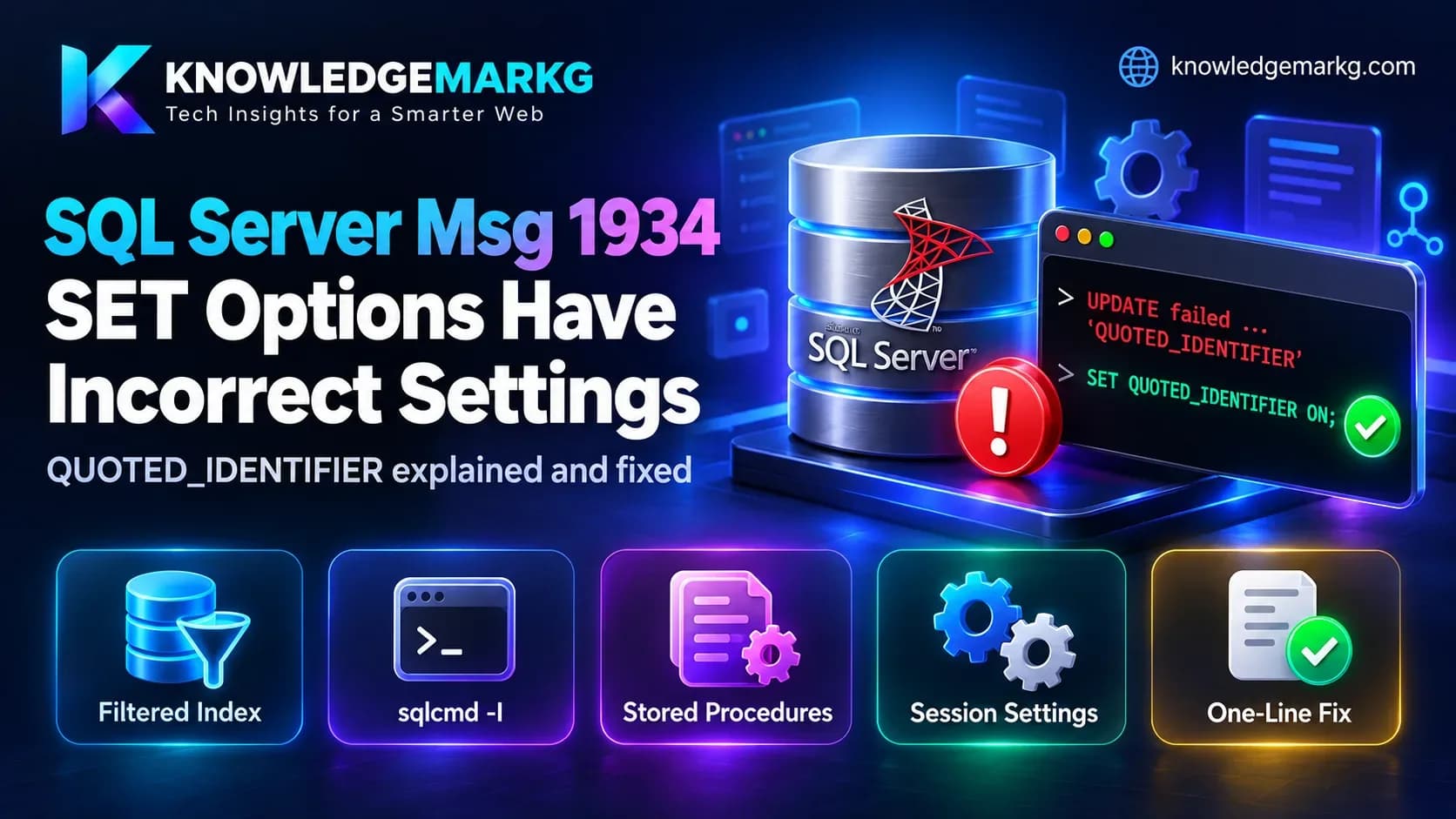
This is the error, exactly as SQL Server printed it to me while I was fixing this site:
Msg 1934, Level 16, State 1, Line 1
UPDATE failed because the following SET options have incorrect settings: 'QUOTED_IDENTIFIER'.
Verify that SET options are correct for use with indexed views and/or indexes on computed
columns and/or filtered indexes and/or query notifications and/or XML data type methods
and/or spatial index operations.
I was fixing a broken profile photo on this site by updating one row in the
AspNetUsers table from the command line. The same table is updated every day by the
ASP.NET Core application that runs this site, and that application has never once seen this error.
Same database, same table, same kind of statement - one client fails, the other doesn't. That
difference is the whole explanation, and once you see it the fix takes one line.
The short fix: put
SET QUOTED_IDENTIFIER ON;at the top of your script, before the statement that fails. If you run scripts with the classicsqlcmd, add the-Iswitch instead. If the failing statement is inside a stored procedure, re-create the procedure from a session that has the option on - setting it inside the procedure does nothing. The rest of this article explains why, and how to find every place it can bite.
What the error actually means
Read the long sentence at the end of the message as a checklist. SQL Server is saying: this
statement touches one of six features that only work with a particular set of session options -
indexed views, indexes on computed columns, filtered indexes, query notifications, XML data type
methods, or spatial indexes - and your session has at least one of those options set the wrong way.
The option it names in quotes ('QUOTED_IDENTIFIER' here) is the one that is wrong.
The first word changes with the statement. You will see INSERT failed,
UPDATE failed, DELETE failed, SELECT failed,
CREATE INDEX failed or ALTER INDEX failed - it is the same error, number 1934,
every time. And the option in quotes is not always QUOTED_IDENTIFIER; it can also be
ANSI_WARNINGS, ANSI_NULLS, ARITHABORT and a few others. The
cause is always the same shape: a client connected with a non-default setting.
In my case the feature involved was a filtered index. ASP.NET Core Identity
creates one on AspNetUsers:
SELECT OBJECT_NAME(object_id) AS [table], name, filter_definition
FROM sys.indexes
WHERE has_filter = 1;

-- table         name            filter_definition
-- AspNetRoles   RoleNameIndex   ([NormalizedName] IS NOT NULL)
-- AspNetUsers   UserNameIndex   ([NormalizedUserName] IS NOT NULL)
Those two rows are the only filtered indexes in this site's database, and both come from Identity:
a unique index on a column that allows NULLs gets an IS NOT NULL filter, so that more than
one row can be NULL. So if your project uses ASP.NET Core Identity on SQL Server, you have filtered
indexes whether you ever wrote one or not - and any script that updates users or roles from the wrong
client will hit this error.
Why one client fails and another doesn't
QUOTED_IDENTIFIER is a session setting, and each client library picks its own default
when it connects. That is the entire mystery:
- ADO.NET / SqlClient, Entity Framework Core, the ODBC driver, OLE DB, and SSMS connect with it ON. Microsoft's documentation says the ODBC driver and OLE DB provider set it on automatically when connecting. This is why the application never sees the error.
- The classic
sqlcmd(the ODBC-based one that ships with the SQL Server client tools) starts with it OFF. I checked rather than trusting memory: a plain session fromsqlcmd15.0 reportedSESSIONPROPERTY('QUOTED_IDENTIFIER') = 0. Its-Iswitch turns it on. - The newer
sqlcmd(Go) always has it on. Microsoft's docs say its-Iswitch is ignored because quoted identifiers are always enabled. So whether this error happens can depend on whichsqlcmdis first on your PATH. - DB-Library applications default to OFF - old, but still found in legacy tools.
Check what your own session has before guessing:
SELECT SESSIONPROPERTY('QUOTED_IDENTIFIER')       AS quoted_identifier,
       SESSIONPROPERTY('ANSI_NULLS')              AS ansi_nulls,
       SESSIONPROPERTY('ANSI_WARNINGS')           AS ansi_warnings,
       SESSIONPROPERTY('ANSI_PADDING')            AS ansi_padding,
       SESSIONPROPERTY('ARITHABORT')              AS arithabort,
       SESSIONPROPERTY('CONCAT_NULL_YIELDS_NULL') AS concat_null_yields_null;
From sqlcmd on this machine that returned 0 for
QUOTED_IDENTIFIER and for ARITHABORT, and 1 for the rest.
What I tested
To be sure which statements fail and which don't, I reproduced it on SQL Server 2022 (compatibility level 150) with a temporary copy of the Identity table - same filtered unique index, nothing touching real data:
SET QUOTED_IDENTIFIER ON;
CREATE TABLE #Users (Id int PRIMARY KEY, NormalizedUserName nvarchar(256) NULL);
CREATE UNIQUE INDEX UserNameIndex ON #Users (NormalizedUserName)
    WHERE NormalizedUserName IS NOT NULL;
GO
SET QUOTED_IDENTIFIER OFF;   -- now behave like a default sqlcmd session
GO
UPDATE #Users SET NormalizedUserName = N'B' WHERE Id = 2; -- Msg 1934| Statement | Session settings | Result |
|---|---|---|
| INSERT, UPDATE, DELETE on the table | QUOTED_IDENTIFIER OFF | Msg 1934 (each names its statement) |
| Plain SELECT on the table | QUOTED_IDENTIFIER OFF | Works |
SELECT using an xml .value() method | QUOTED_IDENTIFIER OFF | Msg 1934, "SELECT failed" |
| CREATE INDEX with a WHERE filter | QUOTED_IDENTIFIER OFF | Msg 1934, "CREATE INDEX failed" |
| ALTER INDEX ... REBUILD on the filtered index | QUOTED_IDENTIFIER OFF | Msg 1934, "ALTER INDEX failed" |
| UPDATE | QUOTED_IDENTIFIER ON, ARITHABORT OFF | Works |
| UPDATE | QUOTED_IDENTIFIER ON, ANSI_WARNINGS OFF | Msg 1934 naming 'ANSI_WARNINGS' |
| EXEC of a procedure created with QUOTED_IDENTIFIER OFF | caller has it ON | Msg 1934 inside the procedure |
UPDATE from sqlcmd -I | QUOTED_IDENTIFIER ON | Works |
Three of those results are worth pulling out, because they are where people lose time:
- Reads usually still work. A plain SELECT on a table with a filtered index did not fail; the index simply can't be used. That is why a script can read everything fine and then fall over at the first write - it looks like a permissions or locking problem when it isn't.
- ARITHABORT OFF was not a problem on this server, even though the session had it
off. With
ANSI_WARNINGSon and the database at compatibility level 90 or higher, SQL Server treatsARITHABORTas on. If you do see'ARITHABORT'in the message, look atANSI_WARNINGSand the compatibility level first. - Stored procedures remember their creation setting. The caller's setting is irrelevant - more on that below, because it is the case that survives every other fix.
How to fix it
1. In a script: set the option before the statement
SET QUOTED_IDENTIFIER ON;
SET ANSI_NULLS ON;
GO

UPDATE AspNetUsers
SET    ProfileImageUrl = '/uploads/profiles/new-photo.webp'
WHERE  Id = '...';
Microsoft's documentation is precise about when this takes effect: QUOTED_IDENTIFIER
applies at parse time, and a SET inside a batch changes parsing from that point
on. So it works on the same line as long as it comes first. Putting it in its own batch with
GO, as above, is the version that never surprises anyone.
2. From sqlcmd: use -I, or the Go version
sqlcmd -S myserver -d mydb -I -i fix.sql-I applies only to the classic ODBC sqlcmd. The newer Go-based
sqlcmd has quoted identifiers on permanently, so the switch does nothing there - and the
error doesn't happen there either. If you have a deploy script that runs SQL files through
sqlcmd, add -I to it now; it costs nothing on the Go version and fixes the
ODBC one.
3. In a stored procedure: re-create it, don't SET inside it
When a procedure is created, SQL Server stores the QUOTED_IDENTIFIER and
ANSI_NULLS settings that were in force at that moment, and uses them for every later call.
A SET QUOTED_IDENTIFIER ON written inside the procedure body has no effect. In my test, a
procedure created from an OFF session failed with Msg 1934 even when called from a session that had the
option on.
Find every module saved with the wrong setting:
SELECT OBJECT_SCHEMA_NAME(m.object_id) AS [schema],
       OBJECT_NAME(m.object_id)        AS [name],
       o.type_desc,
       m.uses_quoted_identifier,
       m.uses_ansi_nulls
FROM sys.sql_modules AS m
JOIN sys.objects     AS o ON o.object_id = m.object_id
WHERE m.uses_quoted_identifier = 0
   OR m.uses_ansi_nulls = 0
ORDER BY [schema], [name];
For each row, script the module out and run its ALTER (or CREATE OR ALTER)
from a session with both options on - SSMS, or sqlcmd -I. The same applies to triggers
and functions; they are in sys.sql_modules too. A deployment tool that runs your migration
scripts through the classic sqlcmd is the usual way these get saved wrong in the first
place, so fix the tool as well as the procedures.
4. If the message names a different option
The features in the error message need this full set, not only QUOTED_IDENTIFIER.
Setting them together at the top of a maintenance script means you won't meet the next one:
SET ANSI_NULLS ON;
SET ANSI_PADDING ON;
SET ANSI_WARNINGS ON;
SET ARITHABORT ON;
SET CONCAT_NULL_YIELDS_NULL ON;
SET QUOTED_IDENTIFIER ON;
SET NUMERIC_ROUNDABORT OFF;
What not to do
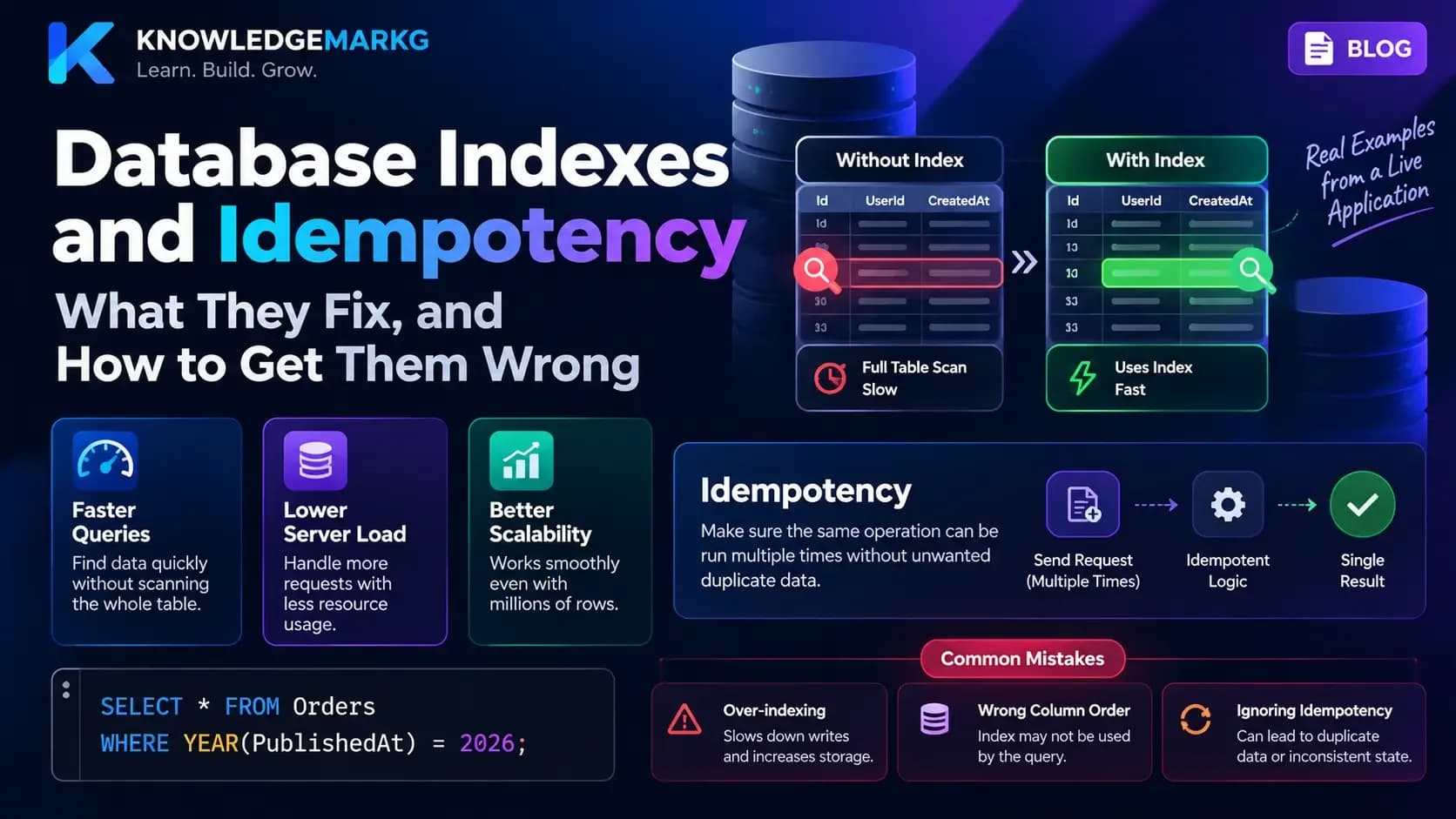
Don't drop the filtered index to make the error go away. On an Identity table it is the unique constraint that stops two accounts from sharing a username; removing it trades a clear error for silent duplicate users. The same reasoning as any unique index - it is a rule the database enforces for you, which I wrote about in database indexes and idempotency.
Where this came from
The reason I was updating Identity rows by hand at all is worth a sentence, because it is the common
route into this error: a deploy had deleted the uploads folder on the server, and the fastest repair
for one broken image was a direct UPDATE rather than going through the admin screens.
Direct SQL against tables an ORM normally manages is exactly when you leave the client library's
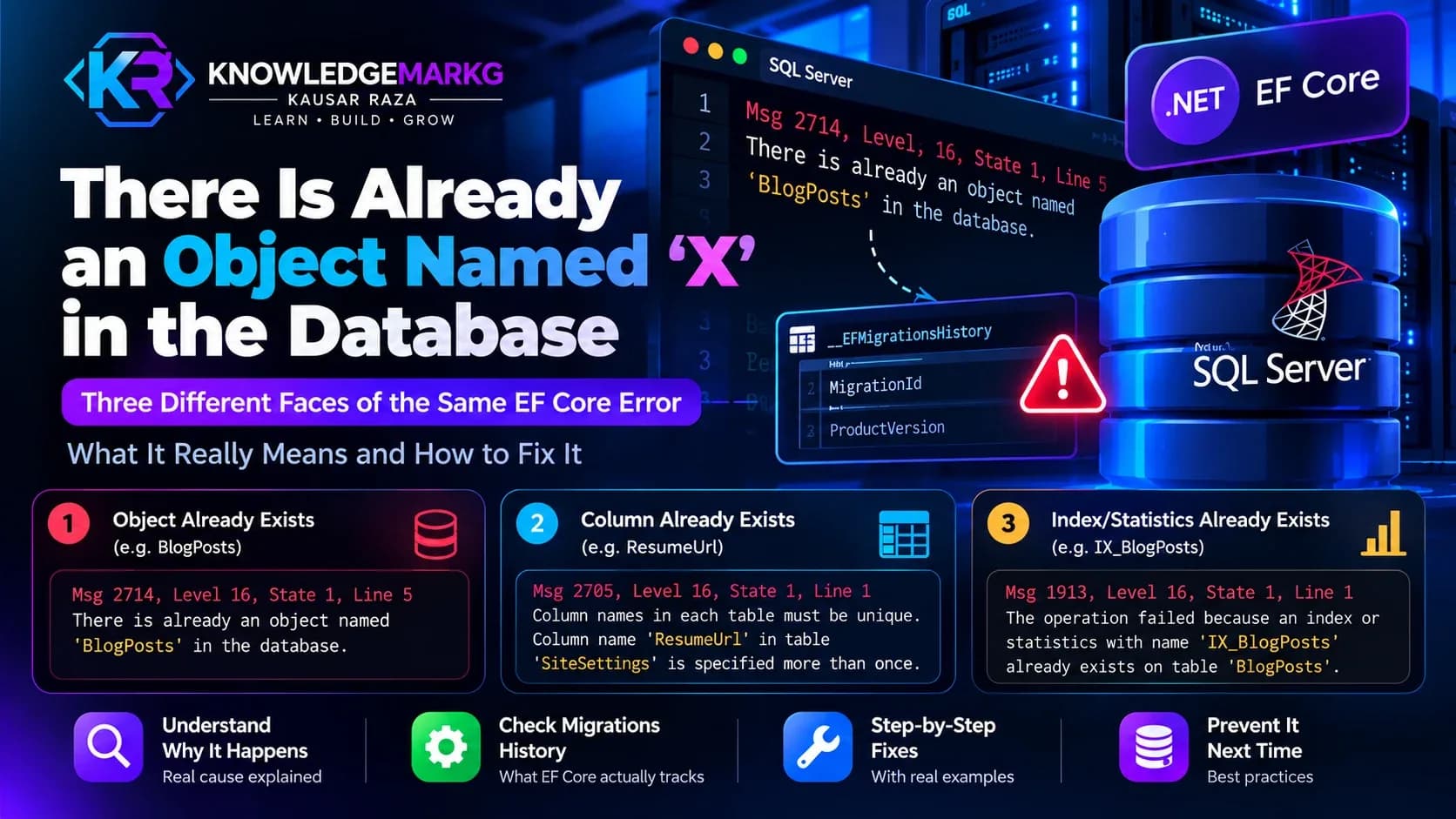
defaults behind - the same way EF Core's migration history can surprise you, as in
"There is already an object
named X in the database". The application had been setting QUOTED_IDENTIFIER ON for me
all along; the command line wasn't.

Join the conversation
No comments yet — be the first to share what you think.