


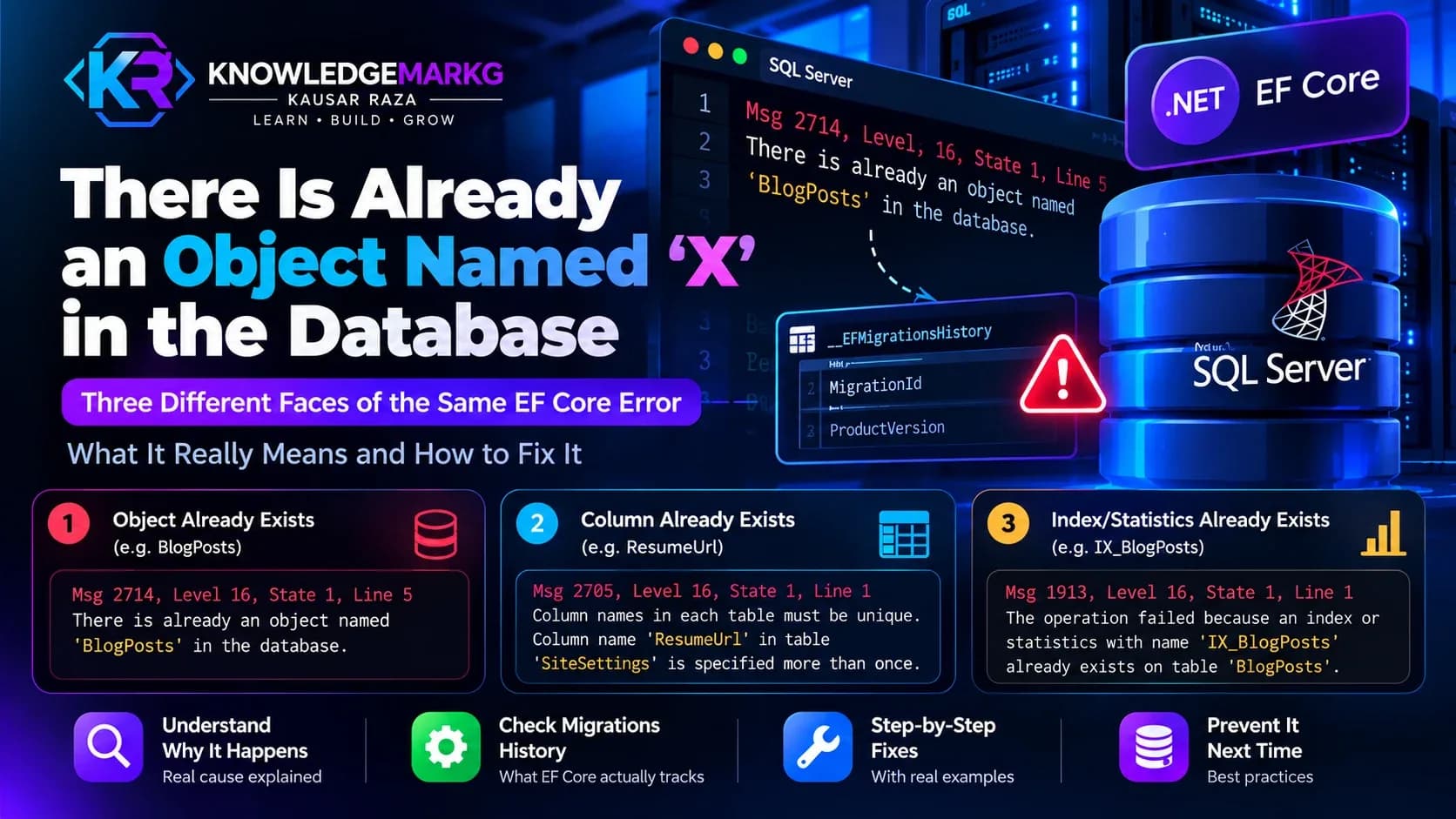
You run dotnet ef database update against a database that already has a schema,
and it stops with this:
Msg 2714, Level 16, State 1, Line 5
There is already an object named 'BlogPosts' in the database.
The instinct is to go and look at the migration. That is the wrong place. The migration is almost certainly fine. What has gone wrong is that EF Core's record of what it has already applied no longer matches the migration files sitting in your project, so it is trying to run something for the second time.
This happened on this site's own database, and the evidence is still in the table as I write this. I will show you the real rows further down.
The same bug wears three different faces
Which error message you get depends entirely on what the migration being re-run happens to do. That is why this problem is so hard to search for - three people hit the identical bug and go looking for three unrelated strings.
I captured all three from a live SQL Server 2022 rather than quoting them from memory, using a temporary table so nothing real was touched:
| Migration operation | Error | Message |
|---|---|---|
CreateTable | 2714 | There is already an object named 'X' in the database. |
AddColumn | 2705 | Column names in each table must be unique. Column name 'ResumeUrl' in table 'SiteSettings' is specified more than once. |
CreateIndex | 1913 | The operation failed because an index or statistics with name 'IX_BlogPosts_Slug' already exists on table 'BlogPosts'. |
One quirk worth knowing if you ever try to reproduce this: 2714 is raised when the batch is
compiled, not when it runs, so a TRY...CATCH in the same batch will not catch it. The
other two will. It is a small detail, but it is the kind that makes you think your error handling
is broken when it is working exactly as designed.
What __EFMigrationsHistory actually is
EF Core has no magic here. Its entire memory of your database is one small table that it creates itself:
SELECT MigrationId, ProductVersion FROM __EFMigrationsHistory ORDER BY MigrationId;Two columns. MigrationId is the filename of the migration without the extension -
a 14-digit timestamp, an underscore, and the class name. ProductVersion is the EF
version of the tooling that applied it.
When you run database update, EF reads every MigrationId out of that
table, compares the list against the migration classes compiled into your assembly, and runs
whatever is in the assembly but not in the table. That is the whole algorithm.
Which means the error is not really "this object exists". It is "I have no row saying I created this object, so I am going to create it".
The real cause: your file and your history row drifted apart
Here is the actual history table behind this site, trimmed to the interesting part:
MigrationId                                    ProductVersion
---------------------------------------------  --------------
20260719093058_AddLogoDarkUrlToSiteSettings     9.0.0
20260920154152_AddResumeToSiteSettings          9.0.9
20260920154332_AddResumeToSiteSettings          9.0.9
20260922181332_AddLeadFieldsToContactMessages   9.0.9
Look at the middle two. The same migration name, twice, with timestamps one minute and forty
seconds apart. There is only one file on disk -
20260920154332_AddResumeToSiteSettings.cs. The 154152 row is a ghost.
What happened is mundane and extremely common: the migration was generated, applied, then
something about it was wrong, so it was deleted and generated again. The regenerated file got a
fresh timestamp, because the timestamp is simply the moment migrations add ran. As
far as EF is concerned that is a completely different migration which has never been applied - and
its Up method said AddColumn("ResumeUrl") against a table that already
had the column.
That is error 2705, and this is the version of the story where it was caught. Run the same mistake on a migration that creates tables instead and you get 2714.
Other routes to the same state, all of which I have run into:
- The database was built by hand or restored from a backup, and the first migration tries to create what is already there.
- Two branches each added a migration, both were applied in different environments, and the merge left one environment's history out of step.
- A migration was applied, then reverted in source control but never reverted in the database.
- Someone ran
database updateagainst the wrong connection string. On shared hosting, with staging and production on one instance, this is easier than it sounds.
Why dotnet ef migrations list will not show you this
This is the part that cost the most time, so I will be blunt about it. The obvious diagnostic does not work.
dotnet ef migrations list --project MyApp.Core --startup-project MyApp.ApiOn the database above, that command printed eighteen migrations. The ghost row was not one of them. It cannot be: the command builds its list from the migration classes in your assembly and then annotates which of them are pending. A history row with no matching class is not in the assembly, so there is nothing to annotate and it never appears.
So migrations list answers "which of my files have been applied". It does not
answer "what does the database think it has applied", and the second question is the one you need.
You have to go and ask the table yourself.
The diagnosis, in one query
Read the history table and compare it with your files. Nothing here writes anything, so it is safe to run against production:
SELECT MigrationId, ProductVersion
FROM   __EFMigrationsHistory
ORDER  BY MigrationId;
Then list the files:
ls Migrations/*.cs | grep -v Designer | grep -v SnapshotThree outcomes, and each one has a different fix:
- A file with no row. EF will try to apply it on the next update. If the schema it creates is already there, that is your error.
- A row with no file. Harmless on its own - EF ignores rows it does not recognise - but it is a loud signal that a migration was regenerated, and the replacement is probably case 1.
- Duplicate names with different timestamps. The two above, together. This is the regenerated-migration case and it is the most common one by a distance.
Check ProductVersion while you are in there, too. Mixed values across rows mean
different machines with different EF tooling versions have been applying migrations to the same
database, which is its own source of surprises.
Fixing it without dropping the database
The fix depends on which of two things is true, and you have to decide which before you type anything.
If the schema is already correct and only the history row is missing - the usual case - you do not want to run the migration at all. You want to tell EF it has already been run. Insert the row yourself, idempotently, so re-running the script is harmless:
IF NOT EXISTS (SELECT 1 FROM __EFMigrationsHistory
               WHERE MigrationId = N'20260920154332_AddResumeToSiteSettings')
BEGIN
    INSERT INTO __EFMigrationsHistory (MigrationId, ProductVersion)
    VALUES (N'20260920154332_AddResumeToSiteSettings', N'9.0.9');
END
The MigrationId must match the filename exactly, timestamp included.
ProductVersion should match the EF version you are running; it is informational, but
getting it wrong makes the table lie to the next person who reads it.
If the history row exists but the schema does not - someone restored an older backup over a newer history, say - then deleting the row is what lets EF apply the migration properly. Take a backup first. This is the direction in which guessing loses data.
If you have an orphan row and no corresponding file, leaving it alone is a
legitimate choice. EF will not trip over it. The 154152 row is still in this site's
database for exactly that reason: it is harmless, and it documents what happened. If it bothers
you, delete it - but delete it because you have confirmed no file matches it, not because it looks
untidy.
To generate the SQL without applying it, and read what EF intends to do first:
dotnet ef migrations script 20260719093058_AddLogoDarkUrlToSiteSettings 20260920154332_AddResumeToSiteSettings --idempotent --output check.sql--idempotent wraps every operation in a check against the history table, which
makes the script safe to run more than once. On a production database it is the only form worth
running.
Three fixes to not reach for
dotnet ef database drop ends the error by destroying the data. It is the right
answer on a local development database you can reseed in a minute, and the wrong answer everywhere
else. The two commands sit next to each other in the documentation, which is how accidents
happen.
Deleting the Migrations folder and starting again feels like a reset. It is not -
the history table survives, so a fresh InitialCreate immediately collides with the
existing schema and you are back at 2714 with less information than before.
Adding --ignore-changes, or hand-emptying the Up method to make the
error go away, is the one that causes real damage later. You end up with a migration that claims
to do something and does nothing, and the next environment you deploy to is missing the schema
with no error to tell you.
Keeping it from happening again
One rule covers most of it: never regenerate a migration that has already been applied
anywhere. Once a migration has run against a database you cannot reach and fix by hand,
its timestamp is a fact about the world. If the migration is wrong, add a new one that corrects
it. migrations remove is only safe while the migration is still unapplied
everywhere.
Three more habits that have earned their place:
- Script the deployment with
migrations script --idempotentrather than runningdatabase updateagainst production. You get to read it first, and it is safe to run twice if a deploy is interrupted. - Check
__EFMigrationsHistoryas part of a release, not as part of an incident. The query above takes two seconds. - Be deliberate about which connection string is active. On shared hosting, where staging and
production often sit on the same instance, the only thing between you and the wrong database is
which
appsettingsfile happened to load.
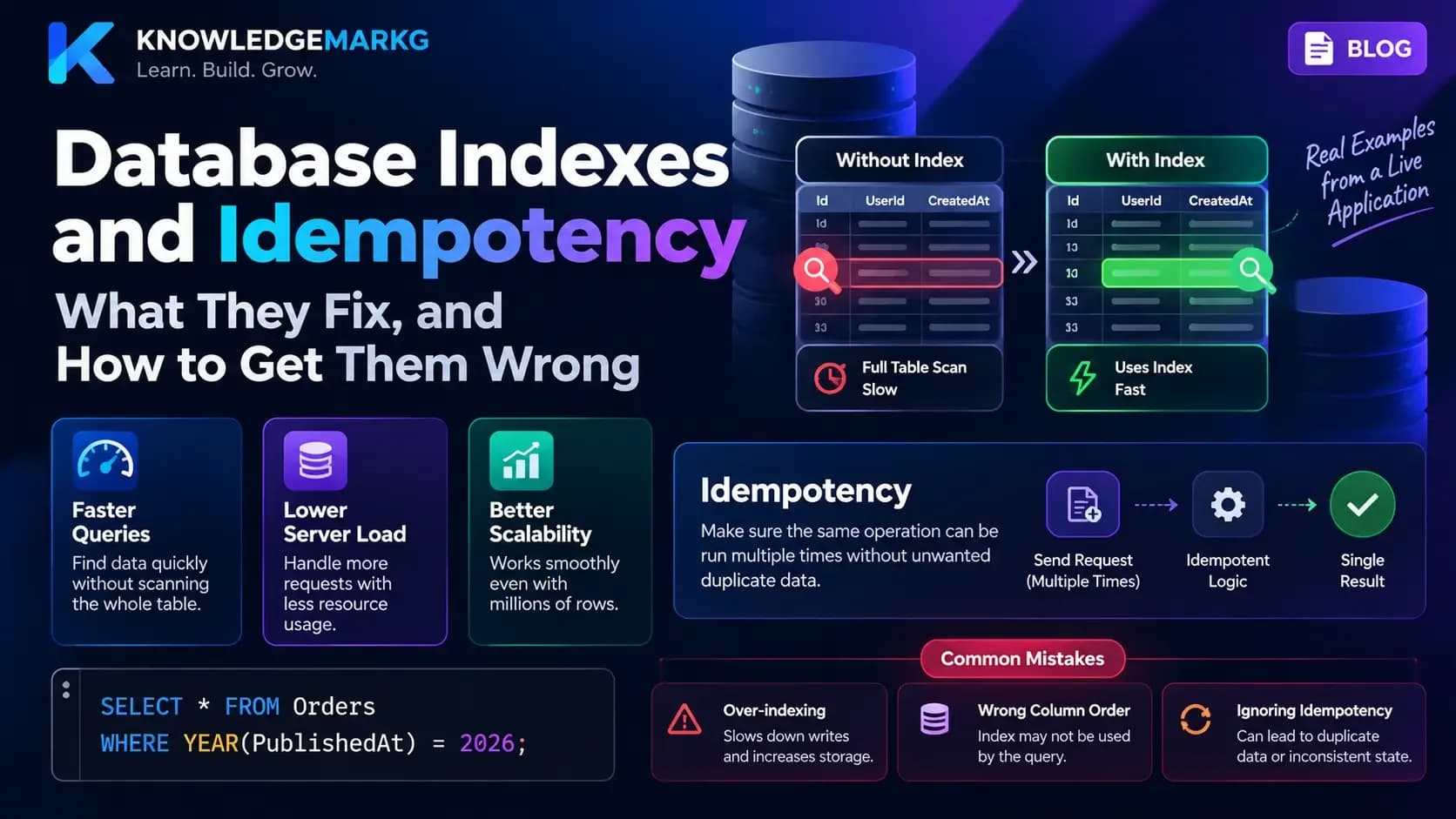
If you are working on the same stack, the post on indexes and idempotency covers why idempotent scripts matter well beyond migrations, and the ASP.NET Core deployment errors post covers the failures that show up immediately after this one, when the application starts but the database will not cooperate.
The short version: when EF says an object already exists, it is not describing your schema. It is telling you it has lost track of its own history. Read the table, find the disagreement, and fix the record rather than the migration.
Join the conversation
No comments yet — be the first to share what you think.