


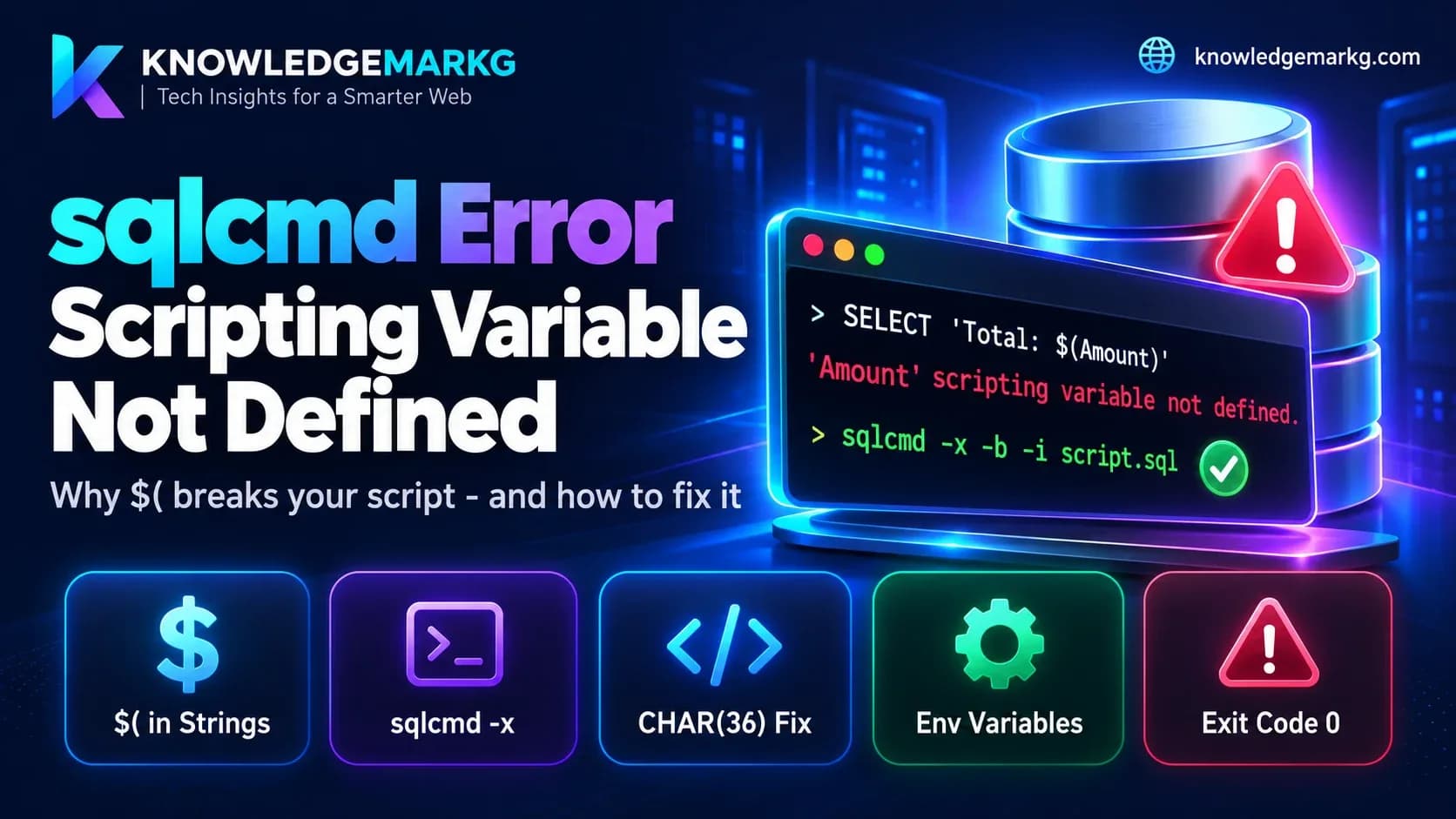
If you run SQL scripts through sqlcmd - a deploy step, a data fix, a seed script, a
pipeline that loads text into a table - sooner or later one of them prints this:
'Amount' scripting variable not defined.The name in quotes changes; the cause doesn't. Somewhere in your script there is a
$( followed by a name and a ), and sqlcmd has read it as one of its own
variables. Usually it's inside a string you meant literally: a price template, a shell command
stored in a table, a blog post with a code sample in it. I hit it on this site, whose posts are
inserted by a script that pipes generated SQL through sqlcmd - any post with a shell example like
$(cygpath -w file) in it tripped over this.
The short fix: if the script doesn't use sqlcmd variables at all, run it with
sqlcmd -x(orInvoke-Sqlcmd -DisableVariablesin PowerShell). If it does use them, break the pattern inside the SQL text instead: write'$' + '(Amount)'orCHAR(36) + '(Amount)'. And if you build the command in Bash or PowerShell, put the query in single quotes - in double quotes the shell eats$(...)before sqlcmd ever sees it.
That's the fix. What makes this worth an article is that the error message is the
least dangerous thing sqlcmd does with $(...) - the dangerous cases print nothing at all.
What sqlcmd is doing
sqlcmd is not just a pipe to SQL Server. Before it sends each batch, it runs its own
pre-processor over the text, and one of that pre-processor's jobs is replacing
$(Name) with the value of a scripting variable called Name. This is
a feature: it lets one script run against different databases or servers.
:setvar TargetDb "Shop_Staging"
USE $(TargetDb);
SELECT COUNT(*) FROM dbo.Orders;
The catch is that the pre-processor doesn't care about T-SQL quoting. It replaces
$(Name) inside string literals - '...' and N'...' - exactly as it
does in code. To sqlcmd, 'Total: $(Amount)' is a variable reference wrapped in some
characters that happen to be quotes.
A value for a variable can come from five places. From lowest to highest precedence, according to Microsoft's documentation:
- system-level environment variables
- user-level environment variables
- variables set in the shell before starting sqlcmd (
SET X=Y,export X=Y) sqlcmd -v X=Y:setvar X Yinside the script
Only if none of the five has a value do you get "scripting variable not defined". Keep the first three in mind - they are where the silent failures come from.
What I tested
Everything below was run on 26 October 2026 with the classic ODBC-based sqlcmd
(version 15.0.1300.359, Windows) against SQL Server 2022, using only SELECT and
PRINT. The test script is one line:
SELECT 'Total: $(Amount)' AS r;1. Without -b, the error doesn't stop anything
Run it plainly and you get the message on stderr - and the query still runs, with the literal text left in:
r
-
Total: $(Amount)

(1 rows affected)
'Amount' scripting variable not defined.
The exit code is 0. If this script were an INSERT, the row would be
saved exactly as written, and any CI job checking the exit code would report success. Microsoft's own
page contradicts itself here: one sentence says "the execution of the script stops", while a worked
example further down shows the row being returned. The example - and my test - are right. It only
stops when you pass -b.
2. With -b, it stops - halfway through
With -b, the batch containing the reference is never sent and sqlcmd exits with code 1.
But batches before it have already run. A three-batch script printed batch 1 ran, then
the error, then nothing. If the script isn't wrapped in a transaction, you are left with the first
half applied. That's still the behaviour you want in automation - just know that "failed" doesn't mean
"nothing happened".
3. Environment variables fill it in - silently
This is the one that actually corrupts data. I changed the test string to:
SELECT 'path=$(USERNAME)' AS envleak, '$(SQLCMDSERVER)' AS srv;No message, exit code 0, and the result came back with my Windows user name in place of
$(USERNAME) and the server's address in place of $(SQLCMDSERVER). sqlcmd
treats every environment variable as a scripting variable, and it defines a set of its own
(SQLCMDSERVER, SQLCMDUSER, SQLCMDDBNAME and more). So a stored
string that happens to contain $(PATH), $(TEMP),
$(COMPUTERNAME) or $(HOME) is quietly rewritten with values from whatever
machine ran the script - including, on a build agent, paths and account names you didn't mean to put in
your database. Names are case-insensitive too: -v AMOUNT=5 filled in
$(amount).
The visible error only appears when the name matches nothing. You only get a warning when you're lucky.
4. A broken pattern is a syntax error
An unclosed $( or a name with a space in it gives a different message:
Sqlcmd: Error: Syntax error at line 1 in file 't7.sql'.Here the batch is not sent - but without -b the exit code is still 0, so the
script "succeeds" having skipped that statement.
5. Things that turned out to be fine
Some things I expected to break and didn't, in this version:
$(Anything)inside a--or/* */comment produced no message.- A multi-line string literal containing a line that starts with
GO,:setvaror!!echowas kept as text. sqlcmd did not split the batch, set a variable or run a shell command.
So it's specifically $(...) in code and string literals you need to watch.
Fix 1: turn variables off with -x
If the script never uses sqlcmd variables, this is the whole fix:
sqlcmd -S myserver -d Shop -x -b -i load_content.sql-x makes sqlcmd ignore scripting variables completely - no substitution, no message,
the text goes to SQL Server as written. It's an all-or-nothing switch: in my test,
-x together with -v Amount=19.99 still produced the literal
$(Amount), and :setvar inside the file was ignored as well. If the script
relies on $(TargetDb) somewhere, -x breaks that.
Keep -b alongside it, so real SQL errors still fail the run.
PowerShell: Invoke-Sqlcmd -DisableVariables
The SqlServer module's Invoke-Sqlcmd uses the same variable syntax, and
its equivalent of -x is -DisableVariables. Microsoft's documentation describes
it in nearly the same words as -x - "useful when a script contains many INSERT
statements that may contain strings that have the same format as variables". (I didn't have the module
installed for this test, so this one is from the docs, not from a run.)
Invoke-Sqlcmd -ServerInstance myserver -Database Shop -InputFile .\load_content.sql -DisableVariablesFix 2: break the pattern inside the SQL
When the script needs variables and contains literal $(...) text, change how
the text is written so the pre-processor never sees $(. Both of these came back as the
literal Total: $(Amount) with no message:
SELECT 'Total: $' + '(Amount)'          AS concat_fix,
       'Total: ' + CHAR(36) + '(Amount)' AS char_fix;
CHAR(36) is the dollar sign. Use NCHAR(36) and N'...' for
nvarchar data. There is no escape sequence for $( in sqlcmd - splitting it is
the workaround. If you generate SQL from code, do the split in the generator so nobody has to remember
it by hand:
def sql_literal(text):
    # N'...' with quotes doubled, and "$(" split so sqlcmd can't see a variable
    body = text.replace("'", "''").replace("$(", "$' + N'(")
    return "N'" + body + "'"
The same goes for SQL database projects and SSMS in SQLCMD mode, which use the same
$(Name) syntax for their variables. I haven't tested those here, but the split string has
no $( in it for any of them to find.
Fix 3: check what your shell did first
A related trap sits one layer earlier, in the shell. Both Bash and PowerShell
use $(...) for their own command substitution, and both expand it inside double
quotes before sqlcmd starts:
$ q="SELECT 'Total: $(Amount)' AS r"; echo "$q"
bash: Amount: command not found
SELECT 'Total: ' AS r
PowerShell does the same and says The term 'Amount' is not recognized as the name of a cmdlet,
function, script file, or operable program, then hands over SELECT 'Total: ' AS r.
The query runs, the value is just gone - and sqlcmd never complains because it never saw a
$(. If what comes out has an empty gap where your text was, this is why. Use single quotes
in the shell (doubling the inner SQL quotes in PowerShell), escape it as
`$( in a PowerShell double-quoted string, or - better - put the SQL in a file and pass it
with -i.
Which fix to use
- Loading content (articles, templates, HTML, anything users wrote):
-xor-DisableVariables. You can't predict what text contains, and environment variable substitution makes it unsafe to rely on the error appearing. - Deployment scripts that use variables: keep variables on, split any literal
$(withCHAR(36), and always pass-b. - Large or repeated data loads: consider not generating SQL text at all. A
parameterised command from your application,
bcporBULK INSERTdoesn't put the data through sqlcmd's pre-processor, so there's nothing to escape.
The other sqlcmd defaults that cause trouble
This is the second article I've written about sqlcmd quietly behaving differently from the
application that normally talks to the same database. The first was
Msg 1934, "SET options have incorrect
settings: QUOTED_IDENTIFIER" - the classic sqlcmd starts sessions with
QUOTED_IDENTIFIER OFF, which breaks writes to any table with a filtered index. The script
that inserts posts on this site now passes both -x and a
SET QUOTED_IDENTIFIER ON where it needs one. If you run SQL by hand against a database an
ORM normally manages, it's also worth reading about
EF Core's "There is already an
object named X in the database", which is what happens when hand-run SQL and migration history drift
apart.
Join the conversation
No comments yet — be the first to share what you think.