


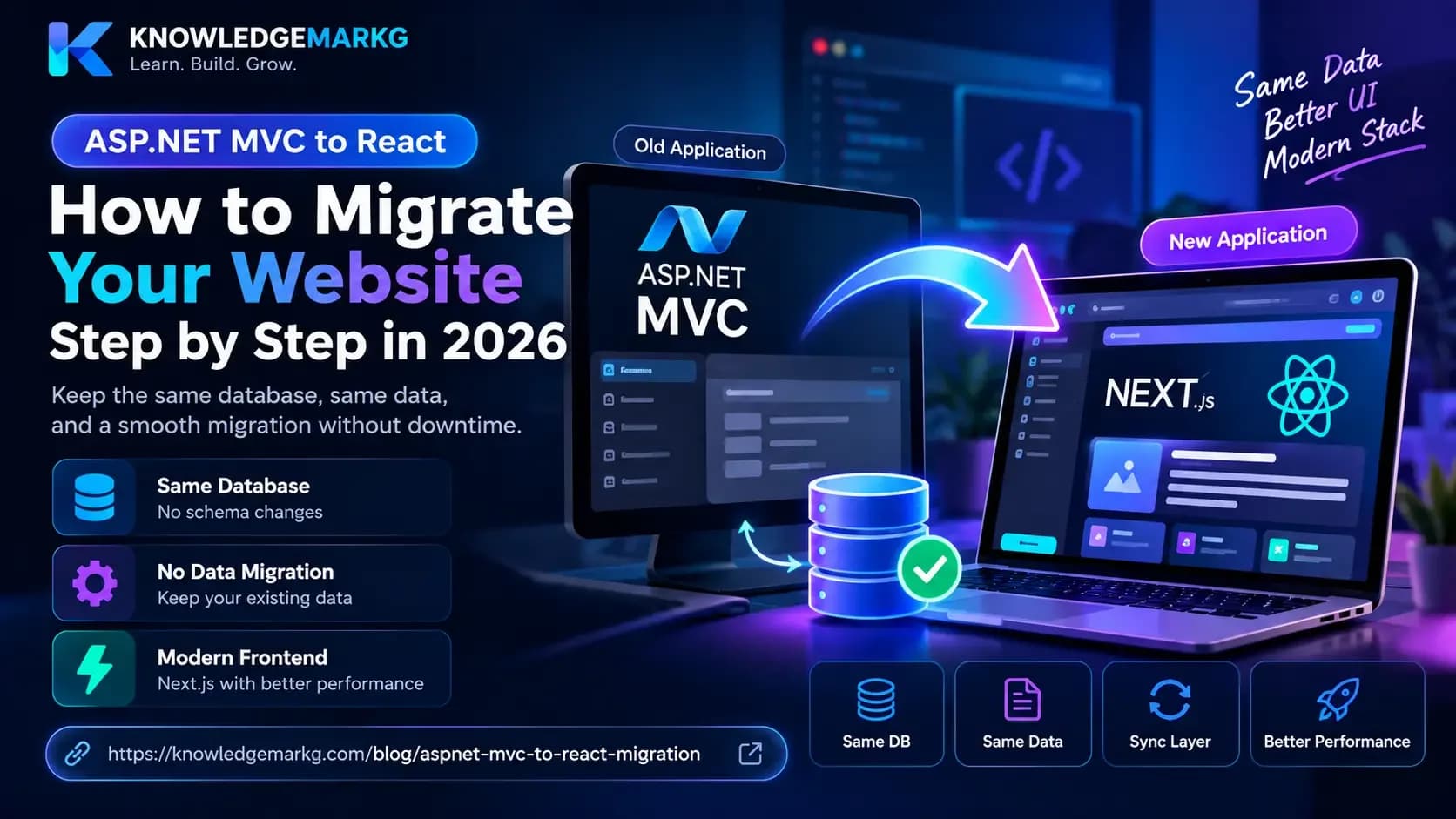
The advice you get for moving an ASP.NET MVC application to React is usually some version of "rewrite it". Freeze the old app, build the new one, cut over on a Saturday night. That works when somebody is paying for six months of parallel development. It does not work when the site has to keep earning while you change it.
This site went through exactly that move: a server-rendered ASP.NET Core MVC app with Razor views became an ASP.NET Core Web API with a Next.js front end. The old MVC app kept running the whole time, against the same database, with no schema fork and no data migration. What follows is how that was arranged, and the three things that actually went wrong.
The decision that makes or breaks this: who owns the database
Every other problem in this migration is downstream of one question. While both applications
exist, which one owns the entity classes, the DbContext, and the EF Core
migrations?
There are three answers, and two of them are bad.
Copy the models into the new project. The fastest to start and the worst to live with. You now have two definitions of the same table. The first time someone adds a column on one side, the two drift, and every bug after that is a schema mismatch nobody can see in either codebase.
Give the new app its own database and sync. Now you are writing a synchronisation layer, which is a whole product, and you are debugging it instead of shipping the migration.
Share one data layer between both applications. This is the one that works.
Both apps compile the same entity classes, the same DbContext and the same migration
history, so there is exactly one definition of the schema and exactly one database.
Sharing the data layer without moving a single file
The obvious way to share code is to extract the models into a class library and update both projects to reference it. That is the correct end state, and it is also a large, risky change to make on day one - you are moving every file the old application depends on before you have proved the new one works.
There is a smaller move that gets the same result. Leave the files exactly where they are, in the MVC project, and have the new project link them at compile time:
<!-- KnowledgeMarkG.Core.csproj -->
<ItemGroup>
  <Compile Include="..\..\Models\**\*.cs" LinkBase="Models" />
  <Compile Include="..\..\Data\ApplicationDbContext.cs" Link="Data\ApplicationDbContext.cs" />
  <Compile Include="..\..\Migrations\**\*.cs" LinkBase="Migrations" />
</ItemGroup>
Nothing was copied and nothing was moved. The MVC project still owns those files on disk and still builds exactly as it did. The new Core library compiles the same source into its own assembly, so both applications are provably working from one schema definition - if they diverge, the build breaks rather than production.
The practical effect is that you can start the new API on a Monday without touching the
running site at all. When the old app is finally retired, the files move into the shared library
properly and both .csproj files get simpler. That cleanup is safe by then, because
nothing depends on the old project's layout any more.
What the API actually returns
A Razor view and a JSON endpoint want different things from the database. A view can lazily walk a navigation property because it renders in the same request; an API cannot, because that turns into an N+1 that only shows up under load.
Every read path in the new API projects straight from IQueryable into a DTO, so
EF Core emits one flat SELECT with only the columns that get serialised:
public static readonly Expression<Func<BlogPost, PostSummaryDto>> ToSummary =
    p => new PostSummaryDto(
        p.Id, p.Title, p.Slug, p.Excerpt, p.PublishedAt,
        p.Categories.Select(c => new TermDto(c.Id, c.Name, c.Slug)).ToList());
No Include fan-out, no change tracking, and no lazy-load surprise later. If you
are moving a Razor app that has been quietly relying on lazy loading for years, this is where the
performance work is - not in the front end. I wrote up the rest of that exercise in
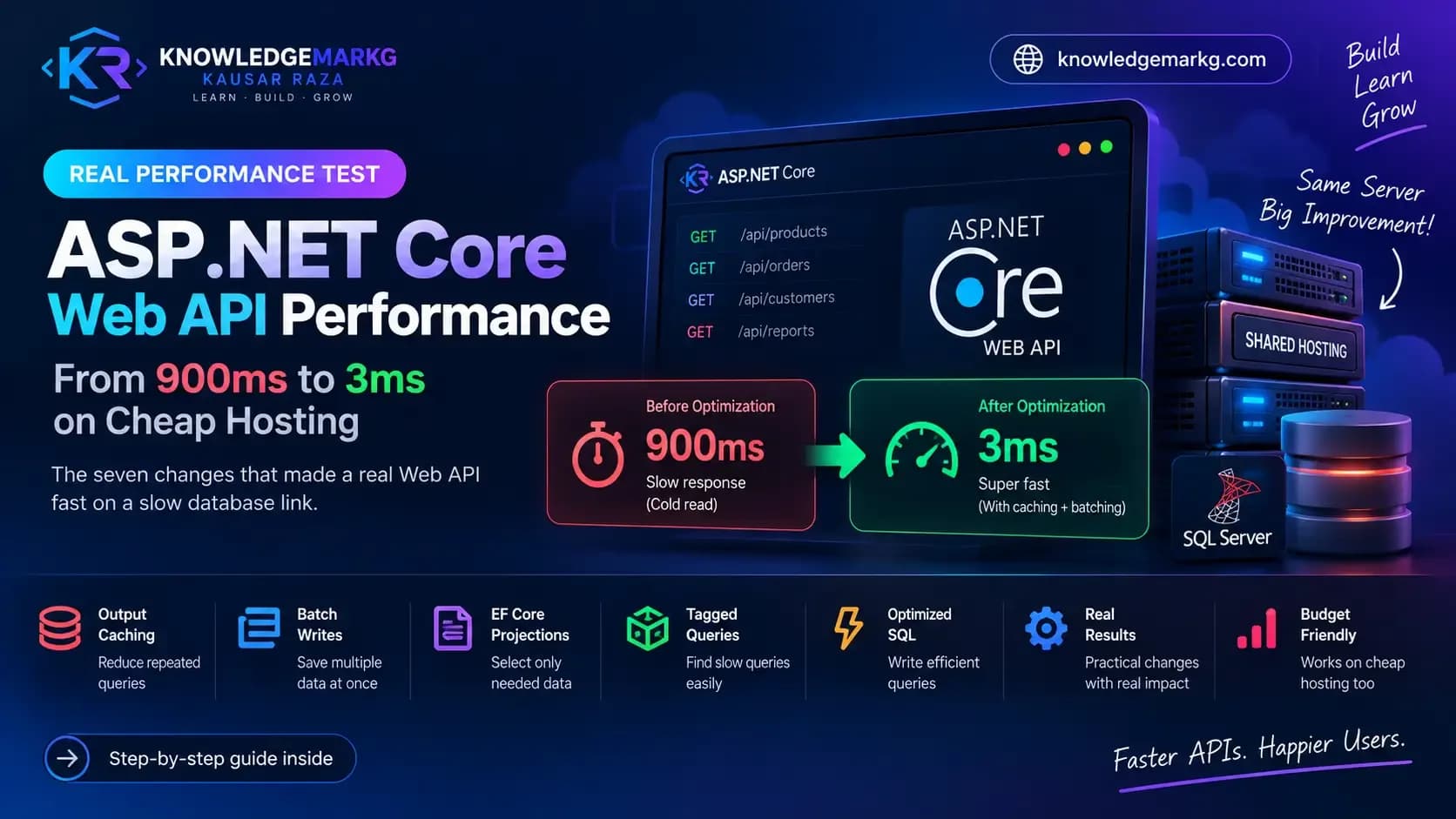
taking this API from 900ms to 3ms.
Three things that actually went wrong
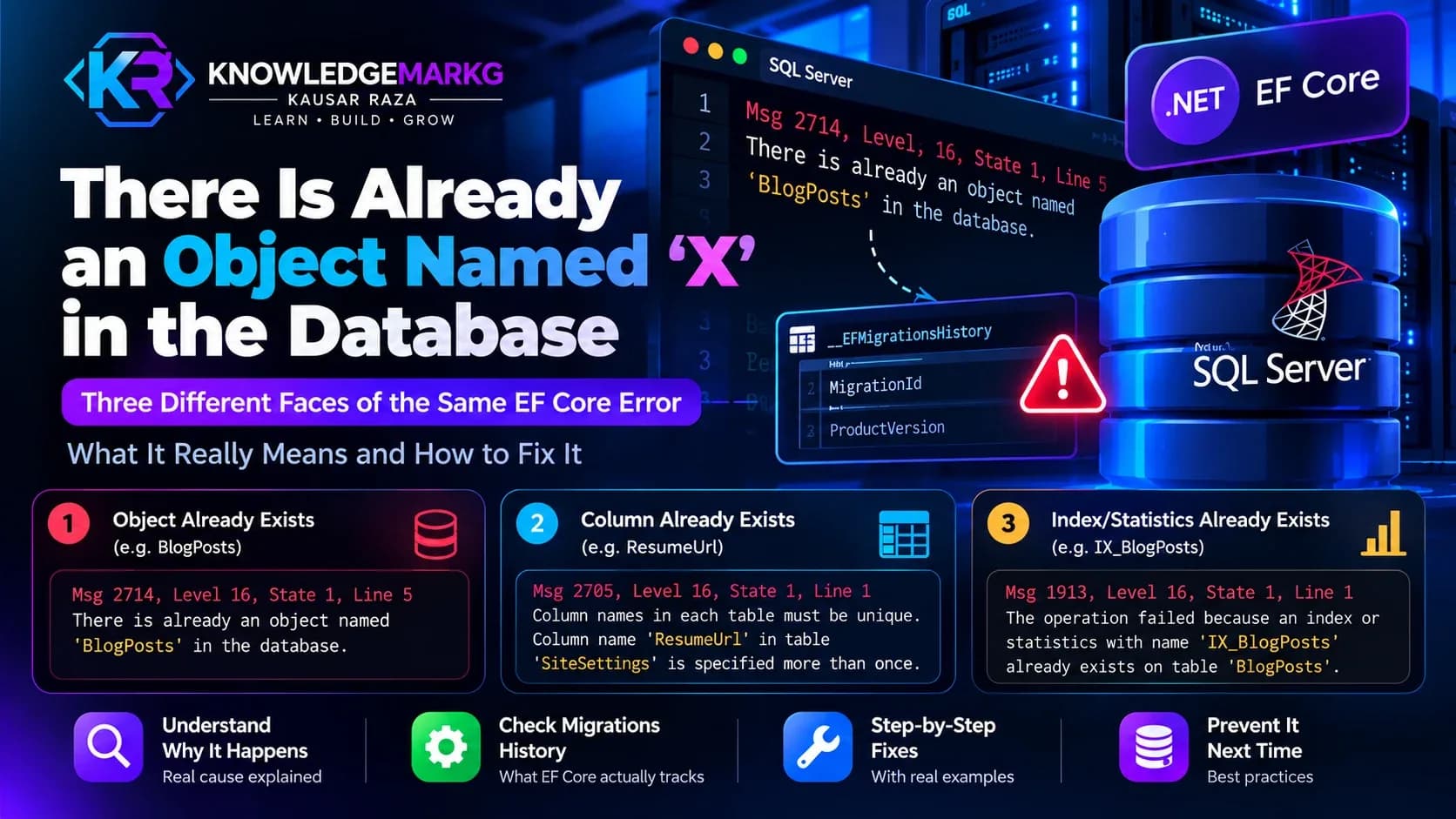
1. The EF migration history and the migration files drifted apart
This is the one that will cost you an afternoon, and it is specific to having two apps that
can both run dotnet ef.
A migration was applied to the database under one generated ID. Later the migration file was
regenerated and got a new timestamp in its name. The change was already in the database; the
history table recorded the old ID. EF compared the files on disk against
__EFMigrationsHistory, saw a file it had no record of, and tried to apply it again:
Column names in each table must be unique.
Column name 'ResumeUpdatedAt' in table 'SiteSettings' is specified more than once.
The instinct is to delete the migration or force the column. Both are wrong - the schema is correct, only the bookkeeping is not. The fix is to record the file's ID as applied, because it genuinely is:
IF NOT EXISTS (SELECT 1 FROM __EFMigrationsHistory
               WHERE MigrationId = '20260920154332_AddResumeToSiteSettings')
    INSERT INTO __EFMigrationsHistory (MigrationId, ProductVersion)
    VALUES ('20260920154332_AddResumeToSiteSettings', '9.0.0');
Then dotnet ef database update runs clean and applies only what is genuinely
pending. Check this before a deployment, not during one: database update
applies every pending migration, so one stale record can make a routine deploy try to re-run
something from three months ago.
2. Next.js on IIS does not start, and the error tells you nothing
If the .NET app is on Windows and IIS, the Next front end probably lands there too, behind iisnode. Next's standalone server does this:
const currentPort = parseInt(process.env.PORT, 10) || 3000iisnode does not pass a TCP port. It passes a named pipe, something like
\\.\pipe\1a2b3c. parseInt turns that into NaN, the server
quietly falls back to port 3000, listens where iisnode is not looking, and every request returns
"iisnode encountered an error" with HRESULT 0x2. Nothing in the log says "wrong port".
Patching that one line is not enough either, because Next eventually calls
server.listen(port, hostname) and Node's pipe form of listen takes no
hostname. The fix that holds is a small entry point that starts Next on a loopback TCP port and
bridges the pipe to it. Both halves live in one process, so IIS still owns the lifetime.
3. Deploying over a running app silently does nothing
On Windows, IIS holds the application's DLL open while the app pool is running. Upload a new build over it and the file copy skips the locked files - and some control panels report success anyway. You get a green tick, the old code keeps running, and you spend an hour looking for a bug in a deployment that never happened.
Check the timestamp on the DLL after every deploy. If it has not changed, nothing changed.
The reliable sequence on IIS is to drop an app_offline.htm into the application root
first, which makes the ASP.NET Core Module shut the app down and release every file handle, then
copy, then delete it.
What you gain, and what it costs
The honest trade is worth stating, because the usual write-up only lists the gains.
What gets better. The front end can be deployed without touching the API, and vice versa. Pages become genuinely cacheable at the edge instead of being rendered per request. The API is now usable by anything else you build - a mobile app, an integration, a second front end - because it returns data rather than HTML.
What gets worse. You now run and deploy two applications instead of one. Authentication becomes a real design decision rather than a cookie that happens to work. And a whole class of bug moves from compile time to runtime: a Razor view that referenced a renamed property failed the build, whereas a front end reading a renamed JSON field fails in the browser, in production, on a page you did not test. Typed API clients and a strict schema are not optional after this move; they are what replaces the compiler.
The order that keeps the site alive
- Stand up the API alongside the MVC app, sharing the data layer by linked compilation. Nothing user-facing changes. If it goes badly, delete the project.
- Move one read-only page. Something with no forms and no auth. You are proving the deployment, caching and DTO shape, not the whole application.
- Move the rest of the read paths, one route at a time, keeping the MVC route live until its replacement is in production.
- Move writes and authentication last. They are the parts with real consequences when they are half-migrated.
- Retire the MVC app, then move the shared files into a proper class library and simplify both projects.
The point of the ordering is that the migration is reversible at every step until step five. At no point is there a Saturday night with both versions half-working and no way back.
Is this worth doing at all?
Often, no. A Razor app that is fast, maintained and not blocking anything does not need a React front end because React is fashionable. The reasons that justify the work are concrete: you need a front end that something other than a browser can consume, your pages need to be served from a CDN rather than rendered per request, or you cannot hire for the stack any more.
If none of those apply, the better investment is usually making the MVC app faster. If one of them does, the migration above is the version that does not require betting the site on a cutover date.
Join the conversation
No comments yet — be the first to share what you think.