Knowledge Mark G
Hire Me

100% free speed tool

Core Web Vitals Checker

Check LCP, INP and CLS with Google's real-user data and a lab test - and see the exact element behind each problem.

  • No sign-up required
  • Instant results
  • Tested by Google
  • Works on any device

Test a page

Runs Google's PageSpeed Insights for mobile and desktop at the same time - performance, accessibility, best practices and SEO - plus real-user Core Web Vitals where Chrome has them. Takes 20-60 seconds. Download everything as Excel.

Enter an address for a full PageSpeed report on mobile and desktop - scores, Core Web Vitals, every issue with the files and elements behind it, and an Excel download.

Private by design. Only the web address is sent - to Google PageSpeed Insights, which loads the page and reports its metrics.

  • 100% freeNo hidden charges, no watermark
  • Instant resultsDone in seconds, no queue
  • Secure & privateTested by Google
  • Works on all devicesDesktop, tablet and mobile

How to use the Core Web Vitals Checker

  1. 1Enter a page address - mobile and desktop are tested together.
  2. 2Read the scores, the real-user verdict and every failing audit, with the files and elements behind it.
  3. 3Download the Excel report and fix the issues, biggest savings first.

The three Core Web Vitals

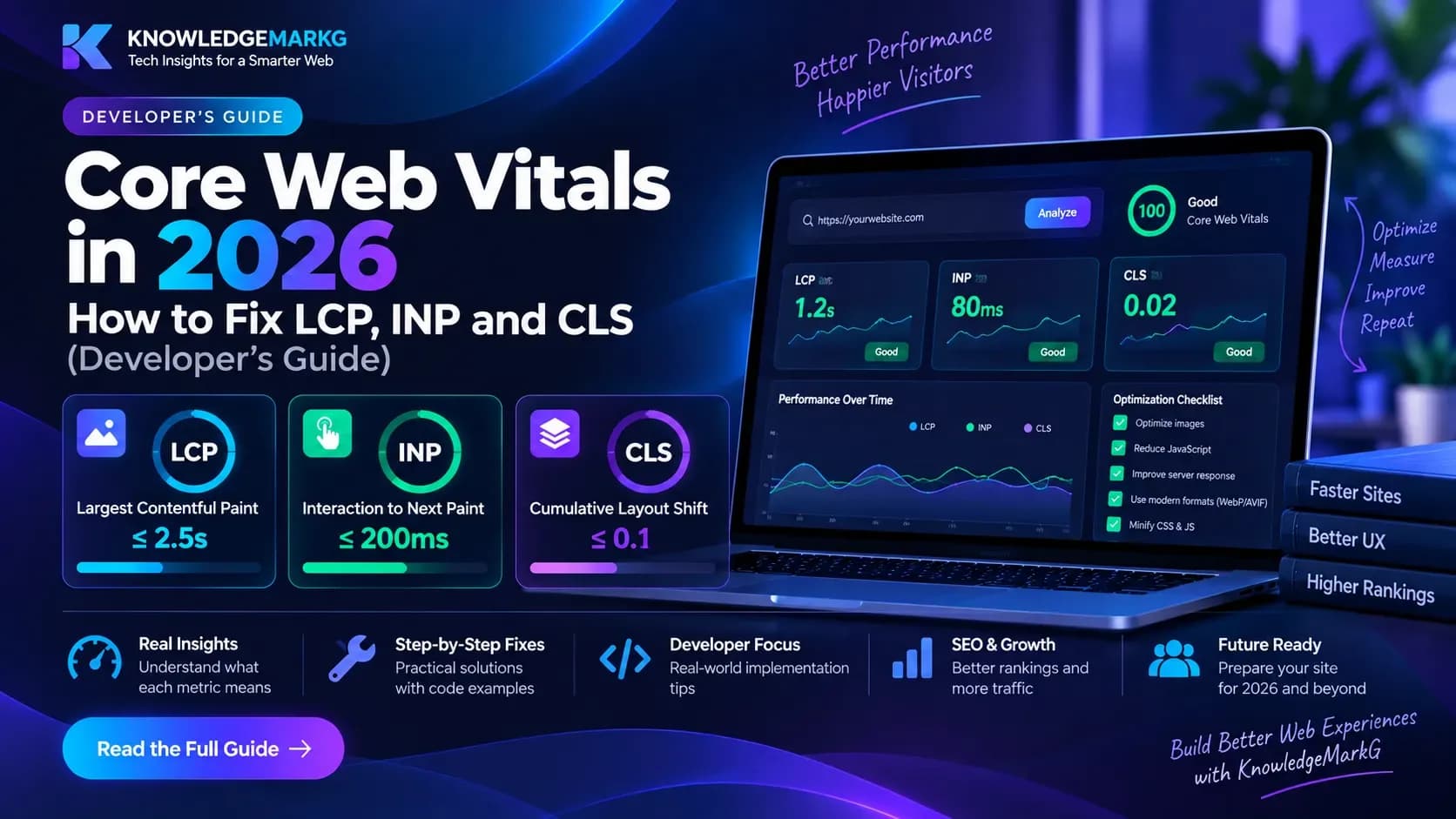
Largest Contentful Paint (LCP) is when the biggest image or text block on the first screen appears - good is 2.5 seconds or less, poor is over 4. Interaction to Next Paint (INP) is how quickly the page responds to taps and clicks - good is 200 ms or less, poor over 500 ms; it replaced First Input Delay in March 2024. Cumulative Layout Shift (CLS) measures how much content jumps around while loading - good is 0.1 or less, poor over 0.25. A page passes when 75% of real visits are good on all three.

Real users versus the lab

The verdict at the top comes from the Chrome UX Report: what real Chrome users experienced over the last 28 days. Sites without enough visitors have no such data, and INP can only be measured with real interactions. The lab section is a single test run on Google's machines - repeatable, and the place to find causes. In the lab, Total Blocking Time stands in for INP.

What makes this checker useful

It is the full PageSpeed Insights report, for mobile and desktop at once: the Performance, Accessibility, Best Practices and SEO scores, real-user data for the page and for the whole site, the lab metrics with a filmstrip of the page loading, and every failing audit with the scripts, images or elements behind it. Filter the performance issues by the metric they hurt (LCP, CLS, TBT or FCP), and download everything as an Excel workbook - one row per issue and per affected file - to share with a developer or tick off as you go. The test runs through Google's PageSpeed Insights, so the numbers match what Google itself reports.

Typical fixes

A slow LCP is most often a large hero image (serve it smaller and in AVIF or WebP - the image converter does both), an image only found after JavaScript runs, or render-blocking CSS. Layout shifts come from images and embeds without a width and height, and from banners injected above content. A slow server response shows up as a long first phase - check it worldwide with the TTFB test. For the full walkthrough, read our Core Web Vitals guide.


Frequently asked questions

How do I check Core Web Vitals for my site?+

Enter the page address here. Mobile and desktop are tested together: you get Google's real-user verdict for LCP, INP and CLS (where the site has enough traffic), the four Lighthouse scores, the lab metrics and every failing audit with the files behind it - downloadable as Excel.

What are good Core Web Vitals scores?+

LCP 2.5 s or less, INP 200 ms or less and CLS 0.1 or less, measured at the 75th percentile of real visits. Poor is LCP over 4 s, INP over 500 ms or CLS over 0.25.

Why does it say there is not enough data?+

Google only publishes real-user data for pages and sites with enough Chrome visitors. Until then, use the lab numbers - and remember INP needs real interactions to measure.

Why are the lab and real-user numbers different?+

The lab is one load on a simulated mid-range phone with a slow connection; real users have every kind of device and network, and repeat visits hit the cache. Field data decides the assessment; lab data finds the causes.

Do Core Web Vitals affect Google rankings?+

Yes, as part of Google's page experience signals - a tie-breaker between pages of similar relevance rather than a way to outrank better content.

What replaced First Input Delay?+

Interaction to Next Paint (INP) became a Core Web Vital on 12 March 2024. It looks at every interaction during a visit, not just the first.

How do I find my LCP element?+

Run the check and open the "LCP request discovery" and "LCP breakdown" issues: they show the element's HTML and how its time splits into server response, load delay, load time and render delay.

Can I download the report?+

Yes. "Download Excel report" saves a workbook with the scores, field data, lab metrics, every issue for mobile and desktop, each affected file or element, and the passed audits.

Worth reading

All articles →
View all →