


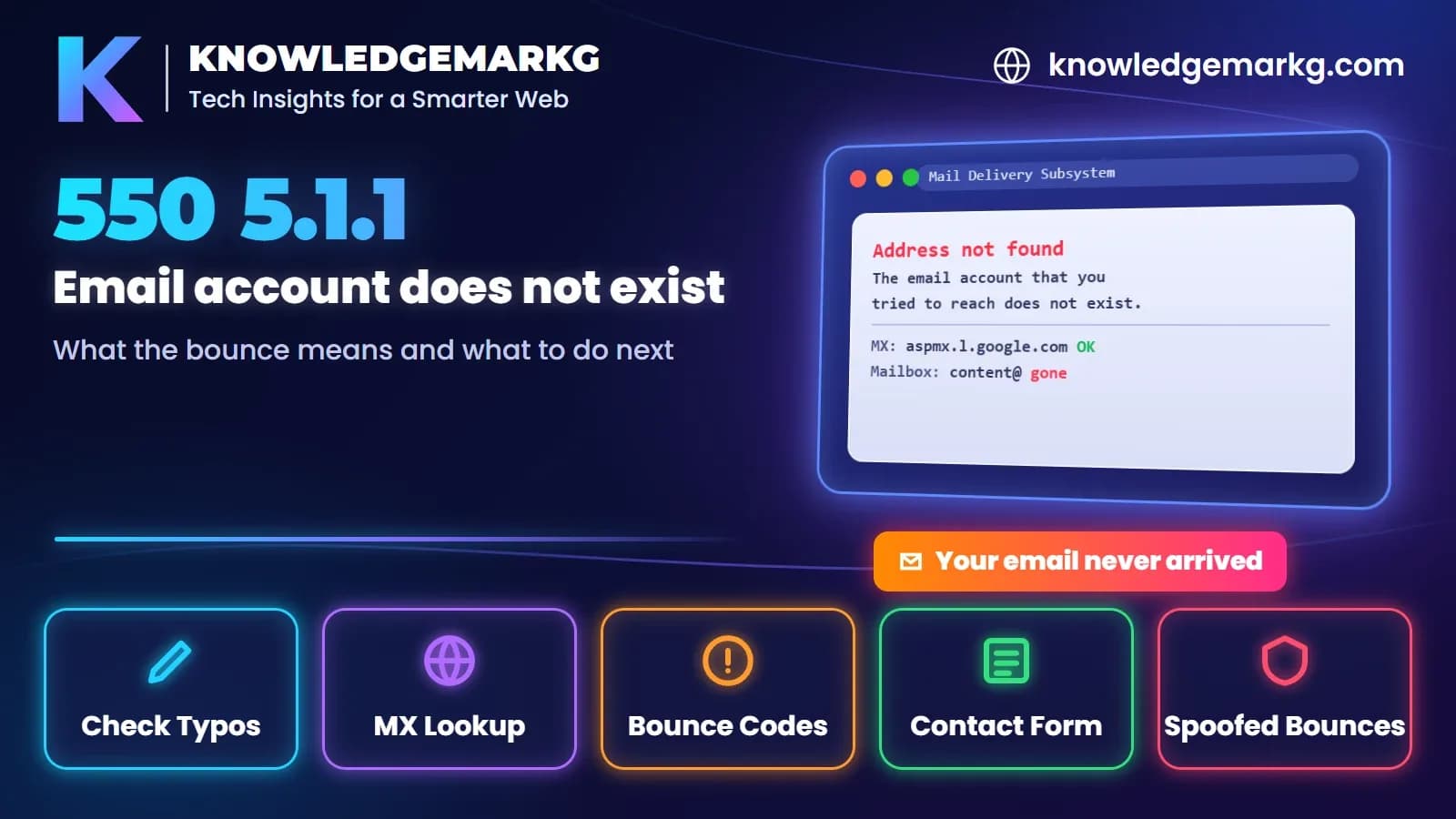
Yesterday I emailed a publication about writing for them, using the address on their own "write for us" page. The reply arrived in under a second, and it wasn't from them (I've replaced their domain):
Address not found

Your message wasn't delivered to content@their-domain.com because the address
couldn't be found, or is unable to receive mail.

The response was:

The email account that you tried to reach does not exist. Please try
double-checking the recipient's email address for typos or unnecessary spaces.
If you've had the same message, here's what it means: the domain accepted the connection, but the mailbox you wrote to doesn't exist there. Your email was not delivered, not filtered as spam and not queued for later. Nobody read it. The fix is either a corrected address or a different way to reach the person.
Below is how I worked out which of those it was in about two minutes, what the codes mean
(550 5.1.1, and the ones that look similar but aren't), and what it means when you get this bounce for an
email you never sent.
What "the email account that you tried to reach does not exist" means
When you send an email, your provider looks up the recipient domain's mail servers and asks them to accept a message for one address. The receiving server can say yes, or refuse that one address. This bounce is the refusal: the server is reachable and answering for the domain, and it is saying "I have no mailbox by that name."
That rules out a lot of things people worry about. It isn't a block on your account, a spam judgement, or a sign your own email is broken. Your provider delivered the message to the right servers. The address on the envelope is the problem.
The wording is Google's. You see it when the receiving side is Gmail or Google Workspace, whatever you
sent from. Other providers phrase the same refusal differently ("User unknown", "Recipient address rejected",
"mailbox unavailable"), usually next to the same 5.1.1 code.
Where is the "550 5.1.1"? Mine had no code at all
Most articles tell you to look for 550 5.1.1 in the bounce. Mine didn't have it. I opened the bounce
with Show original in Gmail to check: no 550, no Status:, no
Diagnostic-Code: line anywhere. Just the sentence above and a help link.
An older bounce in the same inbox, from August 2025, does show the full code. It came from an app sending a verification email to a Gmail address that didn't exist:
The response was:

550 5.1.1 The email account that you tried to reach does not exist. Please try
double-checking the recipient's email address for typos or unnecessary spaces.
For more information, go to https://support.google.com/mail/?p=NoSuchUser ... - gsmtp
Its summary fields read Status: 5.1.1 and Diagnostic-Code: smtp; 550-5.1.1. Same
sentence, same meaning. The only difference is how much of the server conversation Gmail chose to show. So if your
bounce has the sentence but no number, it's the same 5.1.1 error. Don't go looking for a different
cause.
What 550 5.1.1 means, and the codes that look like it
The 550 is the SMTP reply ("requested action not taken: mailbox unavailable"). The three-part number
after it is the enhanced status code. The first digit, 5, means permanent: retrying the same address won't help.
The ones you're likely to see:
| Code | Meaning (RFC) | What it usually tells you |
|---|---|---|
5.1.1 | Bad destination mailbox address | Domain is fine, that mailbox doesn't exist: typo, old address, deleted account |
5.1.2 | Bad destination system address | The domain part is wrong or doesn't receive mail at all |
5.1.3 | Bad destination mailbox address syntax | The address isn't valid as typed (a space, two @ signs, a stray character) |
5.1.10 | Recipient address has null MX | The domain has published that it accepts no email at all |
5.2.1 | Mailbox disabled, not accepting messages | The account exists but is switched off or suspended |
5.2.2 | Mailbox full | The account exists; the owner needs to clear space |
Meanings are from RFC 3463 (and RFC 7505 for 5.1.10). Servers sometimes misuse them, so treat the
code as a strong hint and the text next to it as the detail. "550 5.1.1 recipient rejected", "user unknown" and
"recipient address rejected" are the same refusal in different servers' words.
Step 1: rule out your own typo
Most of these bounces are a mistyped address, so check that first. Open the bounce and copy the address it quotes (it shows what was actually sent, which isn't always what you think you typed). Look for:
- Autocomplete picking an old address. Your mail app suggests addresses you've used before, including ones that no longer exist.
- A wrong ending:
.cofor.com,.comfor.co.uk, or the company's website domain when their mail is on a different one. - Swapped or doubled letters in the name part, and hyphens or dots in the wrong place.
- Spaces, especially a trailing space after pasting. Google's message mentions "unnecessary spaces" for a reason.
One thing that is not a typo: dots in a personal @gmail.com address. Gmail ignores them, so
jane.doe@gmail.com and janedoe@gmail.com reach the same inbox. That rule doesn't apply to
company addresses on Google Workspace or anywhere else.
Step 2: check the domain actually receives email
If the address looks right, check the domain has mail servers. This takes one command, and it tells you whether
you're dealing with a dead mailbox (5.1.1) or a dead domain. On Windows:
nslookup -type=mx their-domain.com

their-domain.com  MX preference = 1, mail exchanger = aspmx.l.google.com
their-domain.com  MX preference = 1, mail exchanger = alt1.aspmx.l.google.com
their-domain.com  MX preference = 1, mail exchanger = alt2.aspmx.l.google.com
...
On macOS or Linux, dig +short MX example.com gives the same list. Any online "MX lookup" tool works too.
For me the answer settled it. The publication's domain uses Google Workspace (aspmx.l.google.com and
its four backups), so their domain receives mail without any problem. The content@ mailbox is what's gone.
If the lookup had returned nothing, the address would be wrong at the domain level and I'd be looking at a
5.1.2-type problem instead.
Step 3: the address is right, but nobody's there
This was my case, and it's common with role addresses like content@, jobs@ or
press@. Someone set up a mailbox or alias years ago, put it on a page, then deleted it or moved to a form,
and the page never got updated. I checked the page again the next day: it still links that address.
No amount of resending fixes this. What does:
- Find another route on the same site. A contact form, a different address on the contact or about page, or the footer. I resent my application through their contact form, with a line saying the address on their write-for-us page bounces. That way they also learn about the broken address.
- Write to a person, not a role. If you know who runs the team, LinkedIn or a personal address listed publicly often works when a role mailbox doesn't.
- Don't guess variations. Sending to five made-up addresses (
editor@,info@,hello@...) produces more hard bounces. A burst of bounces from one account is the kind of pattern mail providers notice.
If it's someone you know personally, they may have left the company or closed the account. Ask them for a current address another way.
"I got this bounce for an email I never sent"
This is the second big search behind this error ("does not exist spam"), and it's a different situation. First open your Sent folder and look for the message the bounce refers to.
- It's in Sent and you didn't write it: someone may be using your account. Change the password, turn on 2-step verification, and review the account's recent security activity and connected apps.
- It isn't in Sent: most likely a spammer put your address in the From line of their own mail. When their message hit a dead mailbox, the bounce came back to the address they forged: you. This is called backscatter. Your account isn't compromised, and you can delete these.
If you own the domain you send from, publish SPF, DKIM and a DMARC record. Receiving servers can then reject forged mail claiming to be from you before it bounces anywhere. If you use Cloudflare Email Routing to receive mail on your own domain, the setup I use, including the SPF record, is in Cloudflare Email Routing to Gmail: what breaks it.
If people get this error when they email you
When clients or colleagues say their mail to you bounced with "does not exist", the problem is on your side:
- Google Workspace or Microsoft 365: check the user still exists, isn't suspended, and that the address they used is a real alias of that user. When a former employee's account is deleted, their address stops working unless it's added as an alias to another user.
- Forwarding services: make sure there's a rule for that exact address, or a catch-all. An address with no rule has nowhere to go.
- Your website: search the site for every address it shows, including old blog posts and PDFs. My example came from a public page still showing an address that no longer existed.
To test, send a message to the address from an outside account (not from the same mailbox) and see whether it arrives or bounces.
Quick summary
- "The email account that you tried to reach does not exist" =
550 5.1.1: the domain is fine, the mailbox isn't. The message wasn't delivered. - Gmail sometimes hides the code. Same sentence, same error.
- Check the address in the bounce for typos, then run an MX lookup on the domain.
- MX records present and address correct: the mailbox is gone. Find another route, don't keep resending.
- Bounce for mail you never sent: check Sent. Not there = backscatter. There = secure the account.


Join the conversation
No comments yet — be the first to share what you think.