



Yes, Cloudflare caches 404 responses. I found out the annoying way: I published a
new post on this site, and for about ten minutes the post's URL kept returning
404 Not Found to everyone, even though the server behind Cloudflare was already serving
the page with a 200. The 404 had been cached a few minutes earlier, when I requested the
URL before the post was live, and Cloudflare kept handing it out.
Here is what the headers showed, why the 404 stuck around, and the three ways to stop it happening.
The short version: Cloudflare caches 404s when the response is cacheable: by default for 3 minutes on content it caches, and for as long as the origin says when the origin sends
Cache-Control. Next.js sendss-maxageplus a year-longstale-while-revalidateon its 404 pages, so a stale 404 can outlive the page it was for. Fix it by purging the URL when you publish, or with a Cache Rule that gives 404 a status-code TTL of no-store.
What happened
- I created a new post and, as part of my publish checklist, requested its URL to check it.
The post wasn't live yet, so the server answered
404. - That 404 went through Cloudflare, which caches HTML on this site through a Cache Rule. The 404 got cached like any other page.
- A few minutes later the post was live. The origin returned
200, but anyone who requested the plain URL still got the cached 404. - I polled the URL every 20 seconds for about ten minutes. Every response was 404. Adding a
query string (
?v=1) returned the real page, which proved the origin was fine. - I purged that one URL in Cloudflare. The next request, five seconds later, was a
200.
If I had shared the link on social media in those ten minutes, every click would have landed on a "not found" page. Search engine crawlers that came by would have seen a 404 too.
Does Cloudflare cache 404 pages?
Yes, in two situations.
The origin sends no Cache-Control. For content Cloudflare
considers cacheable, its documented default is to cache 404 and 410
responses for 3 minutes. By default Cloudflare only caches static file types, like images, CSS and
JS, so a missing image can be cached as a 404 even on a site with default settings. HTML isn't
cached unless a Cache Rule (or the older "Cache Everything" Page Rule) makes it eligible.
The origin sends Cache-Control. If the response is eligible for
cache and the Edge TTL follows the origin, Cloudflare uses the origin's headers, and it doesn't
care that the status is 404. That was my case: the HTML Cache Rule takes its Edge TTL from the
origin, and the origin said the 404 was cacheable.
You can reproduce it on any URL on this site that doesn't exist. Two requests a few seconds apart:
$ curl -sI https://knowledgemarkg.com/blog/this-post-does-not-exist-xyz
HTTP/1.1 404 Not Found
Cache-Control: s-maxage=300, stale-while-revalidate=31535700
cf-cache-status: MISS

$ curl -sI https://knowledgemarkg.com/blog/this-post-does-not-exist-xyz
HTTP/1.1 404 Not Found
Age: 6
cf-cache-status: HIT
The second response is a HIT. The 404 is coming from Cloudflare's edge, not from my
server.
Why it lasted so long: stale-while-revalidate
Look at the Cache-Control header again:
s-maxage=300, stale-while-revalidate=31535700.
s-maxage=300tells shared caches like Cloudflare the response is fresh for 300 seconds. That number comes from the page'sexport const revalidate = 300in Next.js.stale-while-revalidate=31535700is one year minus those 300 seconds. Next.js adds it to its ISR pages. It means "after the fresh period, you may keep serving the old copy while you fetch a new one in the background".
So when the 300 seconds ran out, Cloudflare was allowed to keep serving the stale 404 while it revalidated. In my case that went on for about ten minutes after the origin started returning the real page, until I purged it. I can't tell you exactly when Cloudflare would have replaced it on its own. What matters is that "the 404 expires in five minutes" turned out to be wrong.
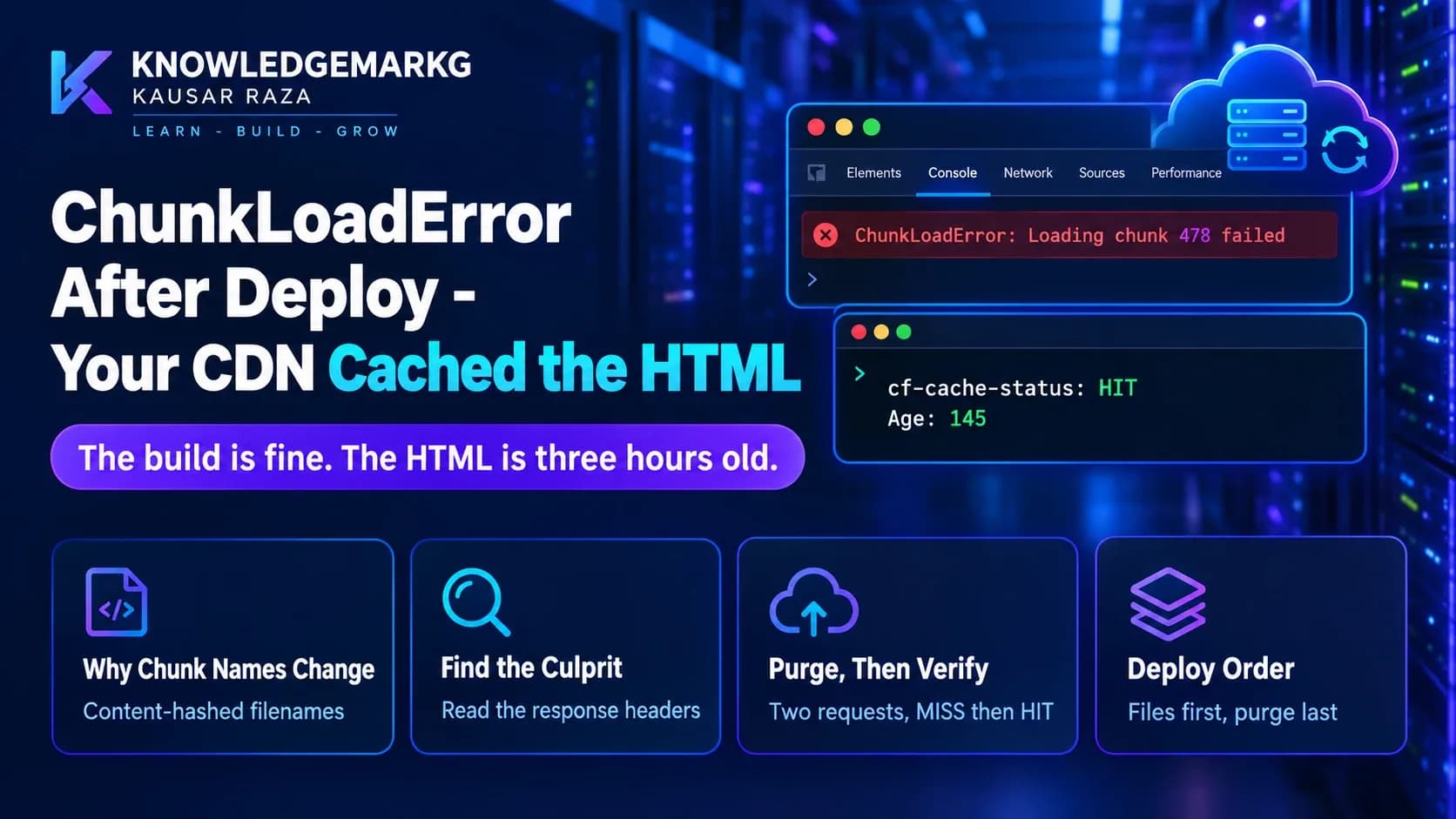
This is the same mechanism behind a related problem I wrote about: ChunkLoadError after a deploy, where Cloudflare keeps serving HTML that points at JavaScript files the new build deleted.
How to check whether you're looking at a cached 404
Request the URL twice, then once more with a query string Cloudflare hasn't seen:
# Same path, different cache key: Cloudflare goes to the origin.
curl -s -o /dev/null -w "%{http_code}\n" "https://example.com/blog/new-post"        # 404 (cached)
curl -s -o /dev/null -w "%{http_code}\n" "https://example.com/blog/new-post?v=1"    # 200 (origin)
If the plain URL says 404 with cf-cache-status: HIT and the query-string version
says 200, the page is fine and the CDN is the problem. Don't "fix" the page, purge the cache. Note
that this only works because Cloudflare's default cache key includes the query string. If a Cache
Rule ignores the query string, use the response headers alone.
Three ways to stop Cloudflare caching 404s
1. Purge the URL when you publish
The quickest fix by hand: Cloudflare dashboard → your domain → Caching → Configuration → Custom Purge → URL, then paste the full URL. A single-URL purge took effect in under five seconds for me, and unlike "Purge Everything" it doesn't empty the cache for the whole site.
Better, make the publish step do it. The API call is one request:
# Purge one URL after publishing. Use an API token scoped to Zone > Cache Purge only.
curl -s -X POST "https://api.cloudflare.com/client/v4/zones/YOUR_ZONE_ID/purge_cache" \
  -H "Authorization: Bearer YOUR_API_TOKEN" \
  -H "Content-Type: application/json" \
  --data '{"files":["https://example.com/blog/new-post","https://example.com/blog"]}'
In an ASP.NET Core API, it fits right after the post is saved:
// After a post is published: tell Cloudflare to forget its URL and the blog index.
// The token and zone id come from configuration, never from source code.
public async Task PurgeAsync(IEnumerable<string> urls, CancellationToken ct)
{
    using var request = new HttpRequestMessage(HttpMethod.Post,
        $"https://api.cloudflare.com/client/v4/zones/{_zoneId}/purge_cache")
    {
        Content = JsonContent.Create(new { files = urls.ToArray() }),
    };
    request.Headers.Authorization = new AuthenticationHeaderValue("Bearer", _apiToken);

    using var response = await _http.SendAsync(request, ct);
    if (!response.IsSuccessStatusCode)
        _logger.LogWarning("Cloudflare purge failed with {Status}", (int)response.StatusCode);
}
Purge the blog index and sitemap along with the post. They change when a post is published too.
2. Give 404 its own TTL with a Cache Rule
Cloudflare Cache Rules let you override the Edge TTL per status code. In the rule that caches
your HTML, open Edge TTL and add a status code TTL for
404 (and 410 if you use it) set to no-store or a few seconds. 200
responses keep their normal caching, and 404s stop sticking. This is the permanent fix. I added it to this site on 7 November, for 404 and 410: a URL that doesn't exist now comes back with cf-cache-status: BYPASS on every request, while normal pages are still a HIT.
Think before you set 404s to no-store, though. A cached 404 protects your server when bots hammer URLs that don't exist. A TTL of 10 to 30 seconds is a reasonable middle ground on a busy site.
3. Don't request a URL before it exists
This sounds obvious, but it's exactly what caused my case. A publish checklist that says "open the URL to check it" turns into "cache a 404" if you run that step a minute too early. The same goes for link checkers, social media schedulers that fetch previews, and IndexNow pings sent before the page is live. If you must check early, add a query string so you don't create the cache entry for the real URL.
What about Next.js itself?
Next.js isn't doing anything wrong here. It caches the 404 for the same 300 seconds it caches the page, and its own data cache picks up the new post at the next revalidation. The surprise comes from the second cache in front of it. Two caches with their own rules means a response can be fixed in one and stale in the other. If you put a CDN in front of a Next.js site, also see the Cloudflare settings I use for speed.
The lesson I took from this: every cache needs an owner and a way to empty it. For this site, that
means purging the post's URL the moment it's published, and not trusting a 404 until I've checked
cf-cache-status.


Join the conversation
No comments yet — be the first to share what you think.