


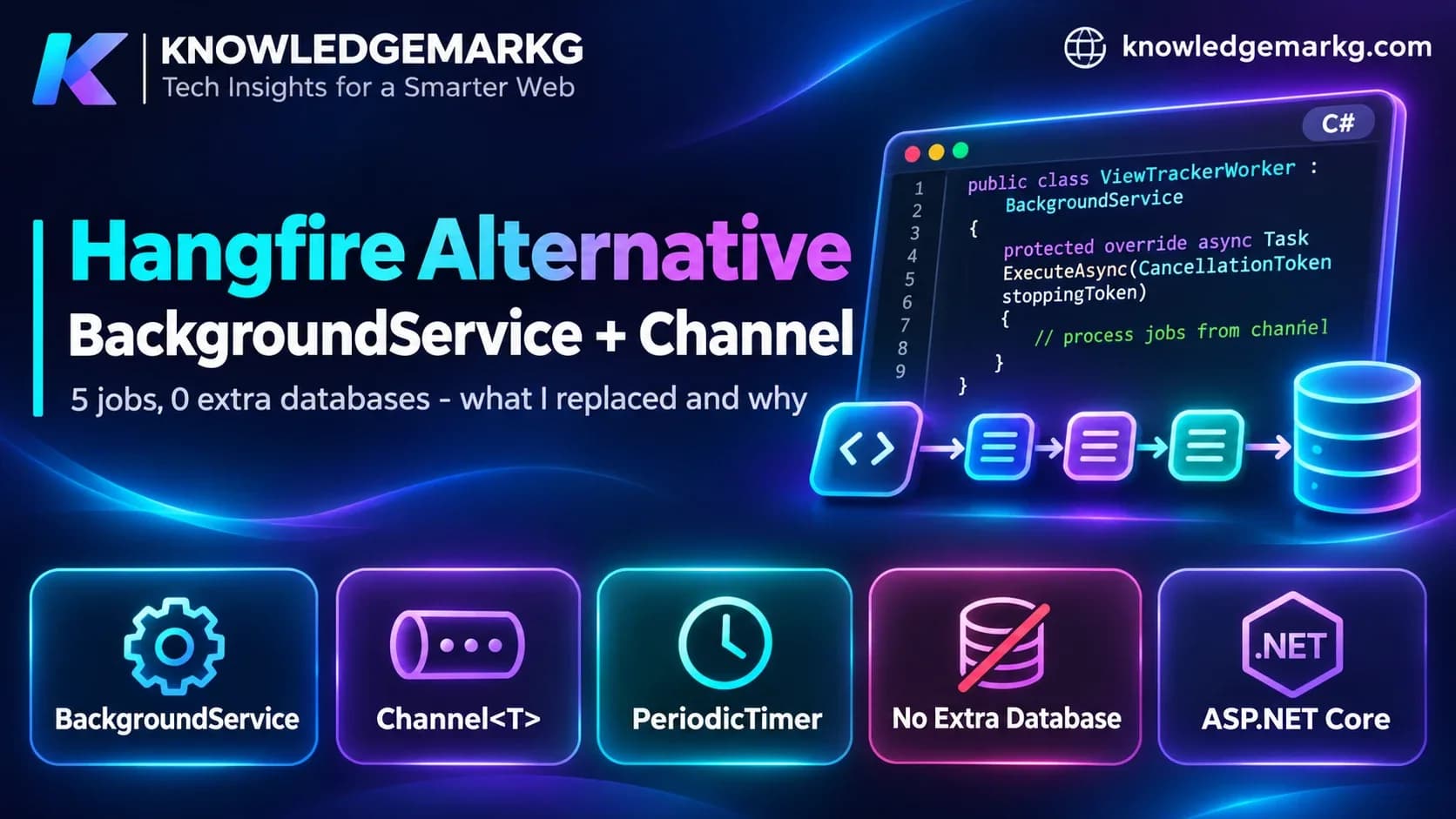
The first version of this site was an ASP.NET Core MVC app with Hangfire wired in: a dashboard at
/hangfire, five recurring jobs, ten places in the code that called
BackgroundJob.Enqueue, and a second SQL Server database just to hold
Hangfire's job tables. When I rewrote the backend as a separate Web API, I didn't bring Hangfire with
me. The API that serves this page runs two BackgroundService classes fed by
System.Threading.Channels, and one WHERE clause does the work of the
every-minute job.
This isn't a "Hangfire is bad" post. Hangfire is a good library. It's a post about checking which jobs actually needed it, because for this site the answer was none of them.
The short version: Use Hangfire (or Quartz.NET) when a job must survive a restart, retry on its own, or be visible on a dashboard. If the work is in-process, short-lived and fine to lose on a crash, a
BackgroundServicewith a boundedChannelis built into .NET, needs no extra database, and is about 60 lines. A job that only "flips something on at a certain time" often needs no job at all: filter by time in the query.
What Hangfire was doing on the old site
The setup was the standard one from Hangfire's docs, with SQL Server storage on its own connection string:
// Program.cs of the old MVC site (connection string name only - the value lives in config)
var hangfireConnectionString = builder.Configuration.GetConnectionString("HangfireConnection");

builder.Services.AddHangfire(c => c
    .SetDataCompatibilityLevel(CompatibilityLevel.Version_180)
    .UseSimpleAssemblyNameTypeSerializer()
    .UseRecommendedSerializerSettings()
    .UseSqlServerStorage(hangfireConnectionString, new SqlServerStorageOptions
    {
        QueuePollInterval = TimeSpan.FromSeconds(15),
        DisableGlobalLocks = true,
    }));
builder.Services.AddHangfireServer();

// ...and after app.Build():
RecurringJob.AddOrUpdate("check-scheduled-posts",
    () => blogPostService.PublishScheduledPostsAsync(),
    "* * * * *");
Here is every job it had, and what each one became in the new API:
| Hangfire job (old site) | Schedule | What replaced it |
|---|---|---|
check-scheduled-posts | Every minute | Nothing runs. The query filters on ScheduledAt <= now |
daily-backup | 02:00 daily | The hosting panel's scheduled backup, outside the app |
update-sitemap | Recurring | A Next.js route handler that regenerates at most once an hour |
cleanup-expired-comments, cleanup-old-logs | Recurring | Dropped. The only cleanup left is inside a worker loop (below) |
| Fire-and-forget: welcome and reset emails, newsletter sends, image optimisation, analytics | Enqueued per request | Emails are sent inside the request. Page views go through a Channel |
When I checked the API's database on 2 November, it had 31 tables and none of them belonged to Hangfire. The separate Hangfire database is only referenced by the old app's config.
Why I didn't keep it
Three reasons, in the order they mattered.
The database is on remote shared hosting. Every query this site makes crosses the
internet to a shared SQL Server. Hangfire's SQL Server storage polls its queue table, and with
QueuePollInterval at 15 seconds that's 5,760 polls a day per worker, whether or not
there's any work, plus the heartbeat and recurring-job checks. On a dedicated server nobody would
notice. On a shared host with a round trip on every call, it's background load for nothing.
Most of the jobs didn't need a scheduler. The every-minute job looked for posts whose publish time had passed and flipped them live. But a post doesn't have to be flipped. If every public query asks "is this post published and is its time in the past?", the post becomes visible at the right moment on its own:
// A post is live when it is published AND its scheduled time has passed.
// EF Core translates this to a WHERE clause, so "publishing on schedule" needs no job at all.
public static Expression<Func<BlogPost, bool>> IsLive(DateTime utcNow) =>
    p => p.IsPublished
         && p.PublishedAt != null
         && (p.ScheduledAt == null || p.ScheduledAt <= utcNow);
The API's public post queries (lists, tags, authors, the single post) all go through that expression. There's no job to fail, no minute of lag, and nothing to monitor.
A second database is a second thing to back up, restore and secure. When this site's main database was restored from a backup on 29 October, I had to work out which posts the restore had wiped. With Hangfire's state in another database, a restore of one without the other leaves jobs that point at rows that no longer exist. One database is simpler.
The replacement: BackgroundService plus a bounded Channel
The job that most needed to run in the background was the cheapest one: counting page views. Writing a view row on every post request meant the reader waited on a remote INSERT before the post came back. Now the endpoint drops an event on a channel and returns:
public readonly record struct PostViewEvent(int PostId, string? IpAddress, string? UserAgent);

public sealed class ViewTracker
{
    private readonly Channel<PostViewEvent> _channel = Channel.CreateBounded<PostViewEvent>(
        new BoundedChannelOptions(10_000)
        {
            // Under a spike, lose a few analytics rows rather than block a request.
            FullMode = BoundedChannelFullMode.DropWrite,
            SingleReader = true,
        });

    public ChannelReader<PostViewEvent> Reader => _channel.Reader;

    // Called from the GET /posts/{slug} endpoint. Never awaits, never touches the database.
    public void Track(PostViewEvent view) => _channel.Writer.TryWrite(view);
}
A BackgroundService reads the channel, waits up to 5 seconds or 200 events, and writes
the batch in one go:
public sealed class ViewTrackerWorker(
    ViewTracker tracker,
    IServiceScopeFactory scopeFactory,
    ILogger<ViewTrackerWorker> logger) : BackgroundService
{
    private static readonly TimeSpan FlushInterval = TimeSpan.FromSeconds(5);
    private const int MaxBatch = 200;

    protected override async Task ExecuteAsync(CancellationToken stoppingToken)
    {
        var buffer = new List<PostViewEvent>(MaxBatch);
        while (!stoppingToken.IsCancellationRequested)
        {
            try
            {
                // Wait for the first event, then collect more for up to 5 seconds or 200 items.
                if (!await tracker.Reader.WaitToReadAsync(stoppingToken)) break;
                using var window = CancellationTokenSource.CreateLinkedTokenSource(stoppingToken);
                window.CancelAfter(FlushInterval);
                try
                {
                    do
                    {
                        while (buffer.Count < MaxBatch && tracker.Reader.TryRead(out var view))
                            buffer.Add(view);
                    } while (buffer.Count < MaxBatch && await tracker.Reader.WaitToReadAsync(window.Token));
                }
                catch (OperationCanceledException) when (!stoppingToken.IsCancellationRequested)
                {
                    // The 5-second window ran out - the normal path.
                }

                await FlushAsync(buffer, stoppingToken);
                buffer.Clear();
            }
            catch (OperationCanceledException) when (stoppingToken.IsCancellationRequested)
            {
                break;
            }
            catch (Exception ex)
            {
                // One bad batch must not kill the loop - an unhandled exception here stops the
                // service, and since .NET 6 it stops the whole host by default.
                logger.LogError(ex, "Failed to flush post views");
                buffer.Clear();
                await Task.Delay(FlushInterval, stoppingToken);
            }
        }
    }

    private async Task FlushAsync(List<PostViewEvent> buffer, CancellationToken ct)
    {
        // A BackgroundService is a singleton; DbContext is scoped. Make a scope per batch.
        using var scope = scopeFactory.CreateScope();
        var db = scope.ServiceProvider.GetRequiredService<ApplicationDbContext>();

        db.PostViews.AddRange(buffer.Select(v => new PostView { BlogPostId = v.PostId, ViewedAt = DateTime.UtcNow }));
        await db.SaveChangesAsync(ct);

        // One UPDATE per post, not one per view.
        foreach (var group in buffer.GroupBy(v => v.PostId))
        {
            var n = group.Count();
            await db.BlogPosts.Where(p => p.Id == group.Key)
                .ExecuteUpdateAsync(s => s.SetProperty(p => p.ViewCount, p => p.ViewCount + n), ct);
        }
    }
}
Registration is two lines. The tracker is a singleton so the endpoint and the worker share the same channel:
builder.Services.AddSingleton<ViewTracker>();
builder.Services.AddHostedService<ViewTrackerWorker>();
The second worker, for the site's real-user speed data, is the same pattern with a 20,000-event channel and 300-event batches. It also deletes rows older than 90 days, once a day, from inside the same loop. That one check replaced the two cleanup jobs I had in Hangfire.
Details that matter
- Bounded, not unbounded.
Channel.CreateUnboundedgrows until the process runs out of memory if the database is down for long. A bound plusDropWriteloses analytics rows instead, which is the right failure for a view counter. - Catch everything inside the loop. Since .NET 6, an unhandled exception in
ExecuteAsyncstops the host by default (BackgroundServiceExceptionBehavior.StopHost). One failed batch shouldn't take the API down. - Create a scope per batch. Hosted services are singletons and
DbContextis scoped. Injecting the context directly into the worker either fails at startup or keeps one context alive forever. - Batch the UPDATE too.
ExecuteUpdateAsyncruns oneUPDATE ... SET ViewCount = ViewCount + nper post in the batch, not one per view.
What I gave up
This only works because I accepted these, on purpose:
- Anything in the channel is lost on a restart or crash. Up to 5 seconds of page views. For a view counter that's fine. For a payment webhook or an order email it is not.
- No retries. Hangfire retries a failed job automatically (10 attempts by default). My worker logs the error and drops the batch.
- No dashboard. Failures show up in the log, not on a page.
- Emails run inside the request. A contact form submission waits for two SMTP sends before the visitor sees "sent". At this site's volume that's acceptable. With a slow mail server or real traffic, it wouldn't be, and that is the first thing I'd move back to a queue.
- Scheduled posts aren't announced when they go live. The API pings IndexNow when a post is saved, but only if it's already live. A post scheduled for tomorrow becomes visible tomorrow through the query filter, and nothing tells Bing. I submit those by hand. A scheduler would have handled that.
- IIS can stop the worker. A
BackgroundServicelives inside the app pool. If IIS idles the pool out, the worker stops until the next request. That's harmless for work that's created by requests, but a daily timer won't fire on a site nobody visited. Hangfire on IIS has exactly the same problem, which is why its docs tell you to configure the app to always run.
Hangfire vs Quartz.NET vs BackgroundService
| Hangfire | Quartz.NET | BackgroundService + Channel | |
|---|---|---|---|
| Survives a restart | Yes (storage: SQL Server, Redis and others) | Yes, with the ADO.NET job store | No |
| Automatic retries | Yes | No, you handle it in the job | No, you write it |
| Dashboard | Built in | Not built in | No |
| Cron schedules | Yes | Yes, the strongest of the three | PeriodicTimer for fixed intervals |
| Extra storage | Its own tables (or database) | Its own tables, if persistent | None |
| Cost | Free (LGPL), Pro is paid | Free (Apache 2.0) | Built into .NET |
If you only need a recurring job and can live with it not running while the app is down,
PeriodicTimer covers it without a library:
// Generic example, not from this site: a daily job without Hangfire.
public sealed class NightlyCleanup(IServiceScopeFactory scopes, ILogger<NightlyCleanup> logger) : BackgroundService
{
    protected override async Task ExecuteAsync(CancellationToken stoppingToken)
    {
        using var timer = new PeriodicTimer(TimeSpan.FromHours(24));
        do
        {
            try
            {
                using var scope = scopes.CreateScope();
                var db = scope.ServiceProvider.GetRequiredService<AppDbContext>();
                var cutoff = DateTime.UtcNow.AddDays(-90);
                await db.Logs.Where(l => l.At < cutoff).ExecuteDeleteAsync(stoppingToken);
            }
            catch (Exception ex) when (ex is not OperationCanceledException)
            {
                logger.LogError(ex, "Nightly cleanup failed");
            }
        } while (await timer.WaitForNextTickAsync(stoppingToken));
    }
}
When I'd still pick Hangfire
- Work that must not be lost: payments, order confirmations, anything a customer would notice was missing.
- Jobs that call flaky third-party APIs and need retries with backoff.
- More than one server, where only one of them should run a job.
- A team that needs to see and re-run failed jobs without reading logs.
If none of those apply, look at each job and ask whether it needs a scheduler at all, or just a query that checks the time. I wrote more about how the MVC site became a separate API and front end in the migration post, and about keeping the API fast on remote hosting in the Web API performance post.
Join the conversation
No comments yet — be the first to share what you think.